Chapter 8. Viewing Live Data
Kaye Validator AVS User’s Manual 92
8.2 Monitoring Live Data (cont.)
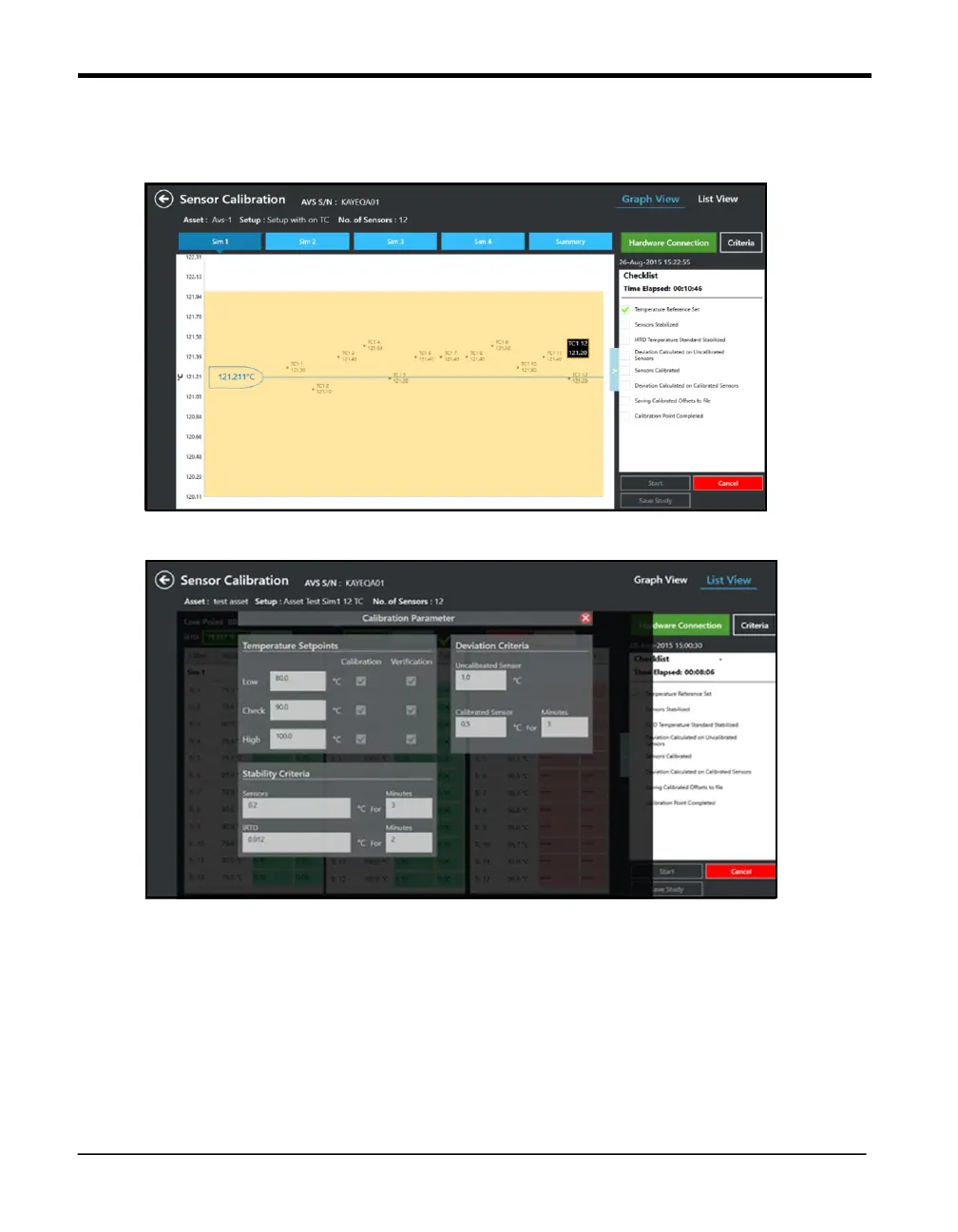
Figure 59: Calibration in Graph
ViewScreen
Figure 60: Calibration
Parameter screen
User can start the Qualification or Calibration from the Asset detail screen. Based on the user
rights, user can stop Qualification or Calibration activity.



 To Next Page