Chapter 2. The Validator AVS Hardware
Kaye Validator AVS User’s Manual 17
2.2.1 Connection Ports (cont.)
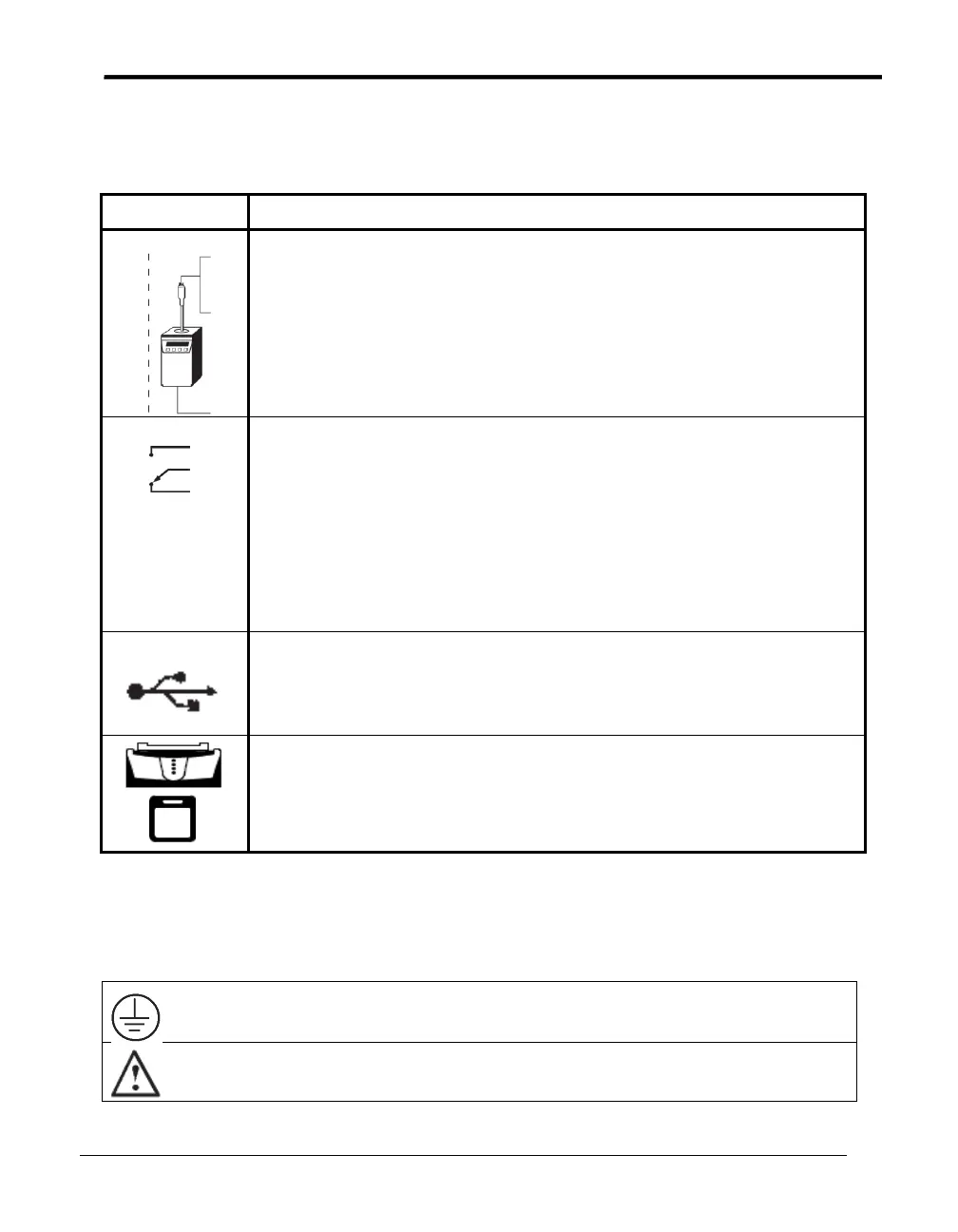
Table 1: Connection Port Explanations
4 Pin Din Connector
There are three 4-pin Din connectors, labeled with a temperature
reference icon, for connecting IRTDs and one Kaye temperature
reference. (Note: The Validator AVS can accept data from only one
IRTD at any given time. For calibrations only the upper port is active!)
Output Relay
There are two NO/NC relay outputs, labeled with a contact switch icon,
for signaling a PLC or other device.
Relay Rating:
110 VAC ½ amp resistive load
24 VDC 2 amps resistive load
110 VAC ¼ amp inductive load
24 VDC 1 amp inductive load
USB Connector
One USB connector, labeled with a USB icon, is available for
connecting an ICAL device. ICAL port is used for Service
only
USB/ Ethernet Connector
There are two USB/Ethernet communications ports for connecting the
Validator AVS and the Console. Ethernet cable to be less than 3 meters
long
2.2.2 Symbol Identification
Protective Earth Terminal
Caution (Refer to accompanying documentation.)



 To Next Page