Chapter 10. Generating Reports
Kaye Validator AVS User’s Manual 129
10.13 The Customize Groups Screen
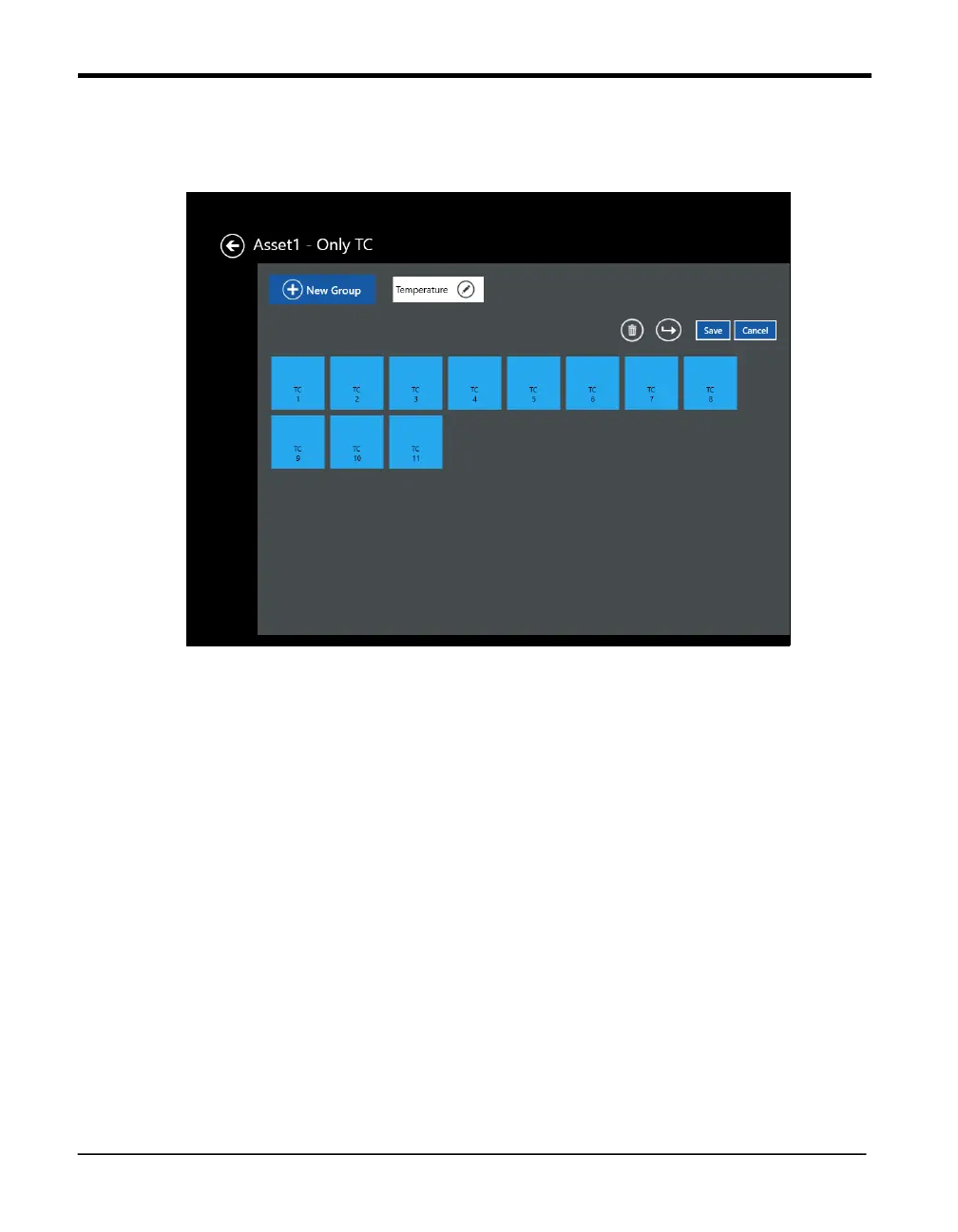
Figure 83: Customize Groups
To assign sensors to groups:
Press on individual sensors to select them for the group. These sensors now appear as a deep
blue with an orange checkbox.
Press the New Group button. A Group Name text box appears above the selected screens.
Enter the name, and toggle the button to save the group.
The screen also offers different options:
• Delete - permits deletion of a sensor group
• Move Sensors - permits moving sensors to another sensor group



 To Next Page