Chapter 10. Generating Reports
Kaye Validator AVS User’s Manual 119
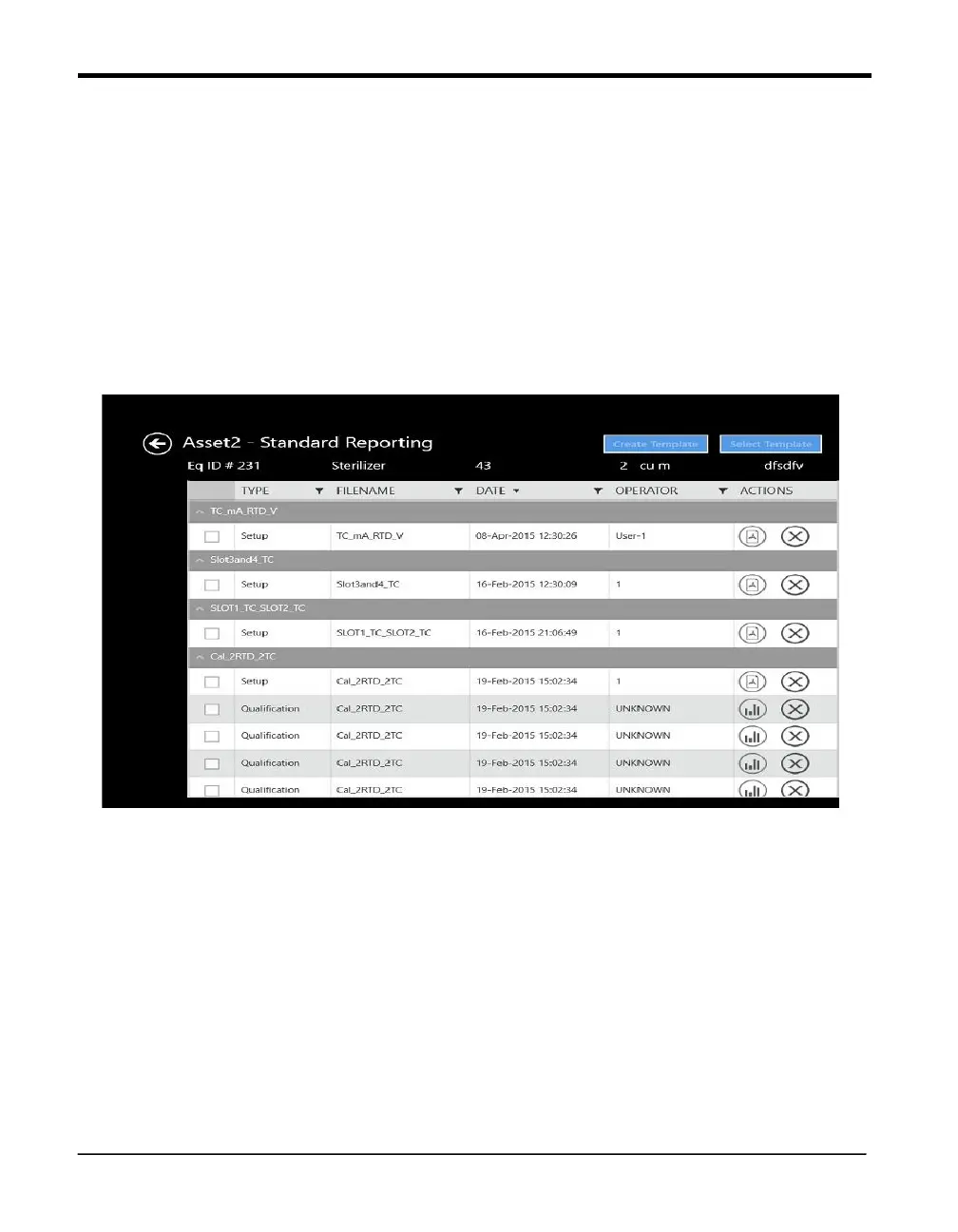
10.7 The Standard Reporting Screen
If user selects Summary Analysis Option in Report Analysis Screen then from there it will be
navigated to Report Detail Screen. After Selecting Study file in the Report Detail Screen we will
be moved to Template Selection Screen.
10.8 The Report Template Screen
Figure 75: Report Template Screen
If you have selected Summary Analysis at the Reports Analysis screen, once you have selected
a particular file in Report Detail Screen after selecting particular file Template Screen Appears
If you have not yet created any report templates, the drop-down list on the Template Analysis
screen is initially empty. Once you have created templates, this list displays all the templates
Note: If all the groups listed are empty, you cannot launch the Next screen until you have
assigned sensors to at least one group in the Group pane.



 To Next Page