Chapter 10. Generating Reports
Kaye Validator AVS User’s Manual 118
10.6 The Performance Analysis Screen (cont.)
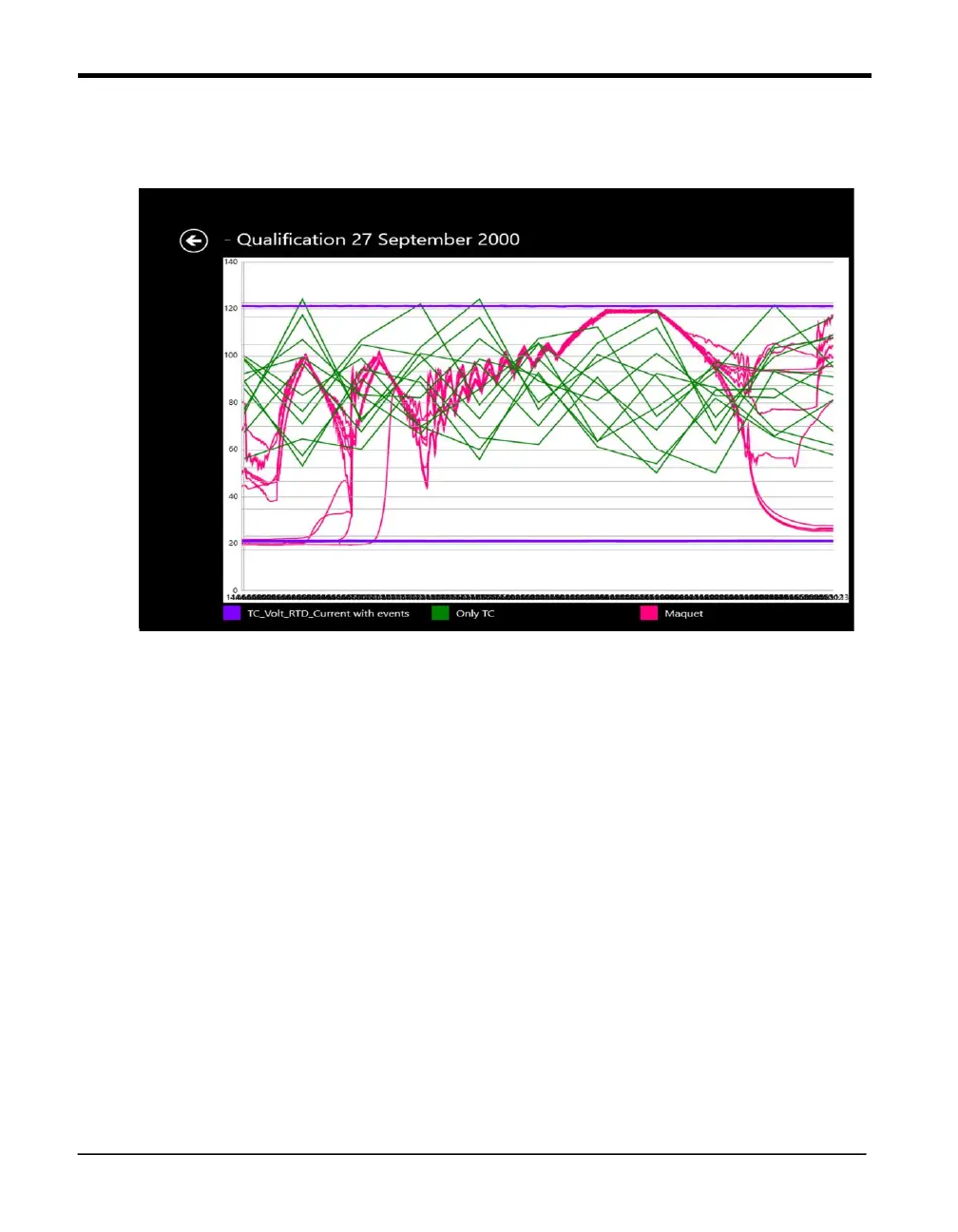
Figure 74: Merged File Data
At the right of each graph, a Sync Point text box allows you to enter the starting point of
synchronization time in hh:mm:ss format. Three buttons appear at the bottom right:
• Synchronize — Redraws the graphs with a user-defined starting point and the conclusion of
the study as the end point.
• Superimpose — Superimposes one file on another for comparative analysis.
Press the Chart Properties button to edit Graph properties.
Press back arrow to return to previous screen



 To Next Page