Chapter 10. Generating Reports
Kaye Validator AVS User’s Manual 113
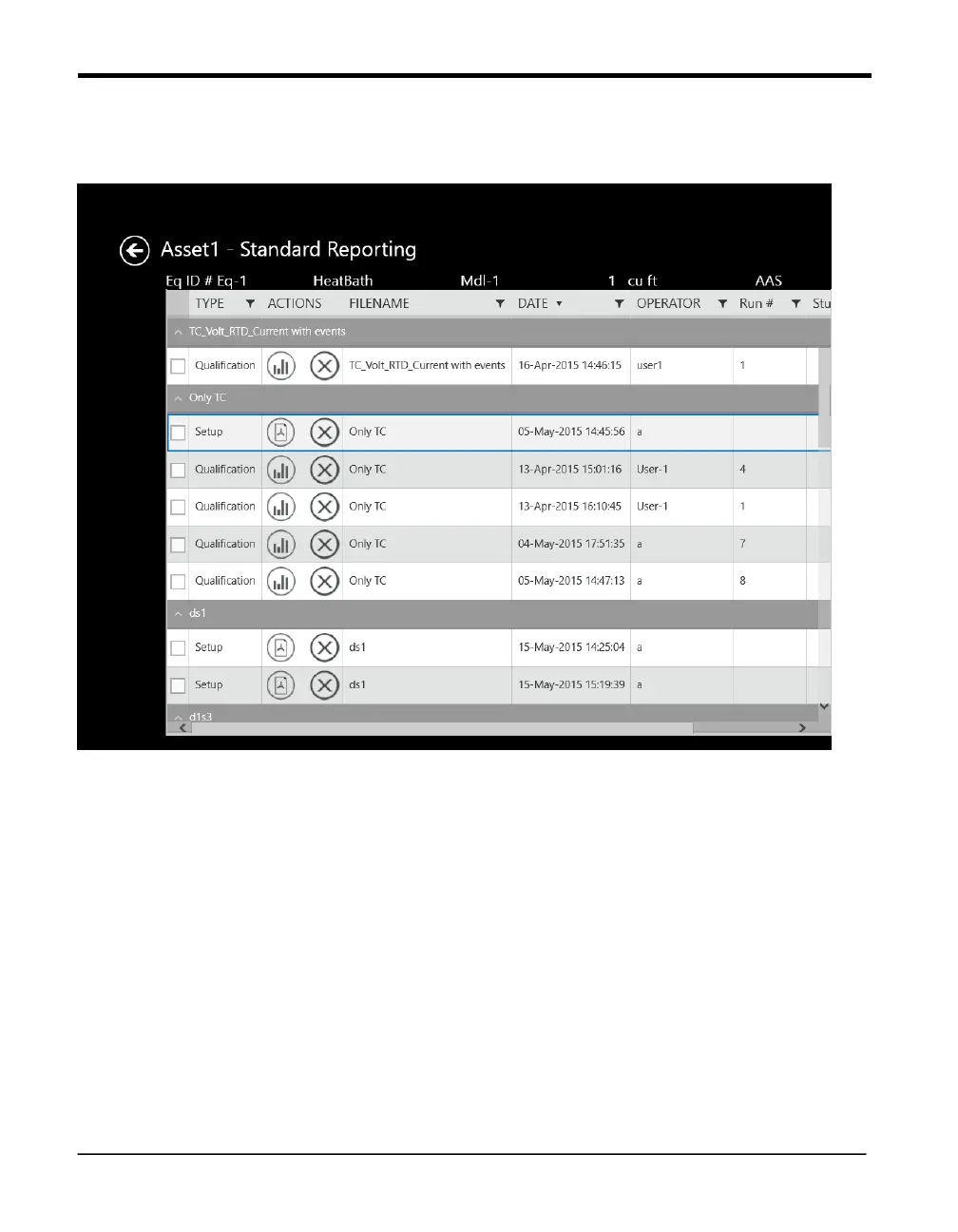
10.5 The Reports Details Screen
Figure 69: The Reports Details Screen
To access the Reports Details screen (which has data for any particular report selected
through the Reports Hub), press the button for a specific asset on the Reports Hub.
The header lists the particular asset for which you are looking up reports. A row below
includes information such as Equipment ID, Water Spray, VRX-Fq1, Capacity and
Manufacturer name. You can sort the reports by clicking on four subheads:
• Activity – indicates if the report is based on setup, calibration, qualification or
calibration verification.
• Setup – lists reports by the setup name of the studies.
• Date – lists reports by date.



 To Next Page