Chapter 6. Defining Study Setups
Kaye Validator AVS User’s Manual 70
6.6 Assigning Sensors to Groups
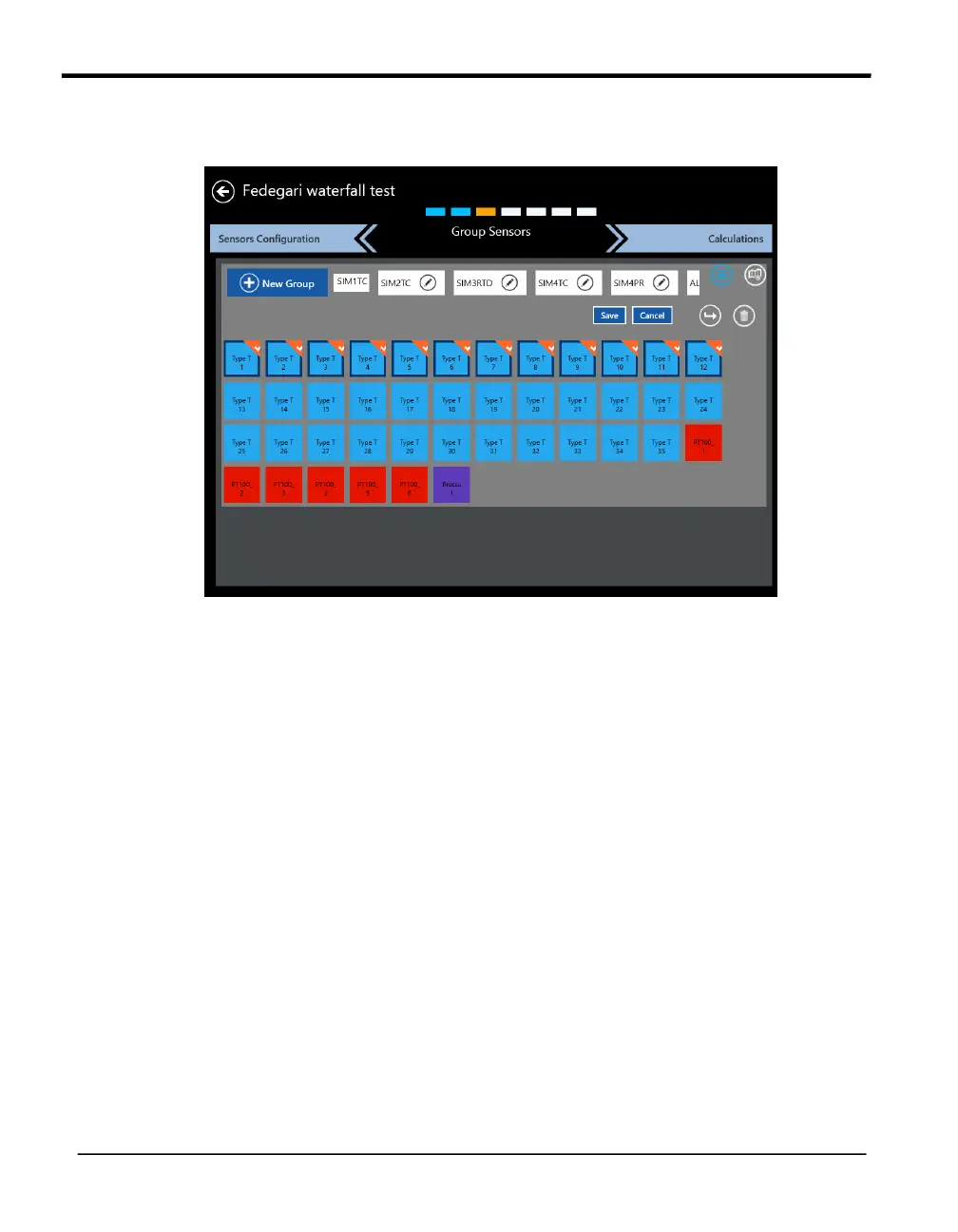
Figure 41: The Group Sensors Screen
On the Group Sensors screen, sensors from any SIM are assigned to groups. The same sensor
can be assigned to multiple groups.
After the configuration of the sensors, the next step is to group them by pressing the
Group Sensors button. The Group Sensors screen displays a scrollable listing of existing
groups, as well as the New Group button.
As long there is no group defined the “Default Group” button will automatically generate
groups for sensors with the same measured variable, like Temperature, Voltage, Current etc.
To assign sensors to groups:
1. Press on individual sensors to select them for the group. These sensors now appear
as a deep blue with an orange checkbox.
2. Press the New Group button. A Group Name text box appears on the screen.
The Group name text box should allow characters that can be upper and lower case,
numerics, special character like hyphen, underscore, slash (forward and backward) and
blank. Enter the name, and toggle the save button to save the group.



 To Next Page