Chapter 8. Viewing Live Data
Kaye Validator AVS User’s Manual 88
8.2 Monitoring Live Data
The Monitoring screen displays live data. Pressing the Back (←) button returns to the Main
Menu, which now shows the connected status along with a Disconnect option.
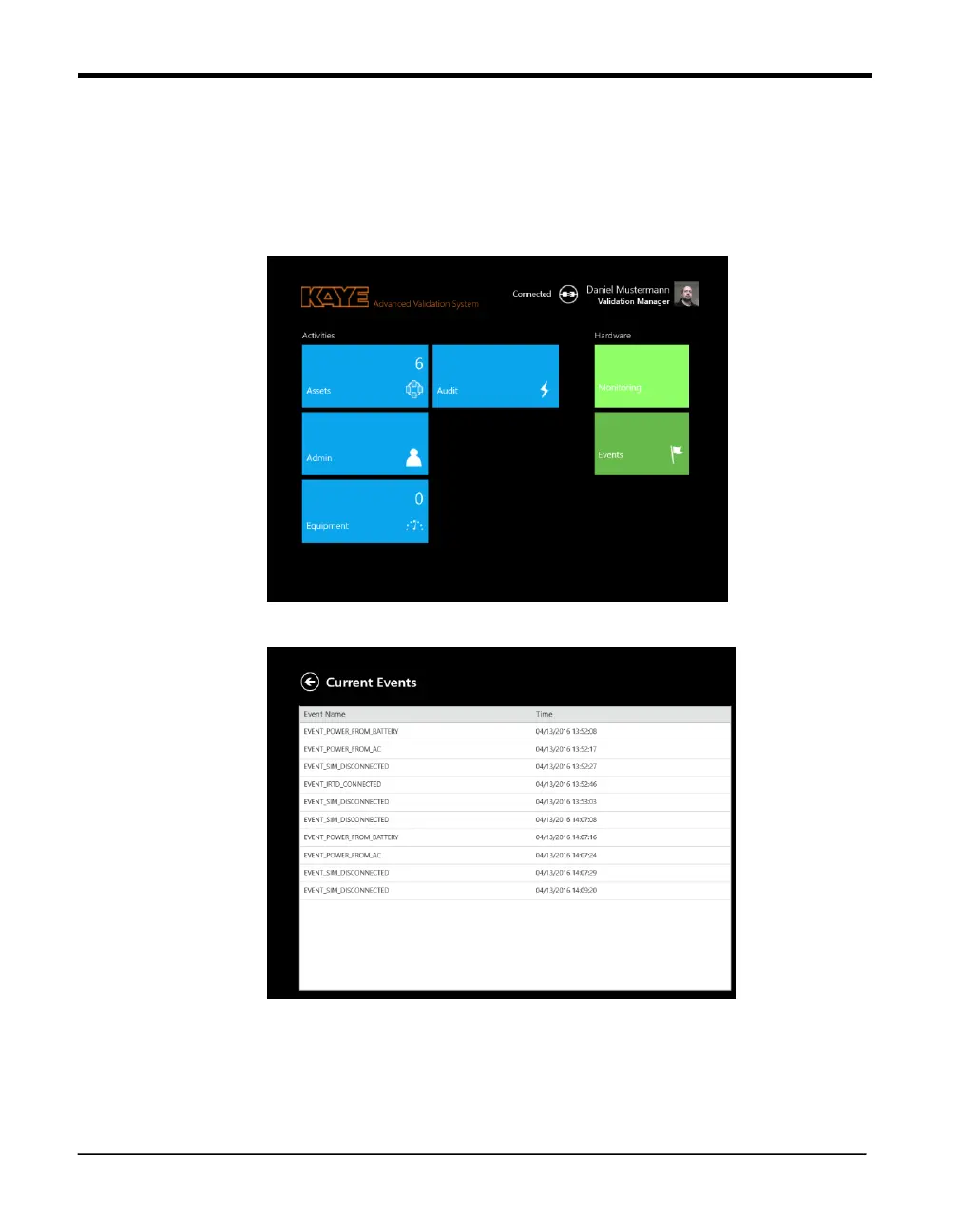
Figure 52: Main Menu with Events
Tile
Figure 53: Current Events
Screen
In the Events connection specific events like SIM or Power-disconnects are listed.



 To Next Page