Chapter 3. Creating User Accounts
Kaye Validator AVS User’s Manual 41
3.2 Logging in as a Default System Administrator (cont.)
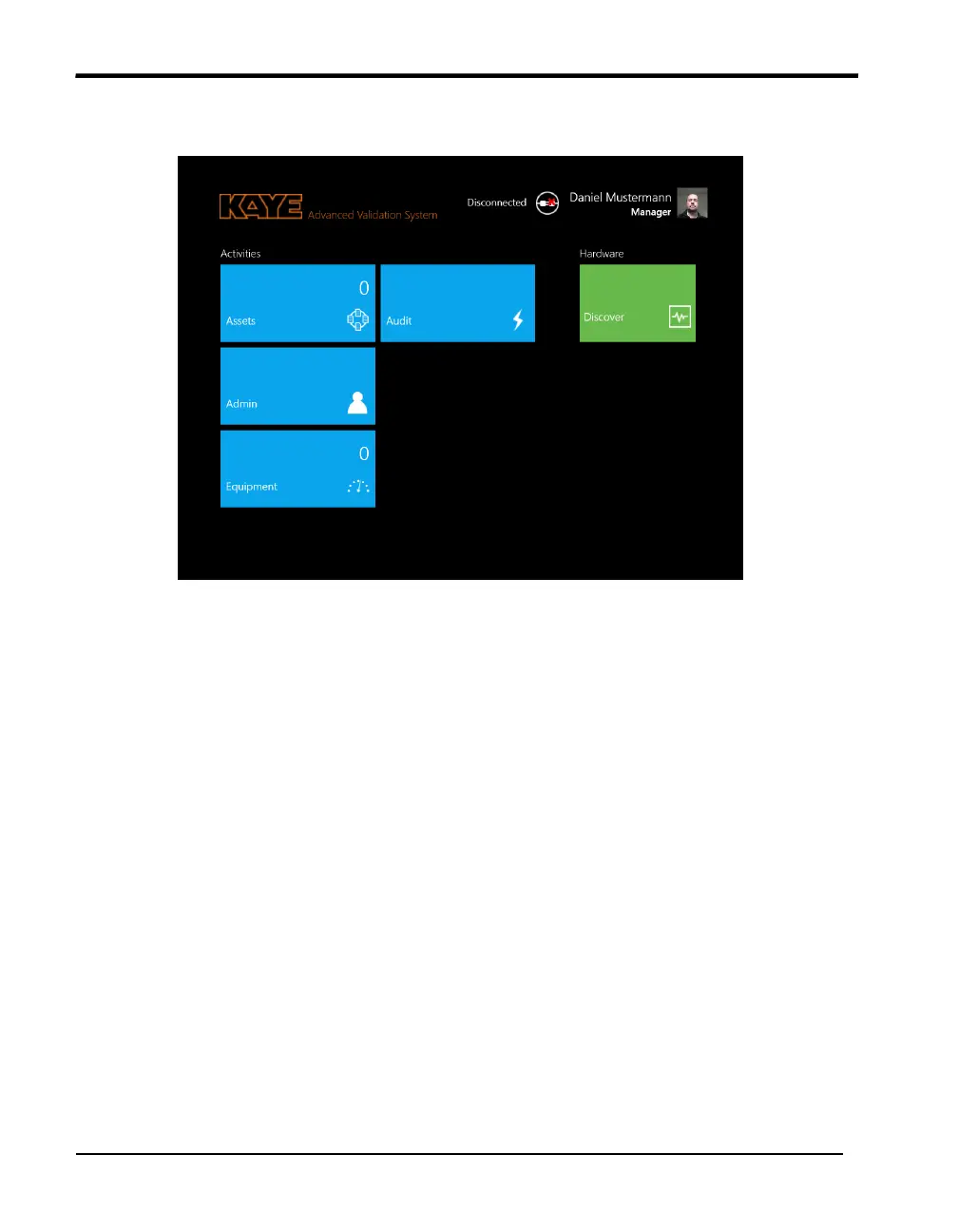
Figure 22: The Main Screen
3.2.1 Creating New System Administrator Accounts
Once you are logged in with the new system administrator account, you can add users to the
system and set site options.
Note: A good practice is to establish more than one individual with Administrative
functions. This way the Administrative functions can still be accessed even if one of the
System Administrators is unavailable.
To create a new System Administrator account:
1. Press the Admin pane on the main screen. The Admin Settings window opens at the
Preferences tab.
2. From the Admin Settings window, press User Management.
3. On the User Management screen, press New User, and enter your name in the Name
text box.



 To Next Page