Chapter 6. Defining Study Setups
Kaye Validator AVS User’s Manual 64
6.1 Create a Setup File
A setup defines everything required to calibrate sensors and run a qualification study for a
specific asset. You create setup files from the Setup screens, from Setup pane in Asset
Details. You must have permissions assigned by your System Administrator to create setups.
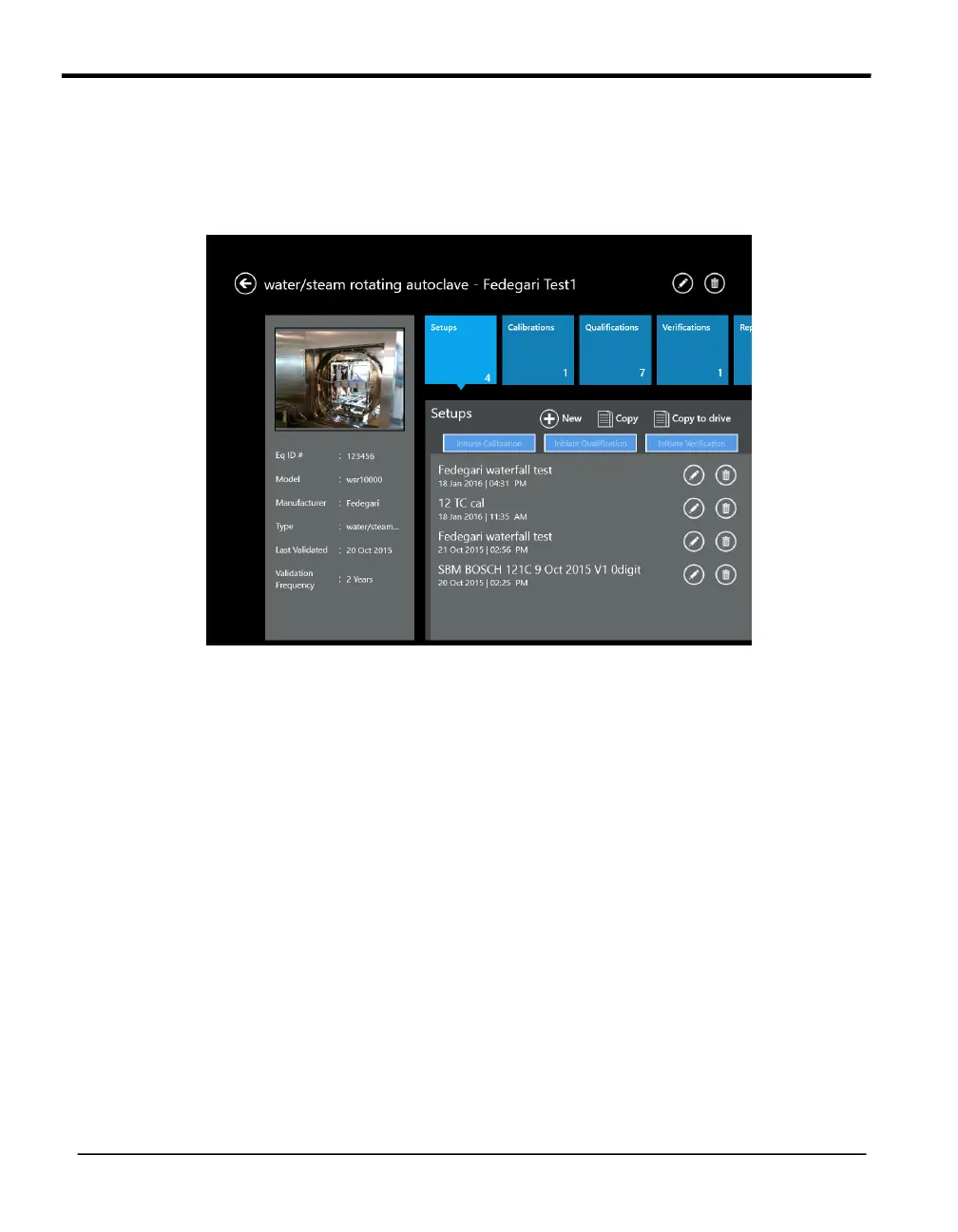
Figure 37: The Setup Hub Screen
To create a setup file:
• From the Asset Details screen for a particular asset, press Setups. In the Setup pane
Hub, press New Setup to enter the Study Details screen.
Now you can define sensors, assign sensors to calculation groups, set calibration
parameters and criteria, specify the qualification cycle and save your setup.
6.2 Modify an Existing Setup
The setup files for a specific asset are listed on the Setup screen. To modify an existing setup
file:
• From the Setup Hub screen for your asset, select the setup file that you want to modify
You must have user permissions to modify a setup.



 To Next Page