Chapter 10. Generating Reports
Kaye Validator AVS User’s Manual 130
10.14 Report Options Screen
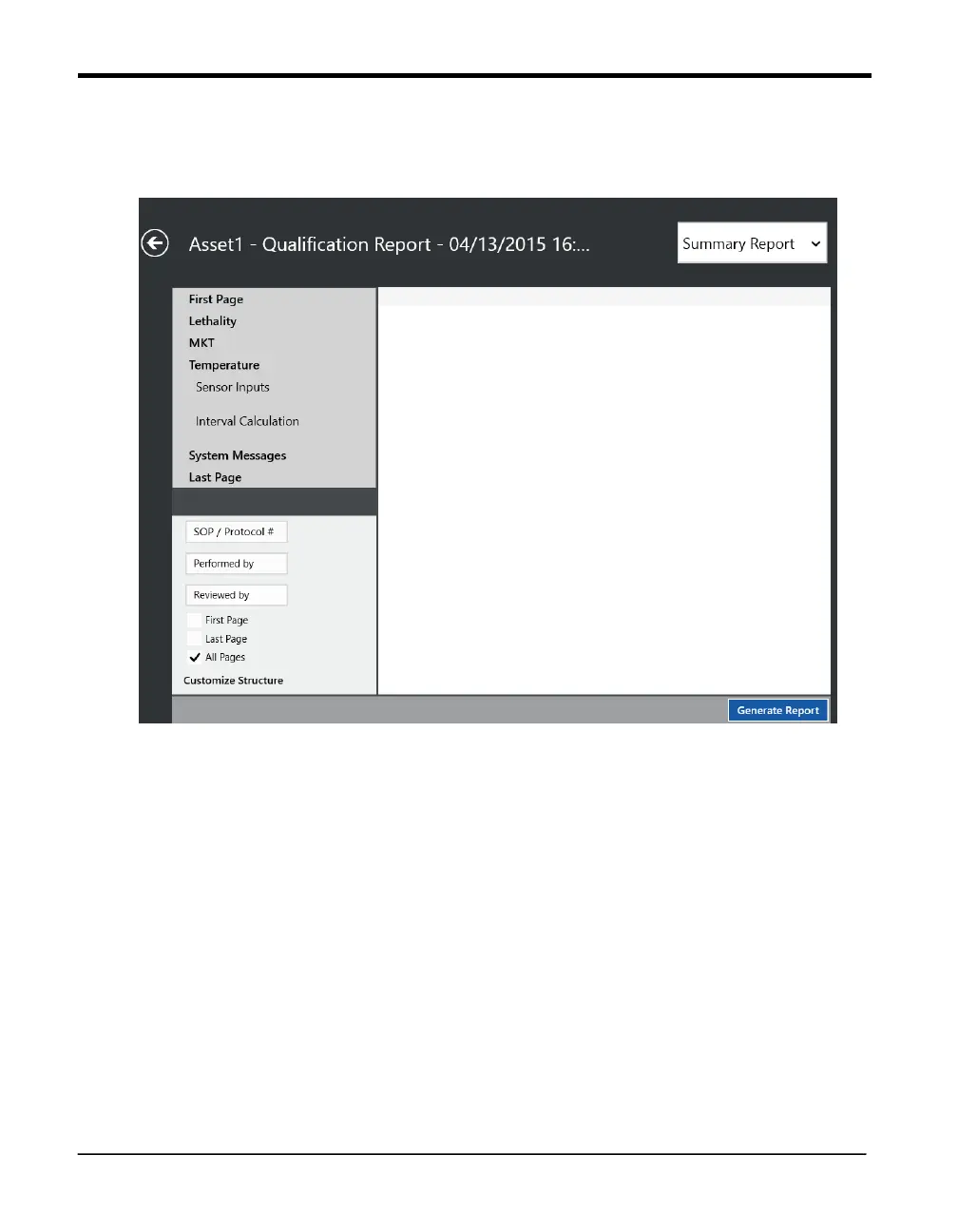
Figure 84: Report Options Screen
When user selects Text Report Tile in the Report Screen it is redirected to Report Options
Screen. The final step in setting up the report for printing is the selection of the report options.
The first row header, “First Page”, display information as entered during study creation.
At left side the Groups list, two editable text boxes, “Performed By” and “Reviewed By”,
allow you to enter the names of users who conduct or review the study. Three check boxes
enable you to indicate whether these names will be displayed on the First Page, Last Page
or All Pages.
Note: If you select All Pages, the other selection boxes are not available. Report
structure can be customized



 To Next Page