Chapter 6. Defining Study Setups
Kaye Validator AVS User’s Manual 76
6.10 Reviewing and Changing the Setup
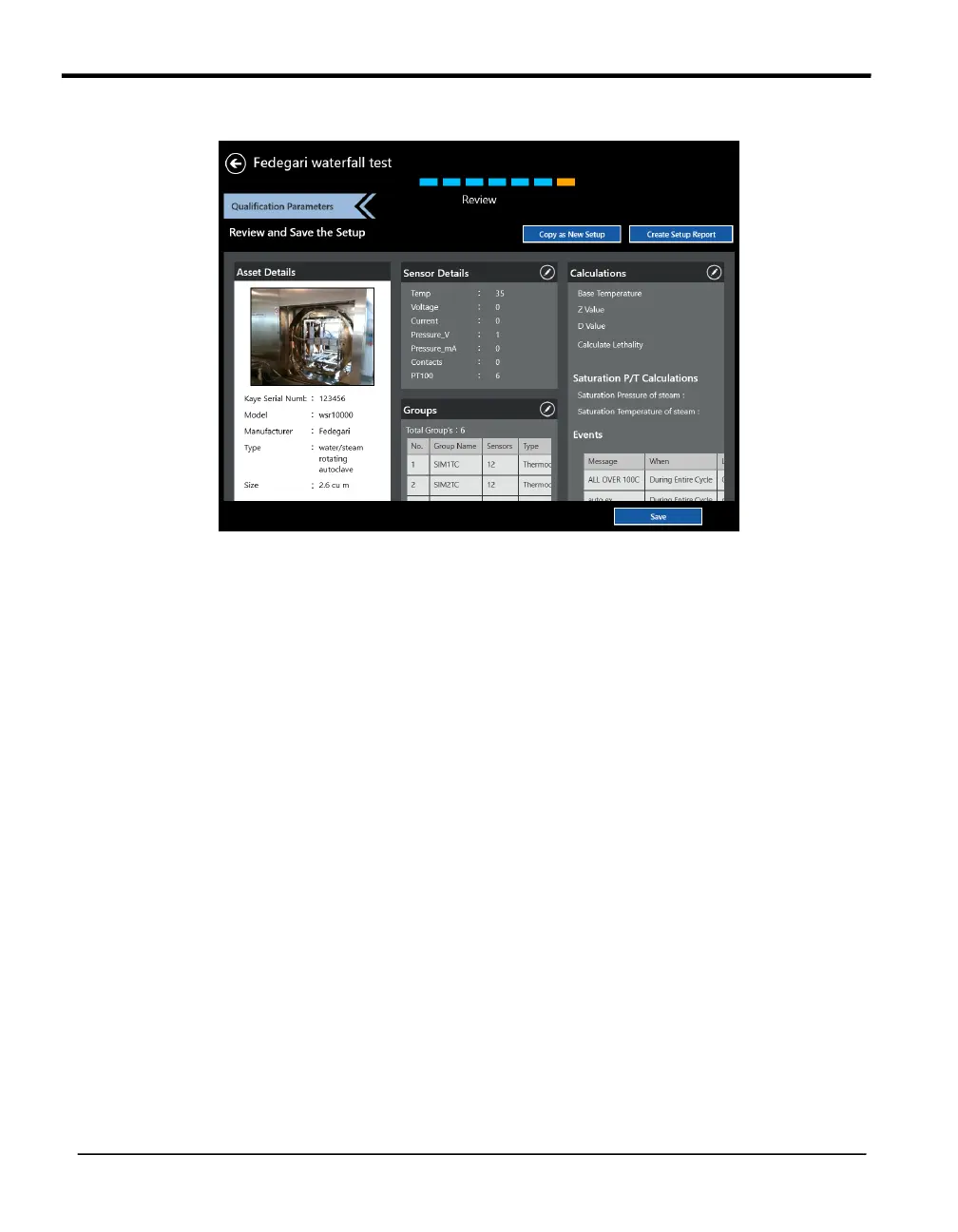
Figure 45: The Setup Review Screen
After you have finished entering qualification parameters, press the Review button. The Review
screen opens, listing all the pertinent details about the setup you have just created. Review
screen provide following actions you can take:
• Copy as New Setup — allows copying the current setup as a new setup and saving it
under a different name.
• Create Setup Report — creates a setup report as pdf file for saving and printing.
The screen also shows the following sections, each with an Edit icon to permit rapid changes:
• Asset Details
• Sensor Details
• Calculation
• Groups
• Report Header
• Calibration Parameters
• Qualification Parameters
Press Save to save the setup, or use the back button to exit the Setup menu without changes



 To Next Page