Chapter 10. Generating Reports
Kaye Validator AVS User’s Manual 120
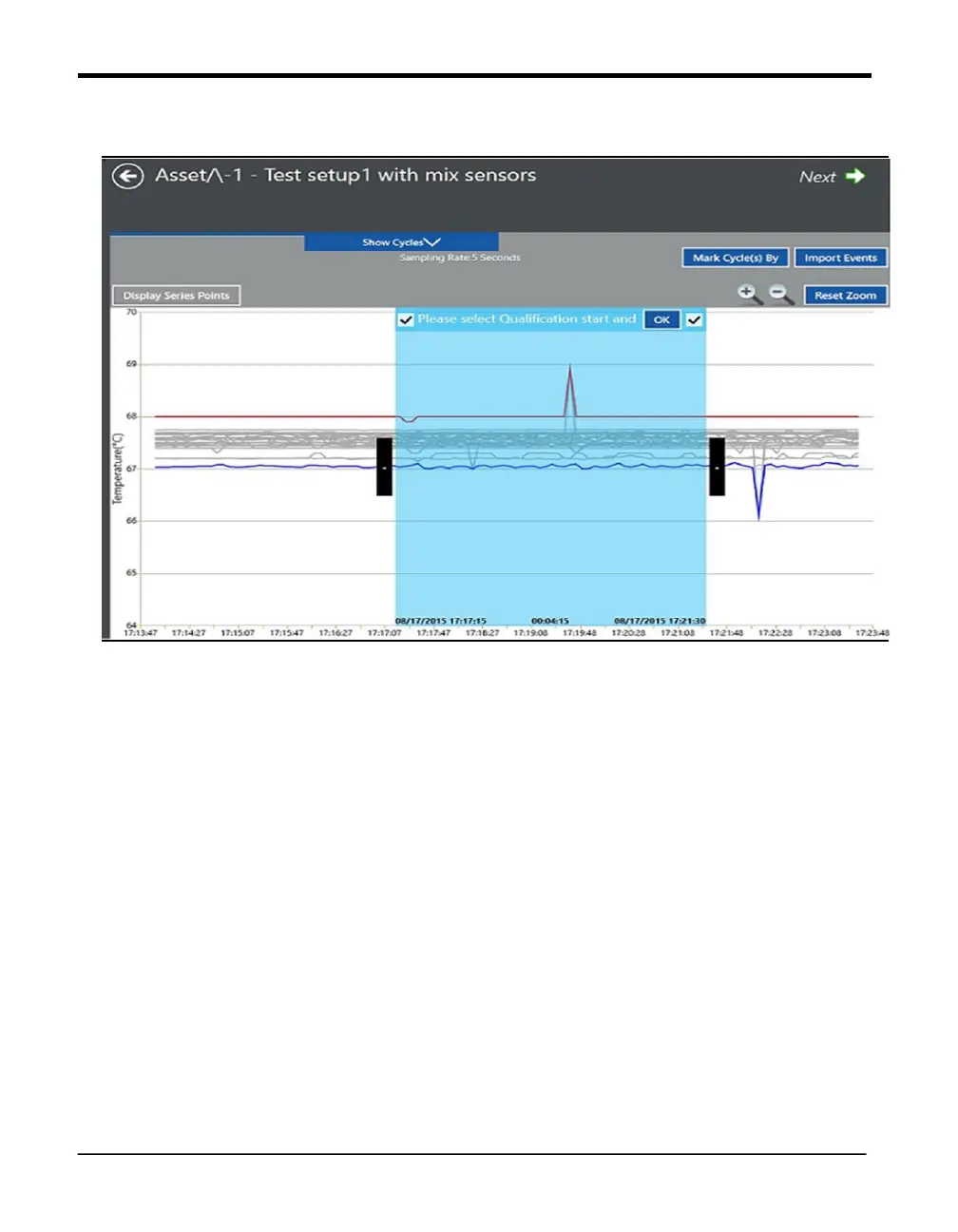
10.9 The Add Cycles Screen
Figure 76: The Add Cycles Screen
Define the start and end of the qualification cycle using either
1. Cycle selection box option (default) or
2. Time selection box.



 To Next Page