Chapter 10. Generating Reports
Kaye Validator AVS User’s Manual 121
10.9 The Add Cycles Screen (cont.)
Figure 77: Window with Cycle Names
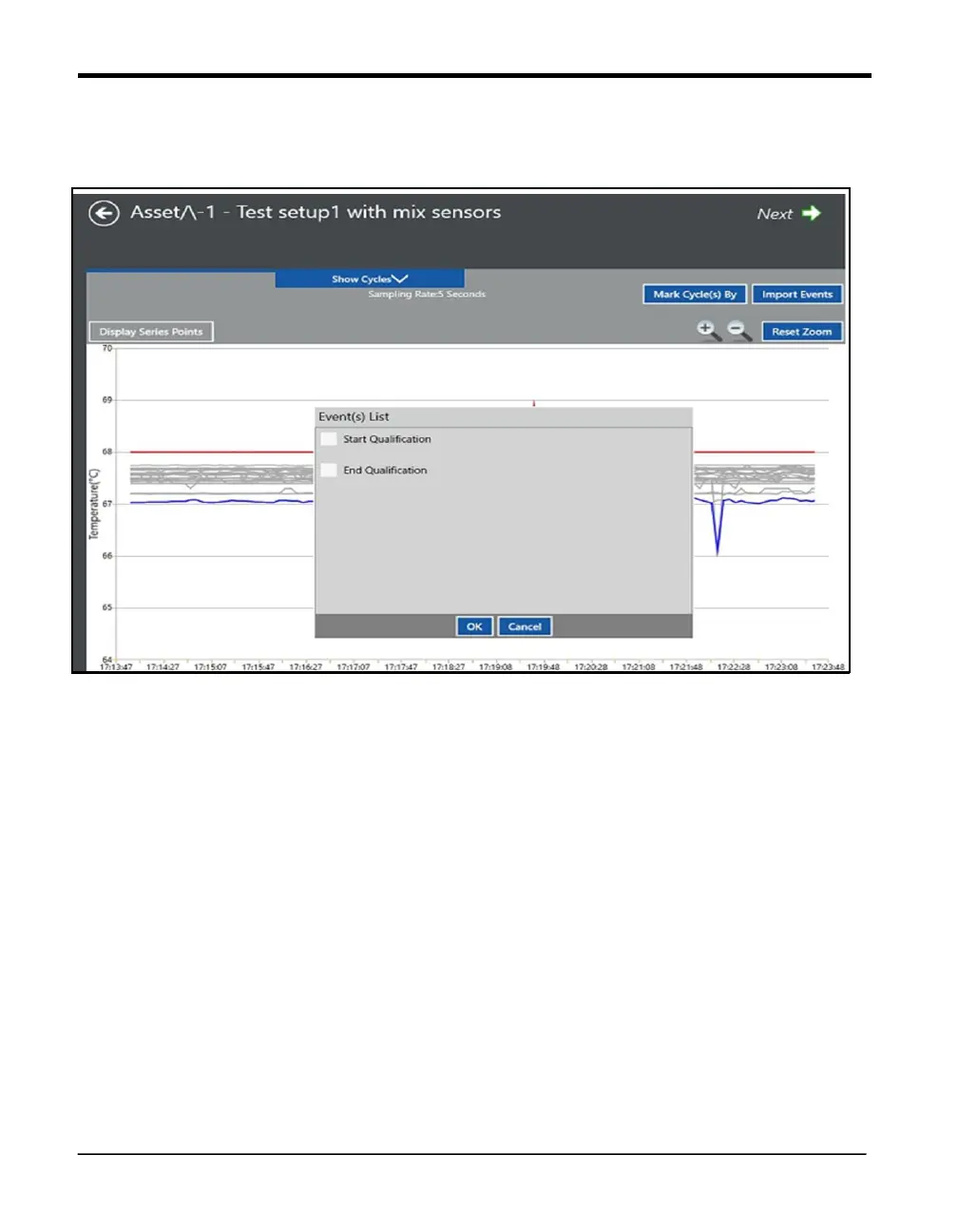
1. Cycle selection box:
Move the slider in the center of the graph to mark either Start and End or Start or End of the
study by clicking the OK button in Cycle selection box.
The left check box corresponds to the Qualification Start with the timestamp displaying at
the bottom left side of the box.
The right check box corresponds to the Qualification End with the timestamp displaying at
the bottom left side of the box.
The center of the cycle selection box displays the interval period corresponding to Start and
End of cycle.



 To Next Page