Chapter 10. Generating Reports
Kaye Validator AVS User’s Manual 122
10.9 The Add Cycles Screen (cont.)
Figure 78: Cycle Name
Box
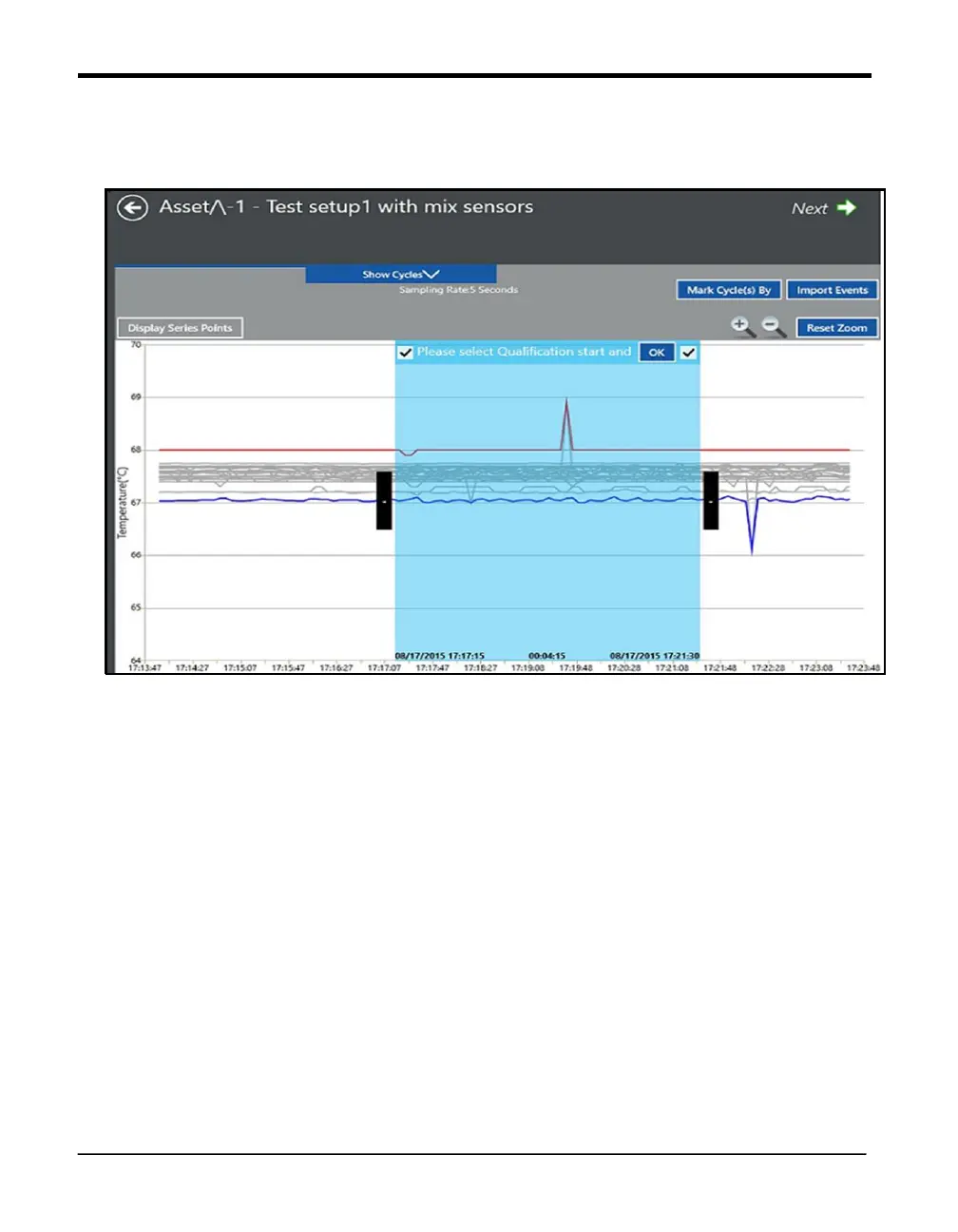
Define the data cycles
Move the cycle selection box slider to mark the Start & End of the cycle and click OK. The
data is petitioned into either three or two cycles based on the left/right check box selection,
with assigning the cycle names into the respective fields.
The timestamp for the start/end of the cycle in focus is displayed at the bottom of left right
corners of the cycle selection box.
Maximum of 15 cycles can be defined.
All the cycles created above are now displayed under the Show Cycles dropdown list box at
top
Click Unmark Cycle/Unmark Cycles button in Show cycles window to remove the last cycle
defined or all cycles at one shot respectively



 To Next Page