Chapter 10. Generating Reports
Kaye Validator AVS User’s Manual 123
10.9 The Add Cycles Screen (cont.)
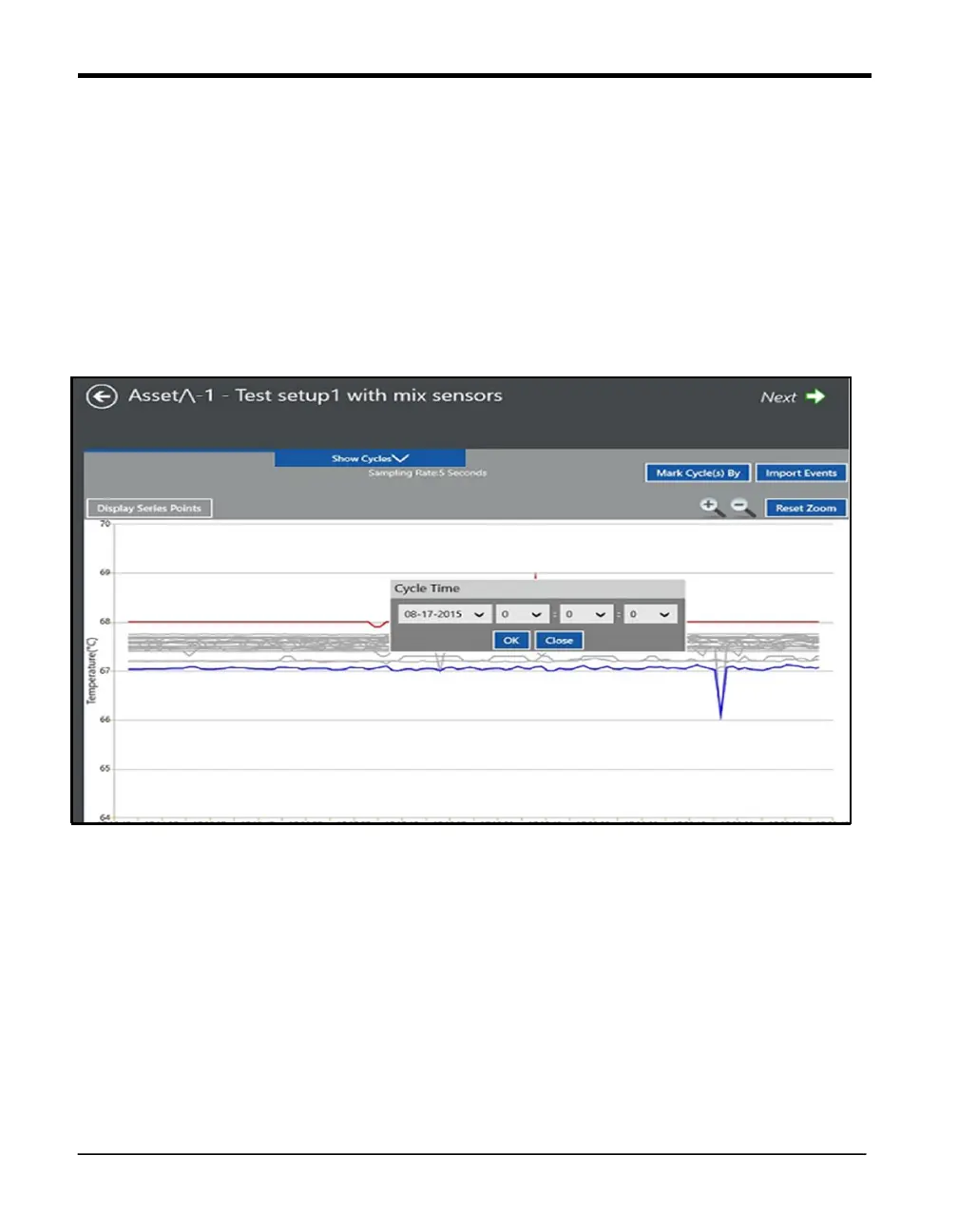
Time selection box:
One can also define cycles by clicking the Mark Cycle by > Time Selection option. Enter
the required time stamp(s) in the time selection window in DATE and HH:MM:SS format
for defining Qualification Start and End.
Figure 79: Added Cycle Screen
By clicking Show Cycles down arrow, list of cycles will be displayed. UnMark Cycle button
can be used to delete a cycle. This option deletes from the last cycle to first, end of study and
then Start of study. UnMark All will unmark all the cycles, including study start and end.



 To Next Page