Chapter 4. Defining Equipment
Kaye Validator AVS User’s Manual 56
4.2 Checking Details for Existing Equipment
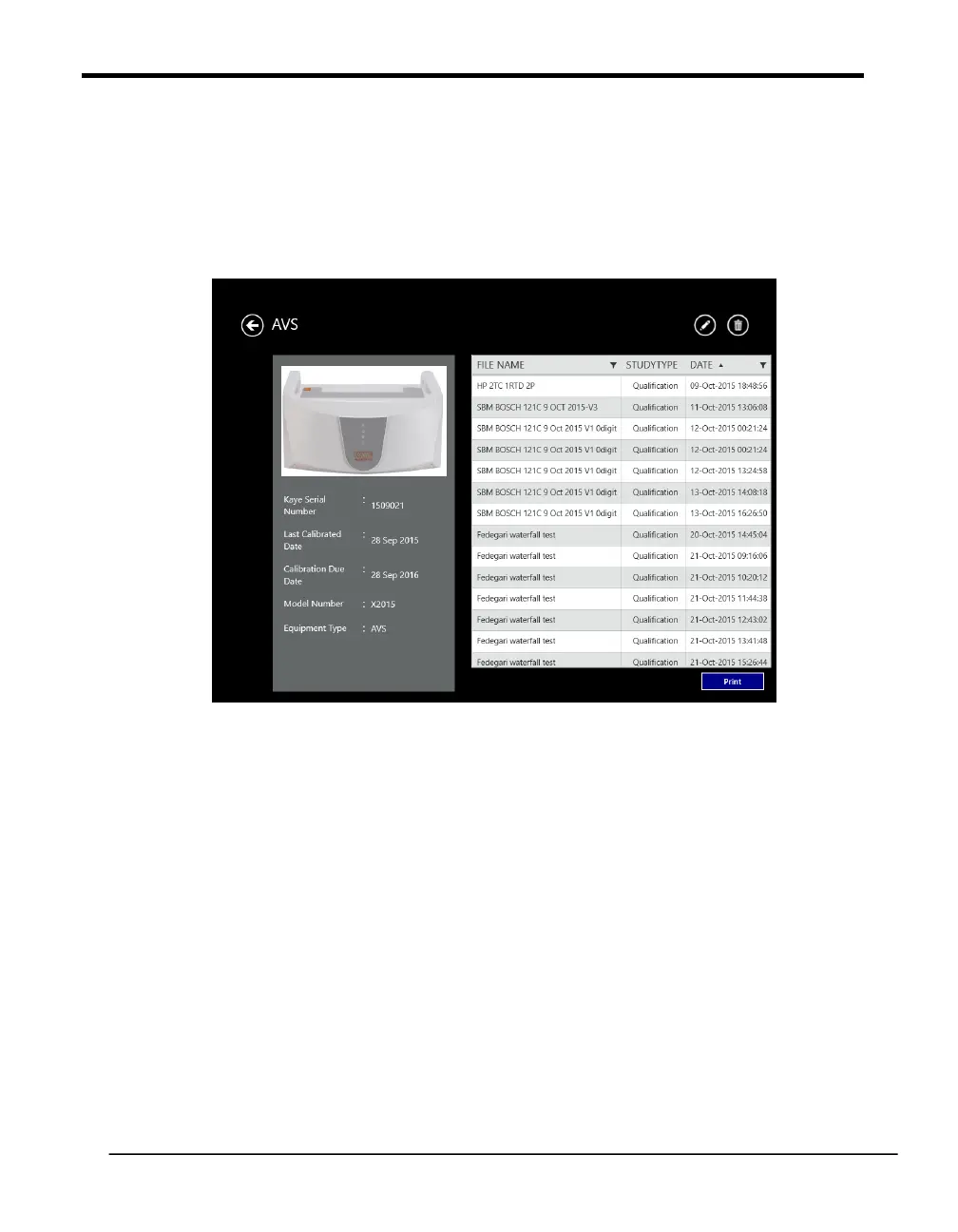
To review the details for a particular piece of Kaye equipment press the tile for that
particular item on the Equipment Hub screen. The Equipment Details screen opens.
Figure 33: The Equipment Details Screen
On the left side of the screen the details as follows are listed:
• Serial Number
• Date of last calibration
• Due date for calibration
• Model number
• Equipment Type
Press the Edit button to change any of these parameters. On the left side of the screen shows
the study files associated to this equipment.
In the funnel view, accessible from the equipment screen, it is also possible to filter a list of
available studies by simply selecting the tile of the equipment.
Note: In the current software version IRTD serial search is not supported, yet.



 To Next Page