Chapter 5. Defining Assets
Kaye Validator AVS User’s Manual 58
Chapter 5. Defining Assets
The Kaye Validator AVS includes an intuitive Asset Centric Data Management concept (patent
pending) which allows you to store and access your data faster and more efficiently.
Each individual process that you validate whether an autoclave or freezer etc. can be setup and
defined as an asset. All files and data related to this asset, like setups, calibrations, or study files,
are organized and accessed in one single screen around the basic asset data. It is even possible to
upload additional documents like standard operation procedures or certificates and associate it
with the asset. Assets can be sorted and searched by type, location, manufacturer etc. for easy
access.
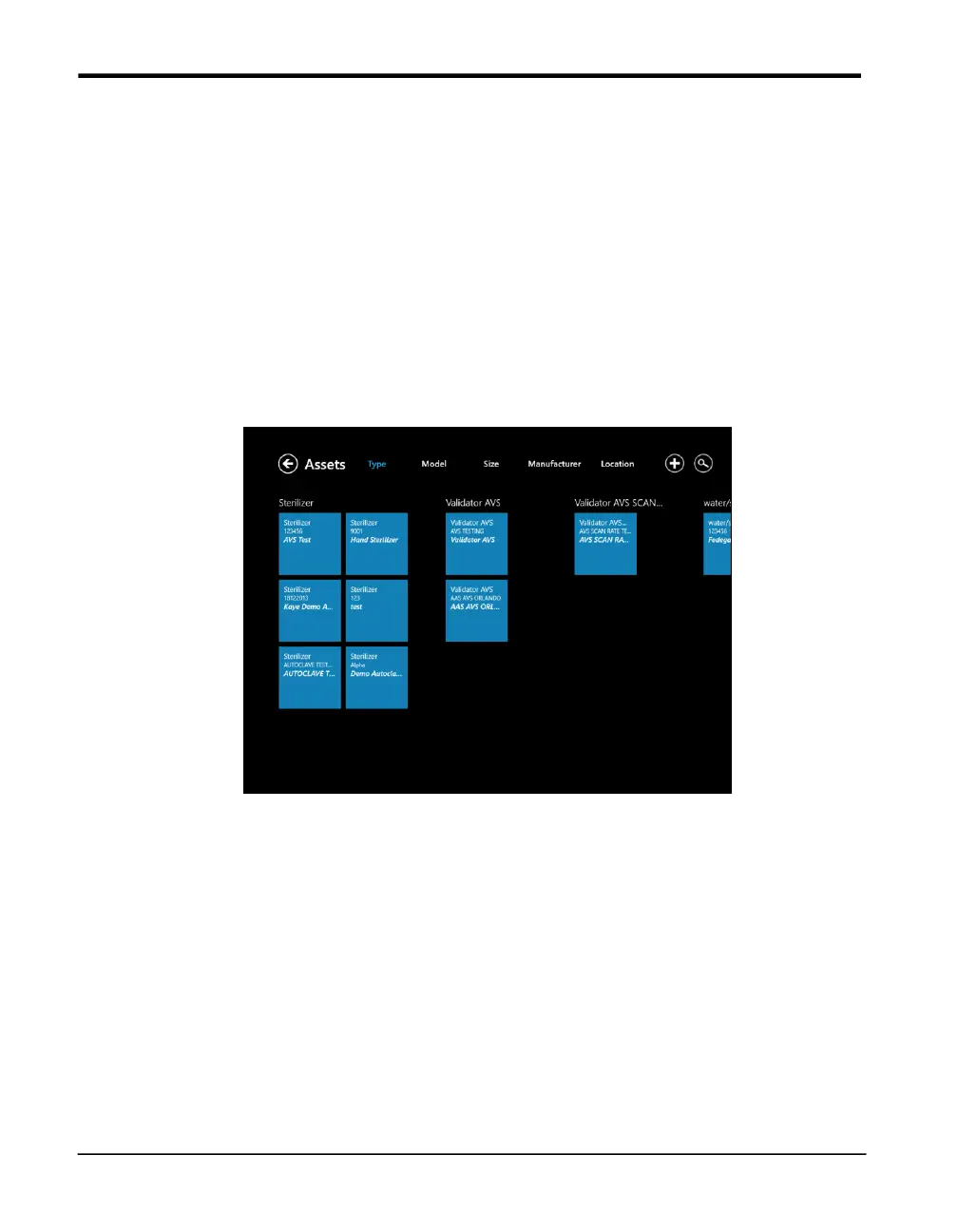
To open the Assets Hub, press the Assets tile on Main Menu. The Assets Hub appears similar to
Figure below.
Figure 34: The Assets Hub
The Asset Hub screen lists the various assets validated by your Kaye Validator AVS system. On
the top text line, you can click on the category to display the assets by:
• Type (sterilizer, dry heat oven, controlled temperature, etc.) up to 20 user-designated types
• Model number
• Size (in units of cubic feet, cubic meters, or cubic inches)
• Manufacturer
• Location



 To Next Page