Chapter 10. Generating Reports
Kaye Validator AVS User’s Manual 124
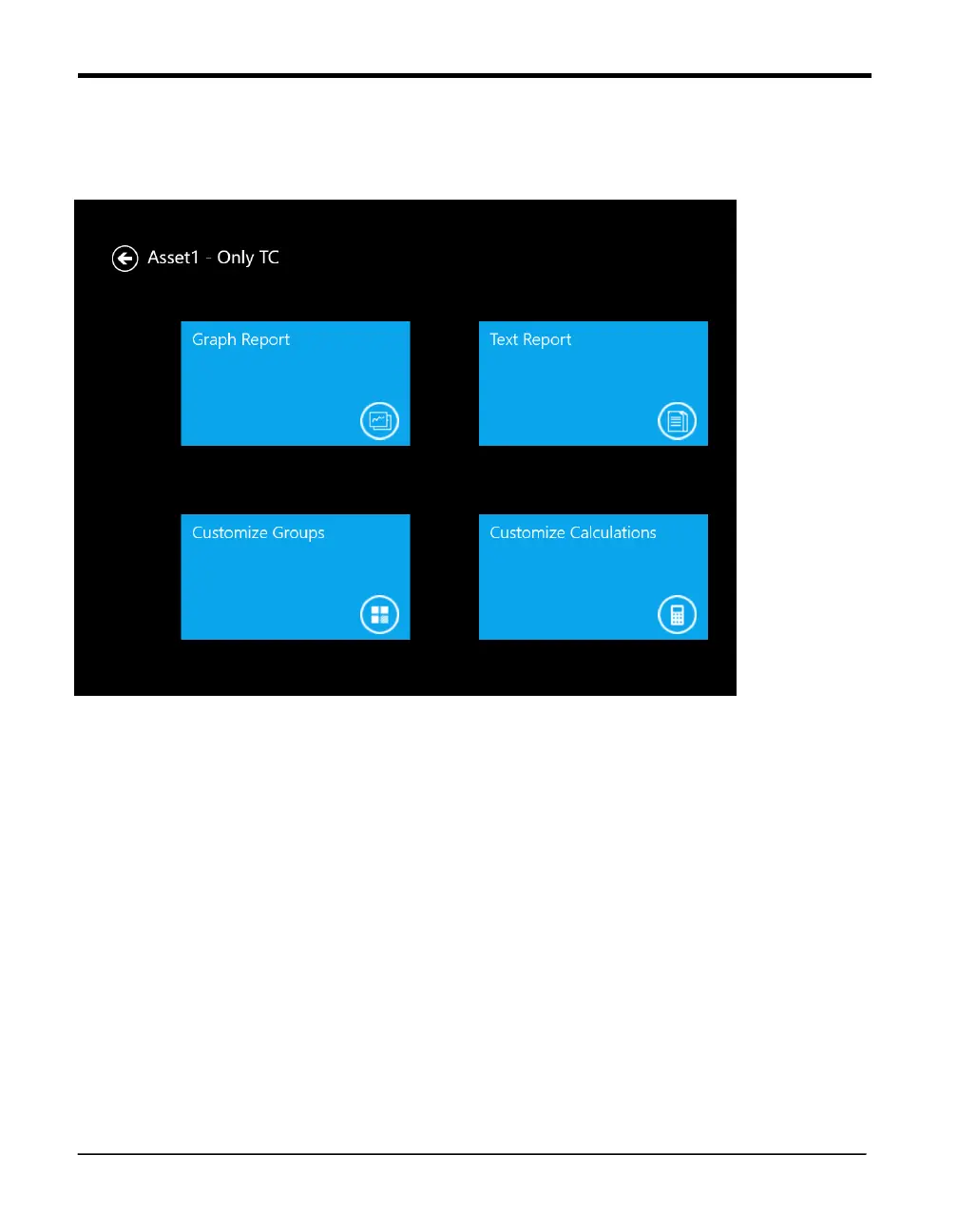
10.10 The Report Screen
Figure 80: Report Screen
This Screen Displays
1. Text Report: Which describes the Report after selecting cycle displays Report Options
Screen and pdf file of qualification can be generated.
2. Customize Groups: we can edit already defined groups and save it for generating graph report
and qualification Report.
3. Customize Calculations and modifications in Calculations can be customized and edited.
4.
Graph Report: we can generate Graph for defined group and selected Cycle accordingly



 To Next Page