Chapter 10. Generating Reports
Kaye Validator AVS User’s Manual 128
10.12 The Customize
Calculations
Screen
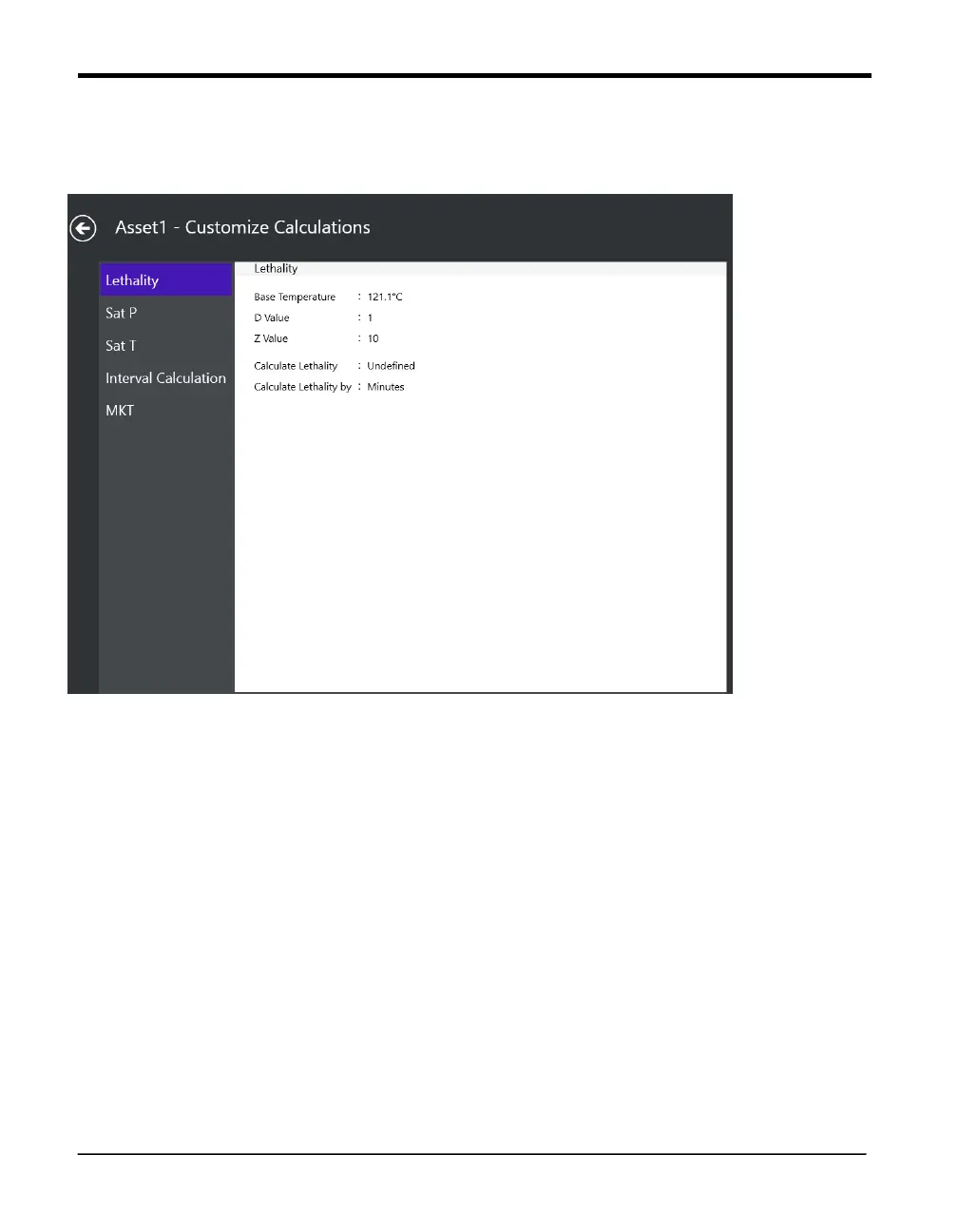
Figure 82: Customize Calculations
Once you have defined sensors and assigned them to one or more groups, the next step is to
specify the calculations to be performed on the group of sensors during the qualification study.
Calculations include statistical, lethality, interval, saturation pressure of steam and saturation
temperature of steam calculations.
To specify a calculation. If calculations have already been specified for statistical, lethality or
interval calculations a Customize button displays to the left of the calculation label. Press the
Customize button to change calculations. When user modifies lethality, interval, saturations
calculations values they are applied to generate Report.



 To Next Page