Chapter 3. Creating User Accounts
Kaye Validator AVS User’s Manual 48
3.5 Setting Policies
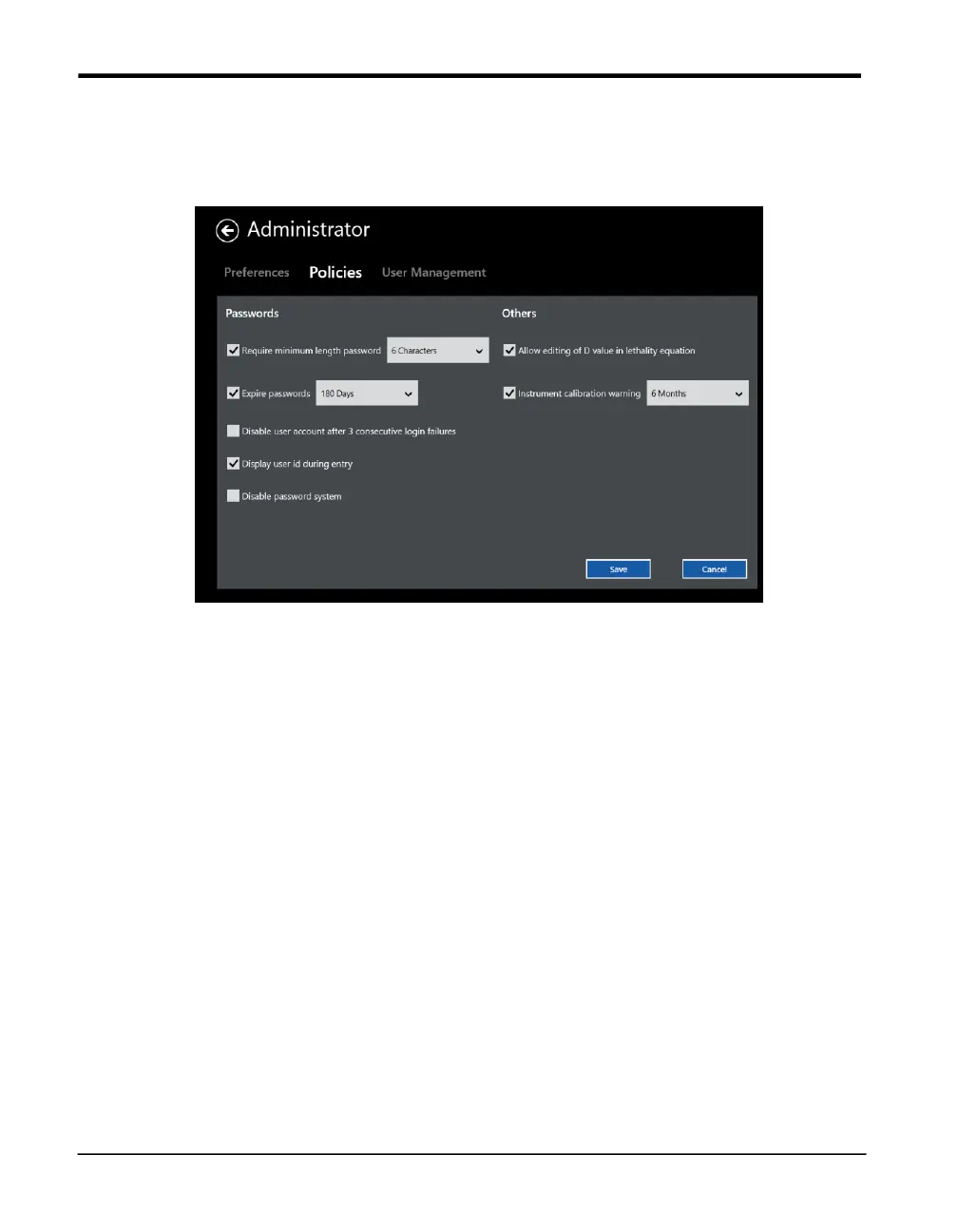
Figure 25: The Policies Tab
The Kaye Validator AVS software allows you to set policies that give users more flexibility how
to handle the password system, lethality D-Value and the calibration warning.
As the System Administrator you can adjust policies that:
• Require minimum length passwords for all user accounts.
• Set passwords to expire after a number of days. The user will be prompted to change their
password once their current password has expired. By default, passwords are set to expire
after 180 days. The software will display the password expiration date to the user at login
when there are five days or less until their password expires. Expired passwords will not be
accepted.
• Disable user accounts after 3 unsuccessful login attempts. This option will disable a user
account if there are three consecutive login failures at the PC for the same user ID. If a user
account is disabled, only a System Administrator can enable the account again and assign a
new temporary password.



 To Next Page