Chapter 4. Defining Equipment
Kaye Validator AVS User’s Manual 55
4.1 Adding New Equipment
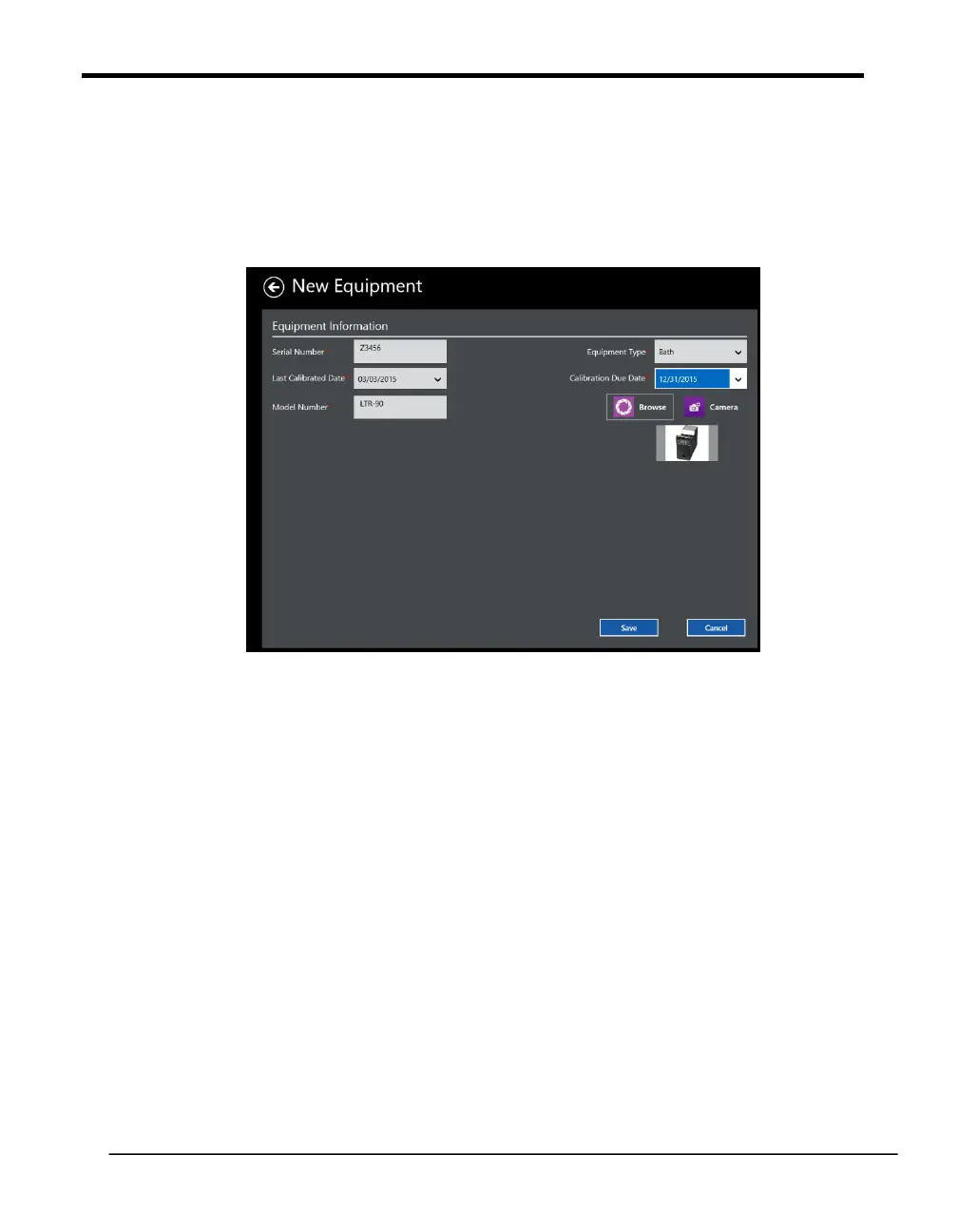
To add a new piece of Kaye equipment to your Kaye Validator AVS system, press the plus
(+) icon on Equipment Hub screen. The New Equipment screen opens.
Figure 32: New Equipment Screen
You enter details separately for each new piece of equipment. Use the text boxes
and drop-down menus to enter:
The Equipment Serial number as unique identifier
Last Calibrated Date
The model number
The Equipment Type
The Calibration Due Date
You can also upload a bmp or jpeg image of the Equipment or access the camera to take a
picture directly.
When you have finished, press Save to save the entry and return to the Equipment Hub, or
Cancel to reset entries on the screen.



 To Next Page