Chapter 10. Generating Reports
Kaye Validator AVS User’s Manual 114
10.5 The Reports Details Screen (cont.)
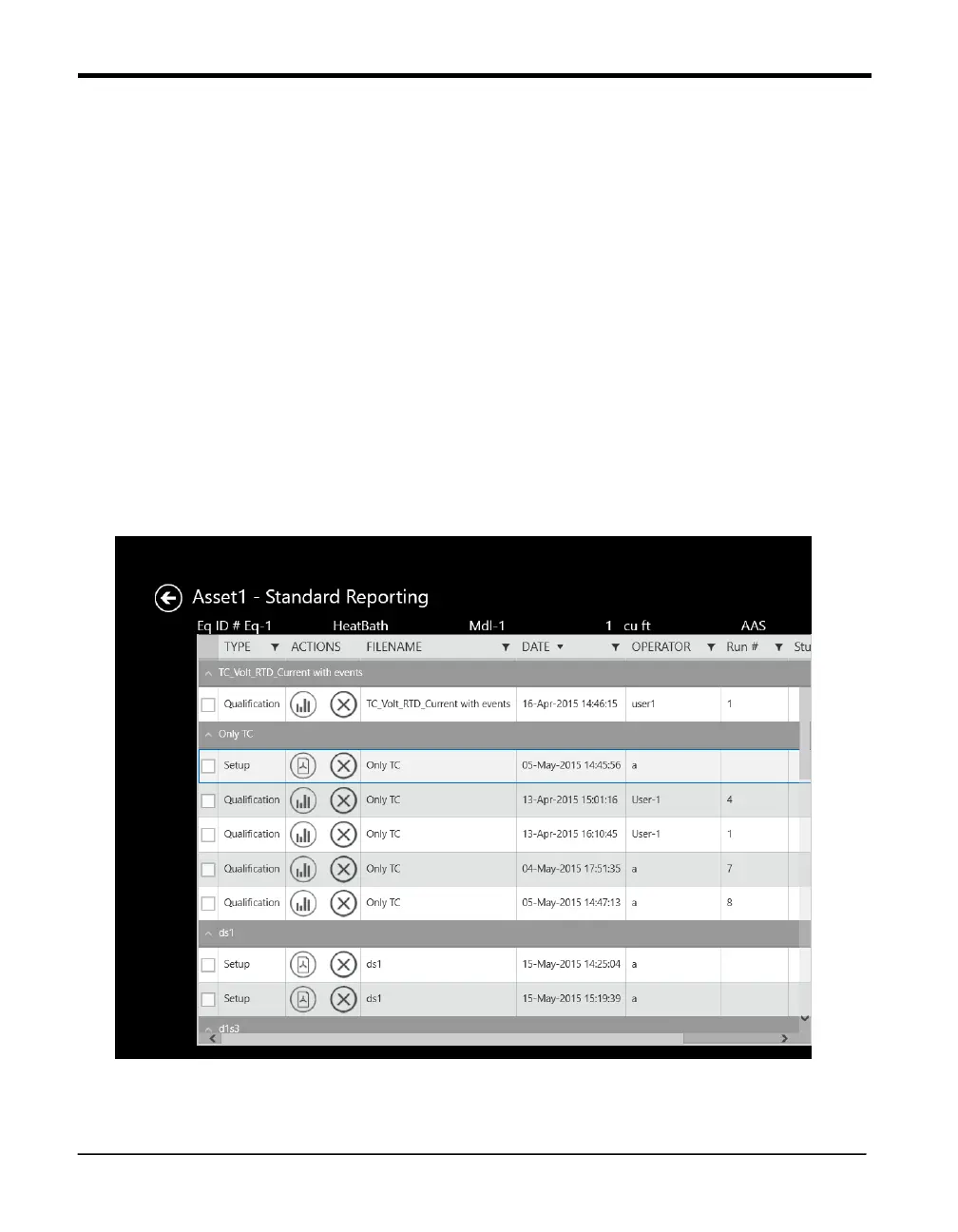
Use the up and down arrows to arrange the reports in ascending or descending order. A
Comments column allows users to review the comments entered for a particular setup. The
Actions column shows icons:
• Graph - navigates to Summary/Advanced Analysis page and ask for Option to Select for
unit
Temperature
Humidity
Pressure
Contact
Voltage
Current
• Delete – Delete the selected file
Figure 70: Report Detail Screen When
Standard Reporting is selected



 To Next Page