Chapter 9. The Qualification Study
Kaye Validator AVS User’s Manual 97
9.2.1 Select a Setup File (cont.)
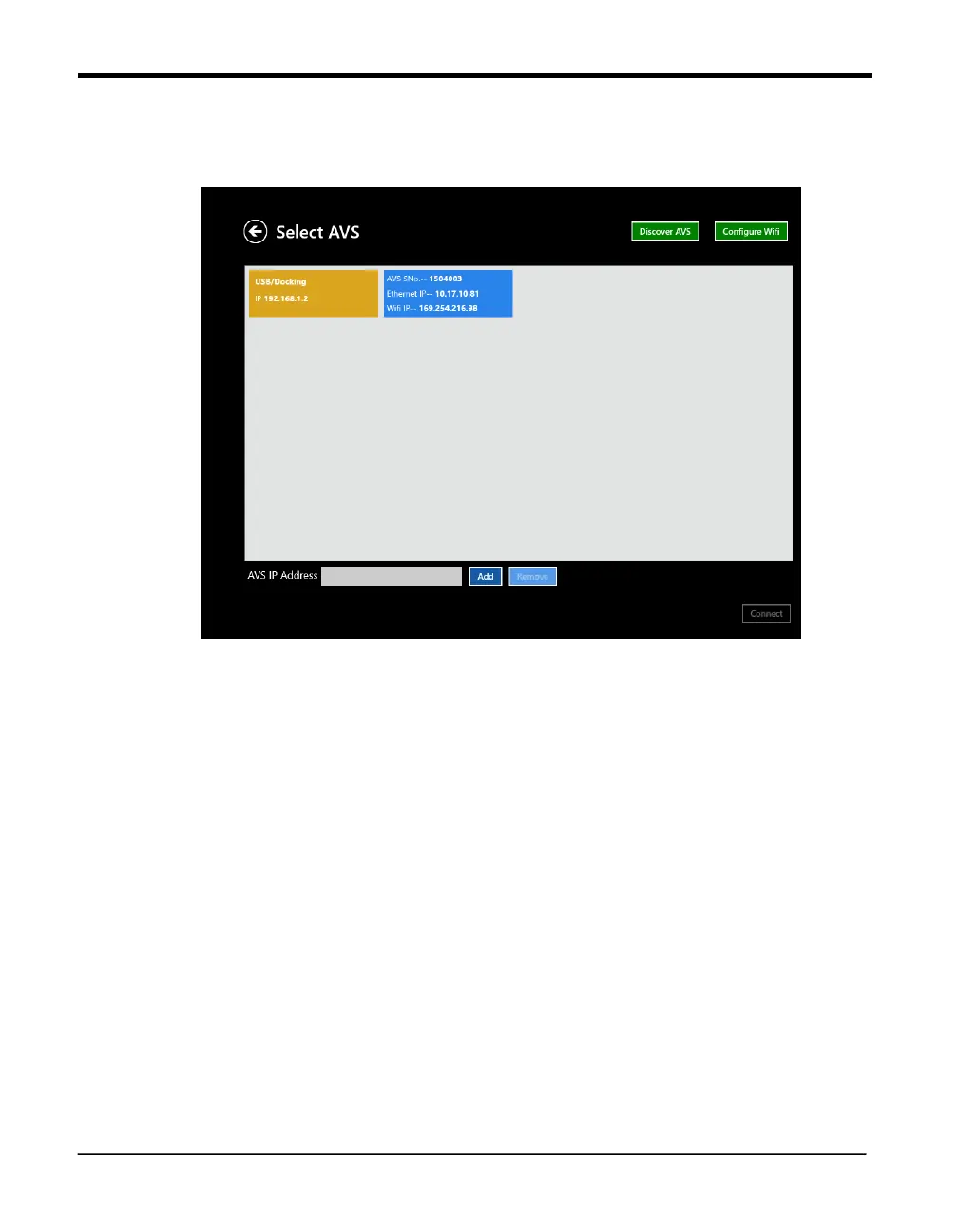
Figure 62: Select AVS
Select now the Validator AVS to run the study. After pressing the “Discover” button the screen
displays all the Validator AVS’ that are available. By default, the screen highlights the Validator
AVS that was last used with this particular Console. It is possible to connect the Validator AVS in
either of three ways:
• Through the docking station
• Through Ethernet - the screen displays a list of Validator AVS with same IP address or that are
in range of the network.
• Through Wireless connection - the screen displays a list of Validator AVS with same IP
address or that are in range of the network.
Press Connect to start the transfer of the setup for qualification study and proceed to the next
screen, or press Cancel to return.



 To Next Page