A75UM3EB (Ver. E.2)
3-66
3.6 Function Settings
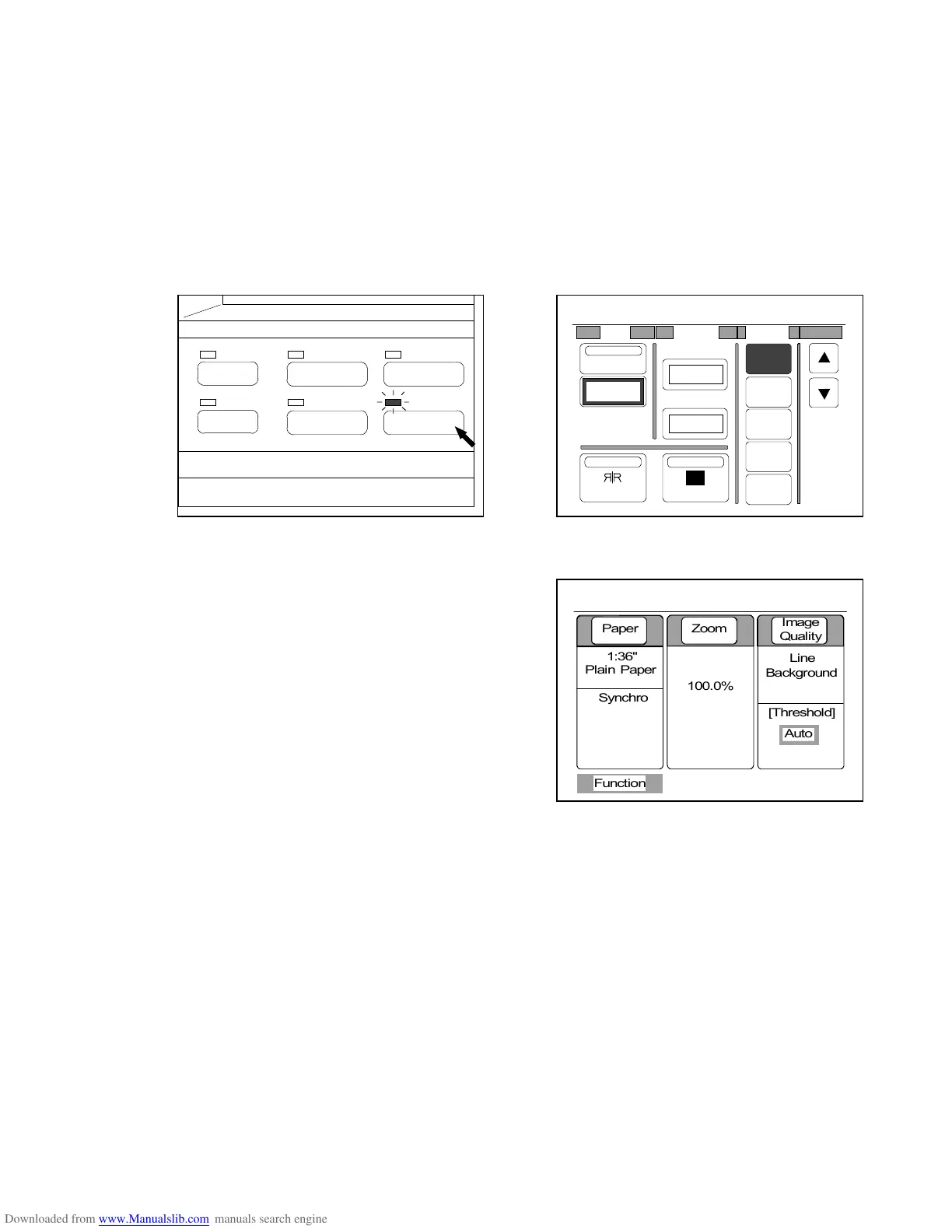
If you push the Function Key below the LCD, the Function Setting Screen is indicated on the LCD and it
becomes possible to change and decide the following settings.
The LED lamp of the Function Key lights up when the LCD is indicating the Function Setting Screen.
1. Shift
2. Centering
3. Leading Edge and Trailing Edge
4. Folder Setting
5. Mirror Image Mode
6. Negative Image Mode
(Function Key) (Function Setting Screen)
If you select any of Centering, Mirror Image Mode and
Negative Image Mode, if you select any of folding method
from 1 to 4, or if you decide some setting value other than
[0.00”] for Shift or Leading/Trailing Edge, the Basic Screen
indicates “Function” showing some function is valid at
present.
PAPER
FUNCTION
BASIC SCREEN
MODE MEMORY
MENU
REFERENCE
0%
001
R
Shift Margin Folder
OFF
1
2
3
4
Centering
0.00"
NegativeMirror
T. Edge
L. Edge
0.00"
0.00"
0%
001



 To Next Page