A75UM3EK (Ver. E.2)
3-142
3.10.3 Setting
[Function]
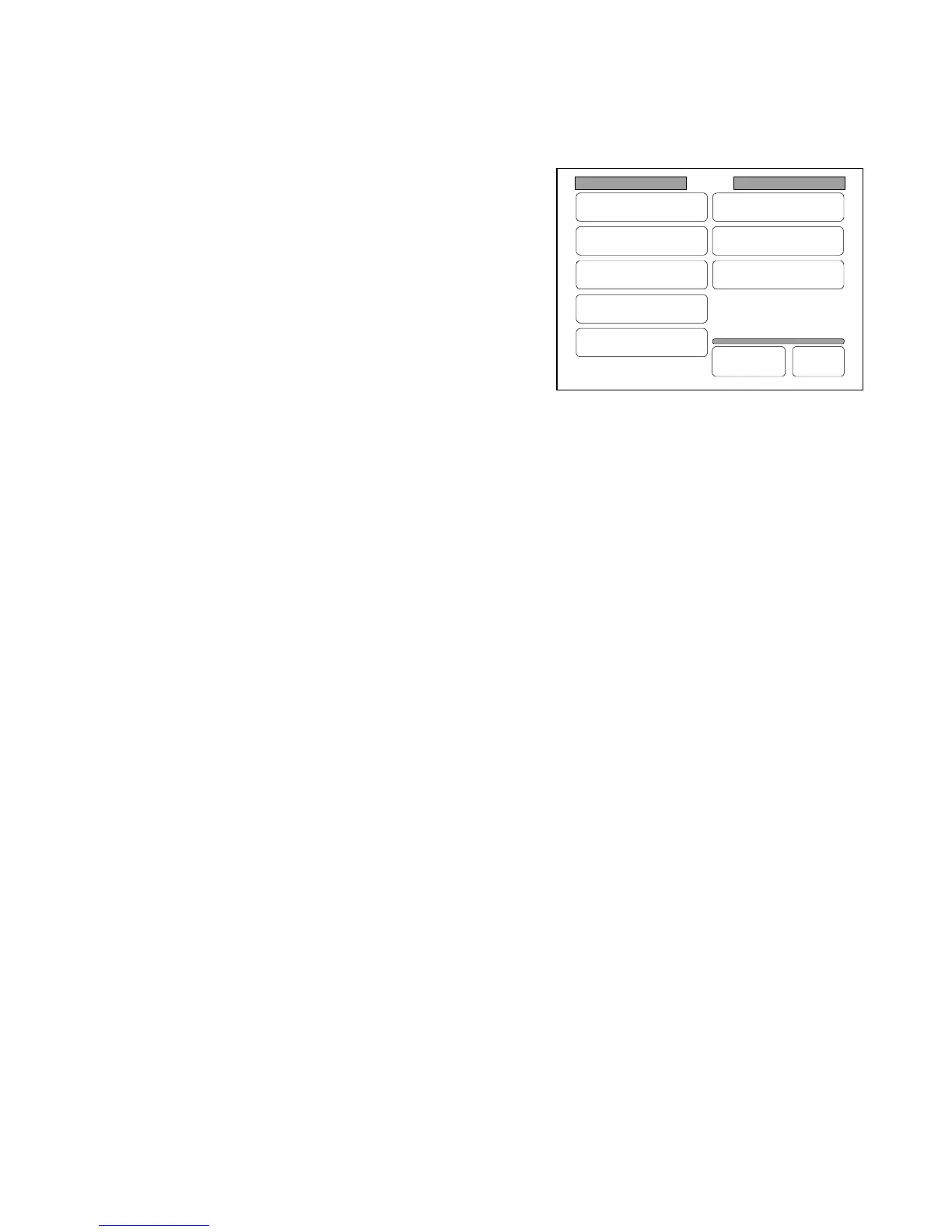
It is possible to change the following settings concerning to the condition of usage as you like in the
Setting Screen.
1. Register Zoom Ratio
2. Original Format
3. Auto Start
4. Standard Mode
5. Mode Memory
6. Memory
7. Date / Time
8. SCSI
Note : If you register the setting of the above items after changing, that changed setting will be
valid even if you turn off the machine.
If you do not register it, it will be valid until you turn off the machine.
Make sure to read “How to register the setting” on the next page.
Setting
Register
Zoom Ratio
Auto Start
Standard Mode
Mode Memory
Memory
Date/Time
SCSI
Set Back
Original
Format



 To Next Page