A75UM3EJ (Ver. E.2)
3-135
C. Insert
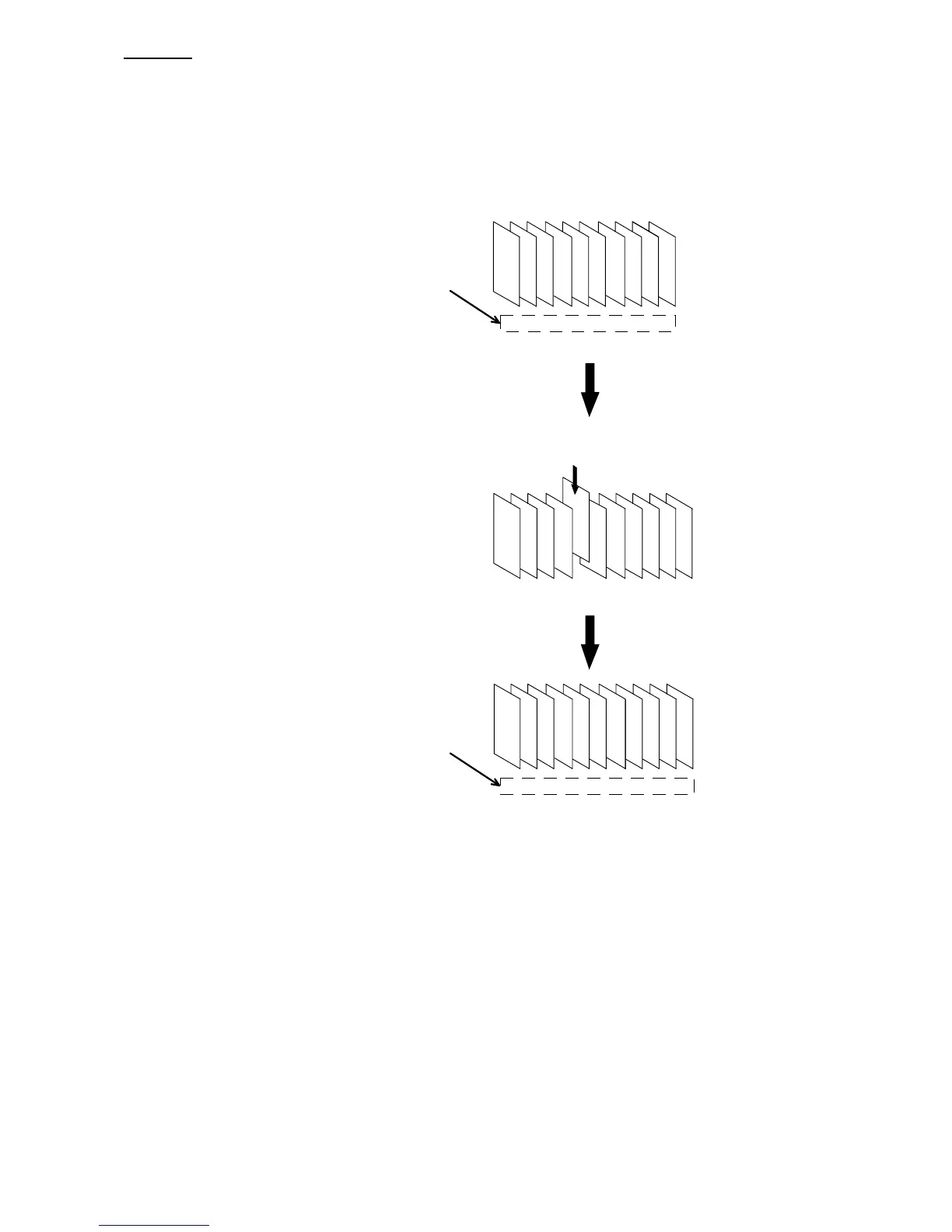
[Function]
Whenever you scan the original, its image data is normally provided to the Set Copy Job as the last
image data.
If you use the Insert Function, it is possible to insert the newly scanned image data not to the last of
Set Copy Job but to the middle of it.
Order of images to be copied
(Same with the scanned order)
132 465 798 10
13246579810
(Set Copy Job before the insertion)
132 45
A
687 9
1324 6579810
Insert
10
132 4A5768
132465798
910
1110
Order of images to be copied
(Set Copy Job after the insertion)



 To Next Page