A75UM3EI (Ver. E.2)
3-124
3.10 Menu Settings
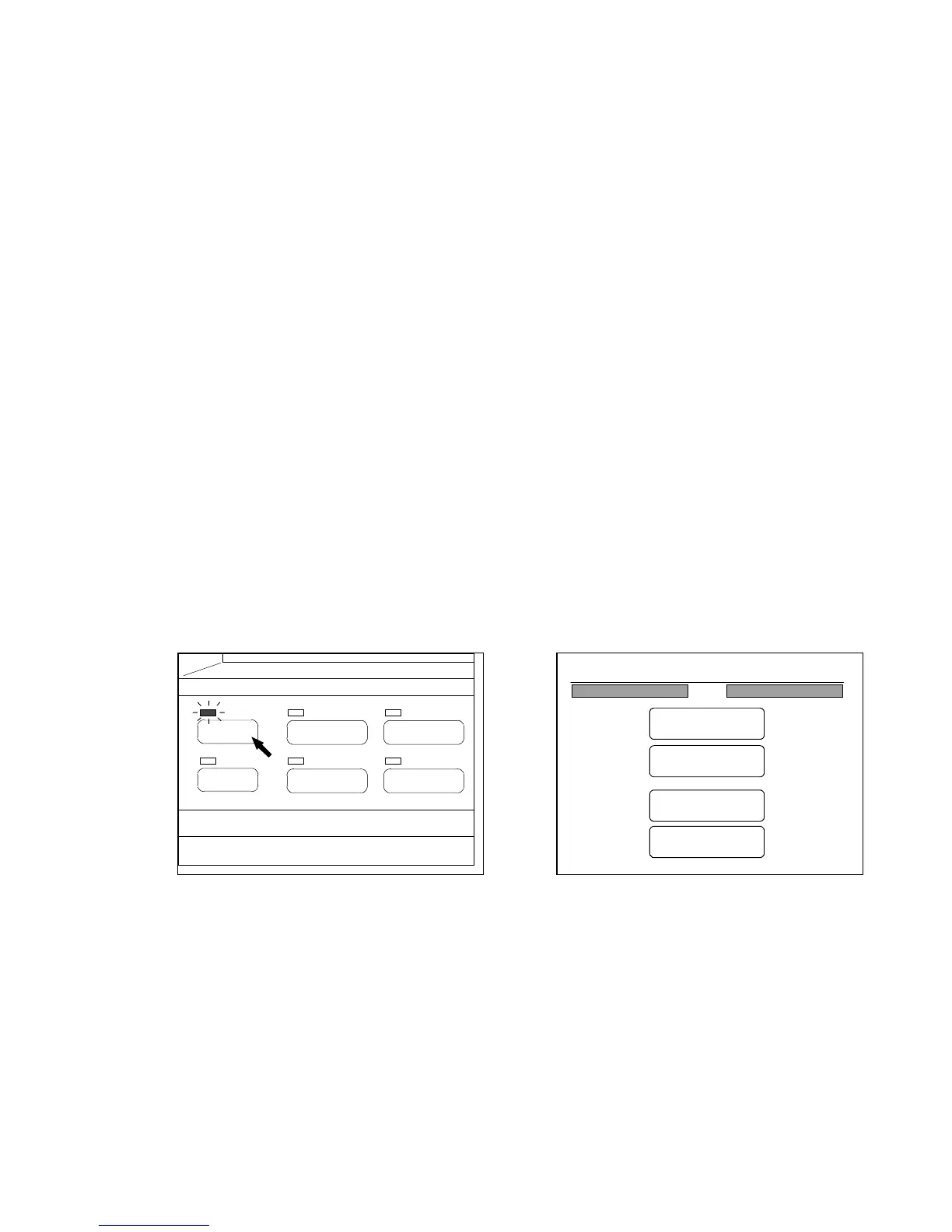
If you push the Menu Key below the LCD, the Menu Screen is indicated on the LCD.
The LED lamp of the Menu Key lights up when the LCD is indicating the Menu Screen.
The Menu Screen has 4 kinds of main menu.
You can change and decide the following settings in each menu.
1. Original
(a) Changing original’s size
2. Edit (Concerning to Set Copy)
(a) Re-edit
(b) Delete
(c) Insert
(d) Replace
(e) All Cancel
3. Setting (Concerning to the condition of usage)
(a) Register Zoom Ratio
(b) Original Format
(c) Auto Start
(d) Standard Mode
(e) Mode Memory
(f) Memory
(g) Date / Time
(h) SCSI
4. Command
(a) Initial Cut
(b) Wire Cleaning
(c) Information
(Menu Key) (Menu Screen)
PAPER
FUNCTION
BASIC SCREEN
MODE MEMORY
MENU
REFERENCE
0%
001
Menu
Original
Edit
Setting
Command



 To Next Page