A75UM3E2 (Ver. E.2)
3-6
3.3 Copying Media Settings
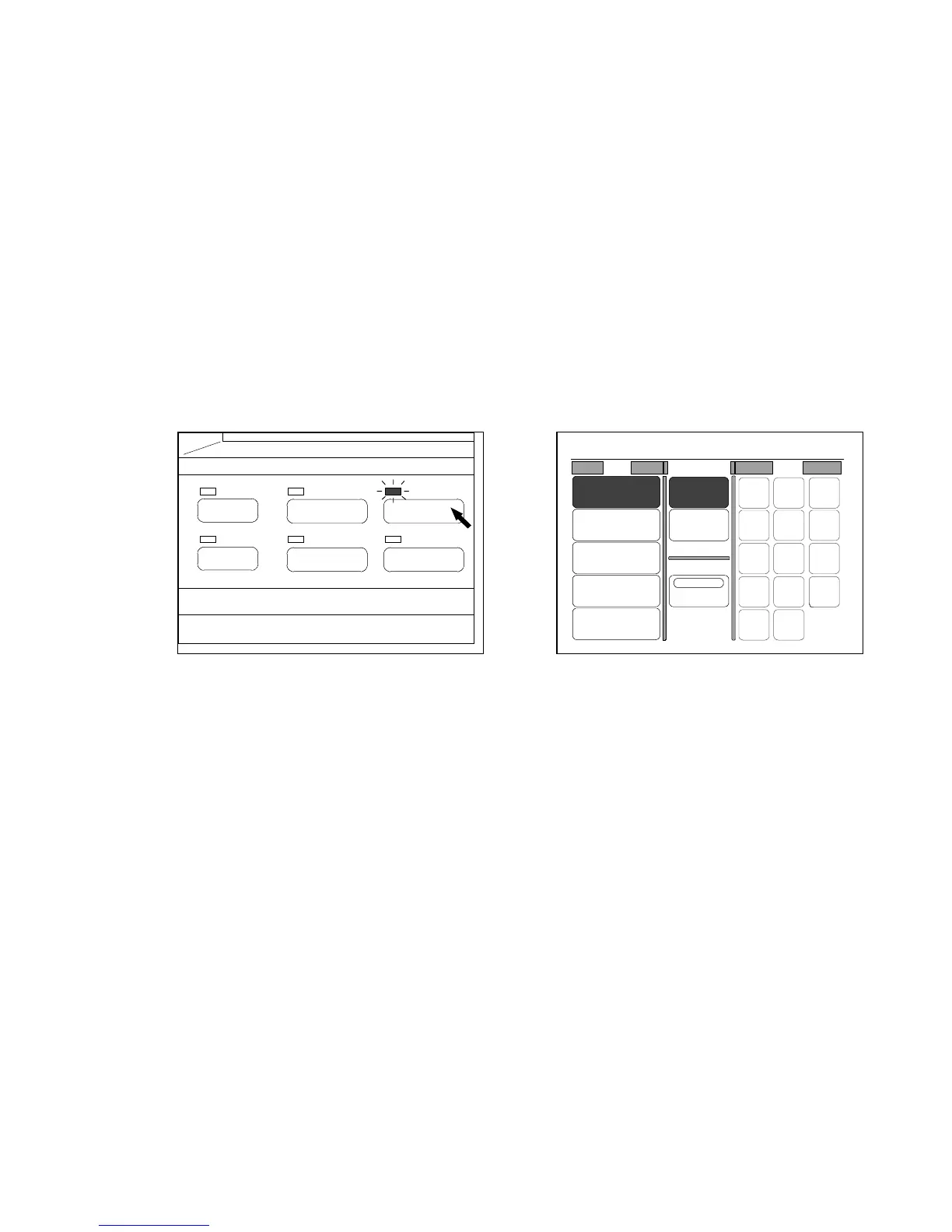
If you push the Paper Key below the LCD, the Paper Setting Screen is indicated on the LCD and it
becomes possible to change and decide the following settings.
The LED lamp of the Paper Key lights up when the LCD is indicating the Paper Setting Screen.
1. Setting for roll media feeding
(a) Automatic roll selection (Auto Paper Mode)
(b) Manual roll selection
2. Setting for sheet media feeding
(a) Automatic sheet size selection (Auto Sheet Size Mode)
(b) Manual sheet size selection
3. Setting for Cut Mode
(a) Synchro Cut
(b) Standard Cut
4. Setting for Divide Mode
(Paper Key) (Paper Setting Screen)
PAPER
FUNCTION
BASIC SCREEN
MODE MEMORY
MENU
REFERENCE
0%
001
Roll Cut Mode Size
2:30"
Vellum
1:36"
Plain Paper
3:24"
Film
4:18"
Plain Paper
Bypass
Synchro
Standard
Divide
48"
44"
42"
36"
34"
30"
24"
22"
18"
17"
12"
11"
9"
8.5"



 To Next Page