A75UM3EM (Ver. E.2)
3-157
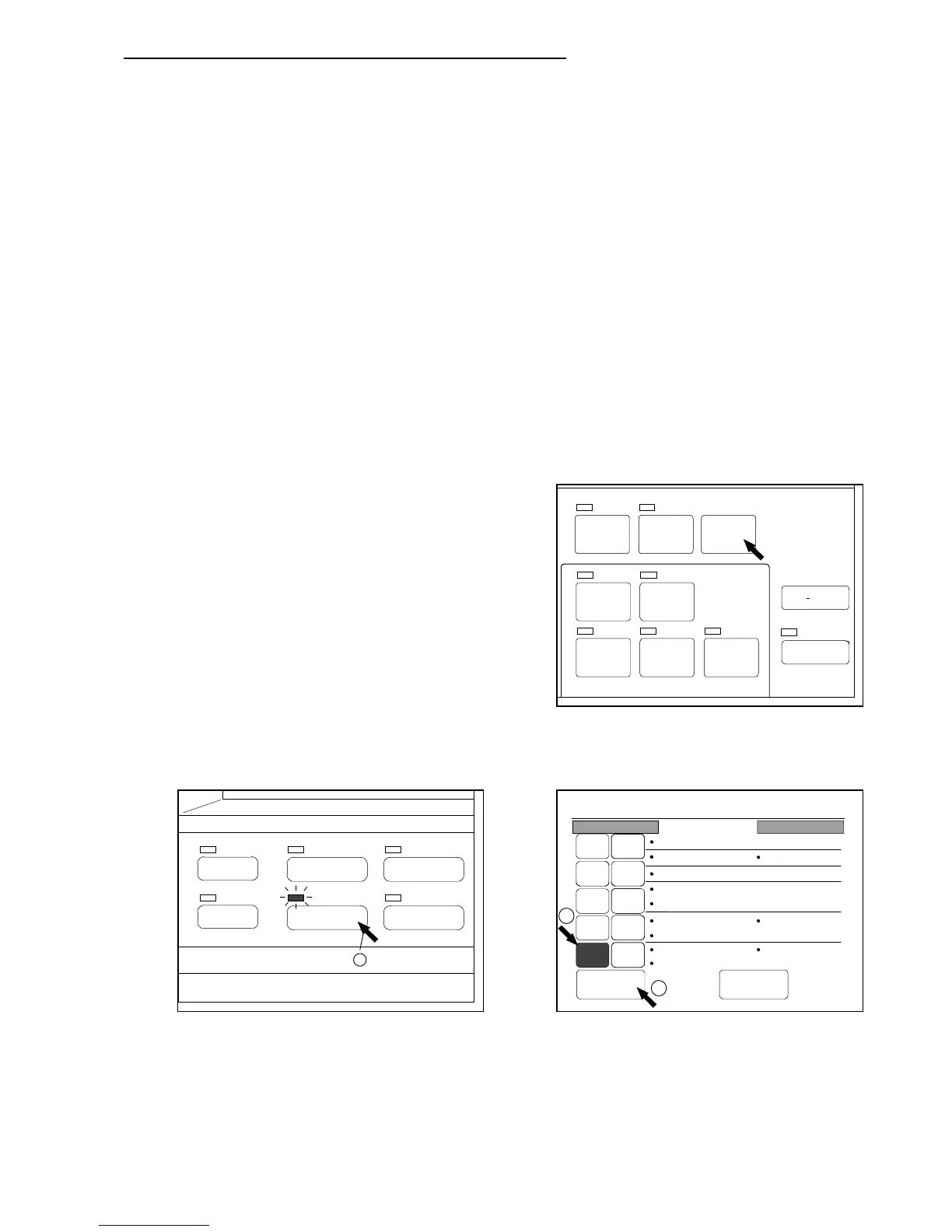
F. Mode Memory (Creation and deletion of Mode Memory)
[Function]
Mode Memory is a convenient function to change several user settings easily to your preferable
Conditions that you registered in advance.
Similar to the Standard Mode, it is possible to register your preferable condition of settings to the
Mode Memory.
Since registrable setting items of Mode Memory are same with those of Standard Mode, refer to the
list on the page 3-151.
It is possible to create 10 different kinds of Mode Memory in maximum.
If only you call any one of created Mode Memories, you can easily change several user settings to
your preferable conditions without losing the time.
In the Menu Mode, it is possible to create new Mode Memory or to delete the existent Mode Memory.
Note that the created Mode Memory is called in the Mode Memory Selection Screen.
As for the way to call it, refer to “Calling the Mode Memory” on the page 3-122.
[Reference]
Use Standard Mode and Mode Memory differently although they are similar.
1. You only have to push the Reset Key in order to
change each user setting to the condition registered
to the Standard Mode.
It can be said that Standard Mode is the easiest way
to change settings to your preferable condition.
2. In order to change each user setting to the condition registered to the Mode Memory, however,
you have to push the Mode Memory Key to indicate the Mode Memory Selection Screen and have
to select and call one of existent Mode Memories.
If you have some state of user settings you often use, therefore, we recommend you to register the
one you use most to the Standard Mode and to register the other ones to the Mode Memory.
SET COPY
AUTO ZOOM AUTO PAPER
POWER
SAVE
INTERRUPT
RESET
RE COPY
ROTATE
SAMPLE
CONCURRENT
PRINT
PAPER
FUNCTION
BASIC SCREEN
MODE MEMORY
MENU
REFERENCE
1
0%
001
Mode Memory
Call Next Page
16
27
38
49
5 10
Count :1
Roll 3
170.0%
Line/Photo
Background
Threshold :Auto
Density :3
Mirror :OFF
Folder :2
Standard
Sharpness :3
Negative :OFF
2
3



 To Next Page