A75UM3E8 (Ver. E.2)
3-45
3.5.1 Selecting original’s image type
[Function]
Select any of the following modes according to the type of original’s image.
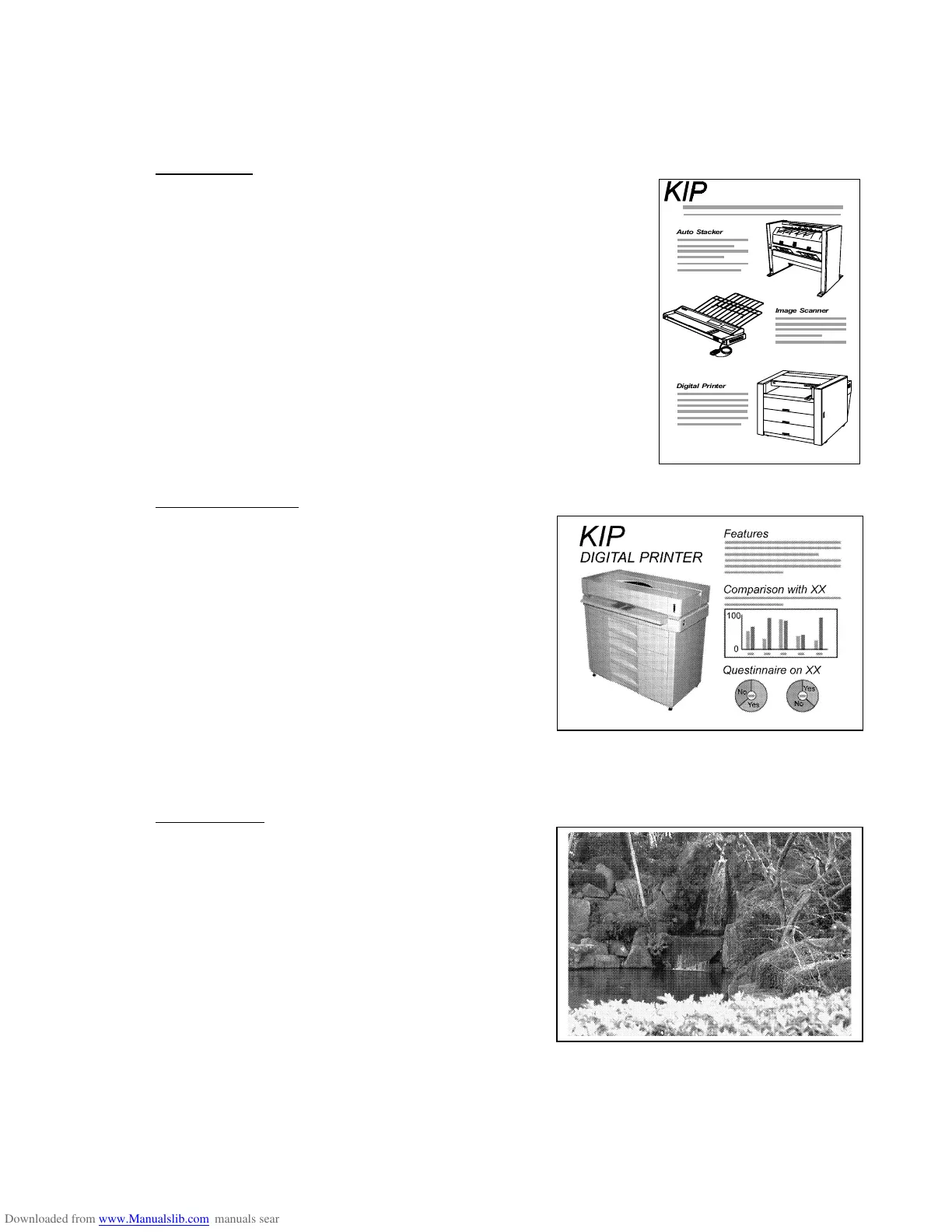
1. Line Mode
All images become either black or white.
If the original has such images as letters and lines which are
evenly in high concentration, select the Line Mode.
Note that the Line Mode is not suitable to copy such a low
concentrated image as halftone since it is converted to either black
copy image or white one.
2. Line/Photo Mode
Image’s density can be re-produced faithfully.
The Line/Photo Mode is suitable if the original has
both highly concentrated images and low
concentrated images.
In concrete terms, select the Line/Photo Mode if the
original has both line images (including letters) and
halftone images such as photographs.
If you copy the halftone image in the Line/Photo
Mode, sometimes the density of it becomes uneven.
If you attach much importance to halftone, select the
Photo Mode since its performance to copy halftone
is better than Line/Photo Mode’s.
3. Photo Mode
Almost all images and their density are re-produced
more faithfully than the Line/Photo Mode.
Select the Photo Mode when you copy the
photographic image.



 To Next Page