A75UM3EL (Ver. E.2)
3-151
E. Standard Mode
[Function]
When the following user settings are reset, they are initialized according to the Standard Mode to
which default conditions of the following settings are registered.
(If you push the Reset Key to initialize these settings, they become always same default conditions.
For example, the zoom ratio becomes “100.0%” and Background Mode is selected if you push the
Reset Key. This is because it is registered to the Standard Mode how each setting should become
when it is reset.)
It is possible to register the following setting items to the Standard Mode changing their default
conditions to your preferable ones.)
If you often do copying in the condition as “Cut Mode is Standard Cut”, “Image type is Photo” and
“Zoom ratio is 200.0%”, for example, register these conditions to the Standard Mode as default
conditions.
After the registration, you do not have to lose the time to decide these settings manually but you can
call them easily pushing the Reset Key.
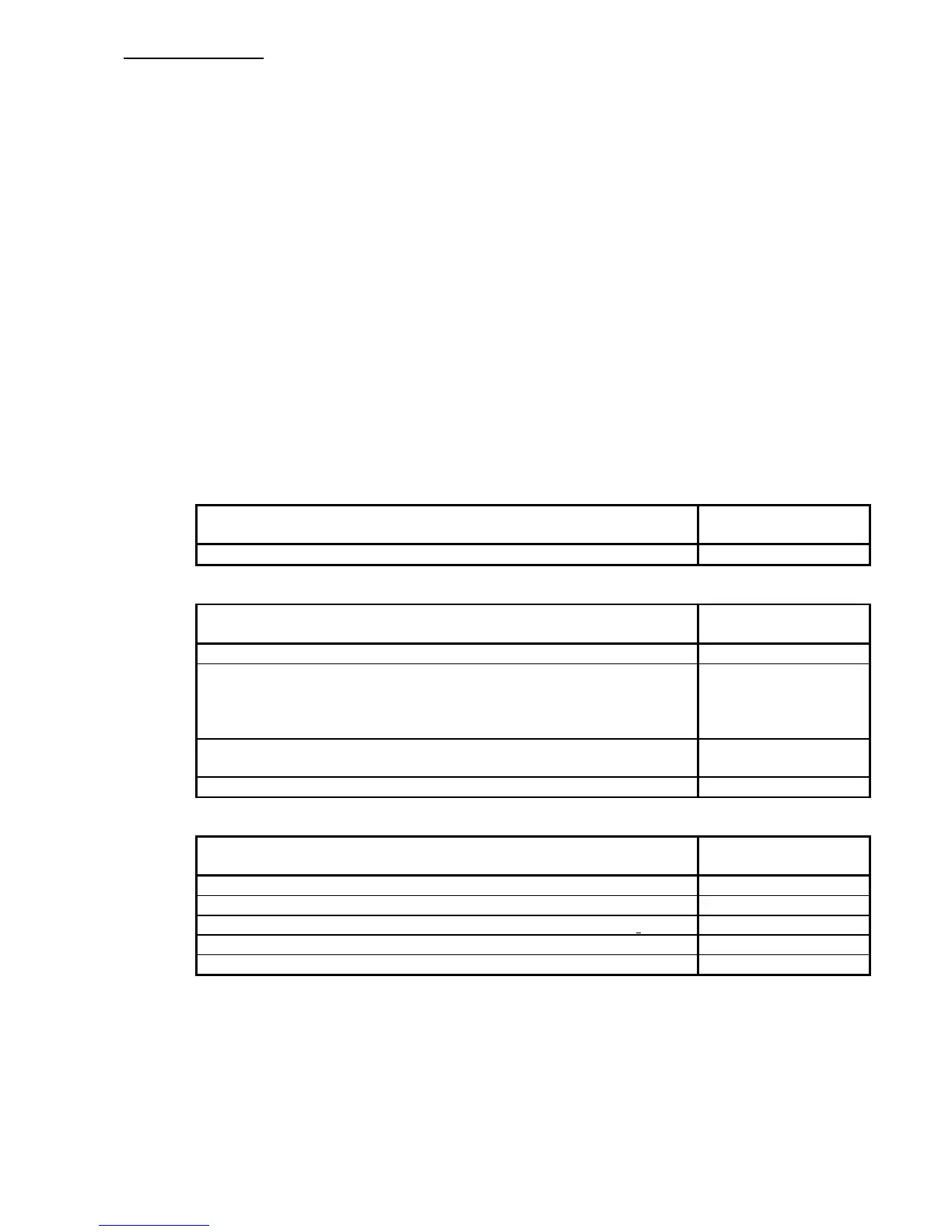
The following setting items can be registered to the Standard Mode.
Note that the bolded items are not indicated in the Standard Mode Setting Screen although they are
registrable.
The condition written to the right of each item is the default condition registered at factory forwarding.
Concerning to Basic Screen
Registrable item Default condition at
factory forwarding
Copy Count 1 sheet
Concerning to copying media setting
Registrable item Default condition at
factory forwarding
Roll media Roll 1
Bypass
(a) Automatic sheet size selection (ON or OFF)
(b)
Sheet media size
(c)
Material of sheet media
OFF
OFF
36”
Plain Paper
Cut Mode (Synchro Cut or Standard Cut)
(a)
Cut size (In case of the Standard Cut)
Synchro
36”
Divide OFF
Concerning to zoom setting
Registrable item Default condition at
factory forwarding
Zoom ratio 100%
% Mode
ON
Media Size Mode (original size, copy size and zoom ratio
)
OFF
Zoom Program Mode (original size, copy size and zoom ratio)
OFF
XY Zoom Mode (Original size, copy size and zoom ratio)
OFF



 To Next Page