A75UM4E1 (Ver. E.2)
4-1
4.1 Error Message and Treatments
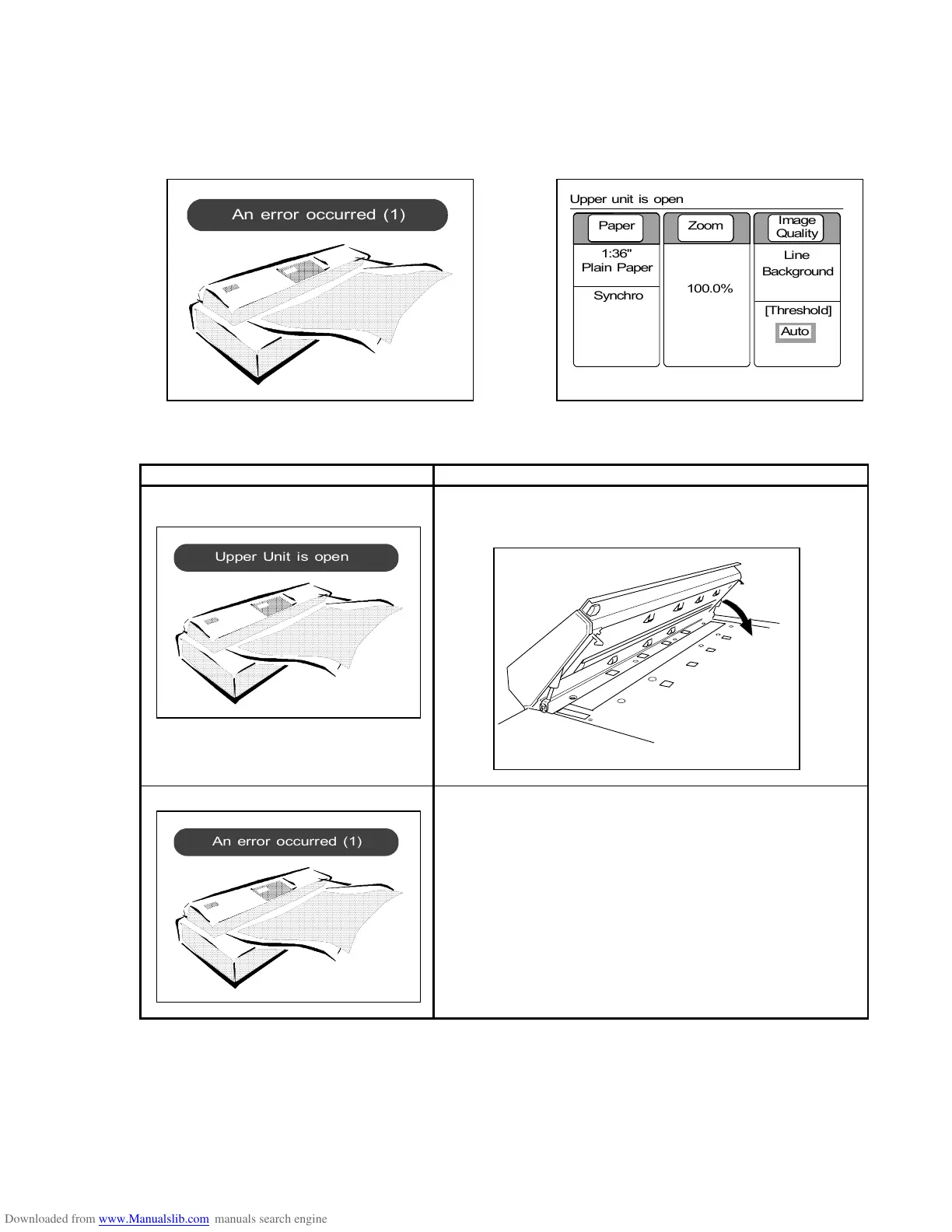
If either scanner or printer has some error, some Error Message is indicated on the LCD.
Clear the error by the following treatments.
(Examples)
Clear the error by the following treatments.
Error message Treatments
Upper Unit is open
(At the time of turning on)
This is indicated if you turn on the scanner when the
Upper Unit is opened.
Close the Upper Unit, and then turn on the scanner again.
An error occurred (1) Scanner has an abnormal error.
Since the operator can not fix it, call your service
personnel.
0%
001
Paper Zoom
Image
Quality
1:36"
Plain Paper
100.0%
Line
Background
[Threshold]
Auto
Synchro
Upper unit is open



 To Next Page