A75UM3EN (Ver. E.2)
3-161
G. Memory
[Function]
The image data is stored in the memory after scanning in order to make it possible to re-copy.
If you wish to delete it from the memory right after scanning since it is an important or secret data,
delete it by either “Auto Clear” or “Clear”.
If you validate the Auto Clear, the image data is deleted from the memory at the time you push the
Reset Key or when the Auto Reset works.
And whenever you do “Clear” in the Memory Setting Screen, the image data is deleted from the
memory soon.
[How to validate the Auto Clear]
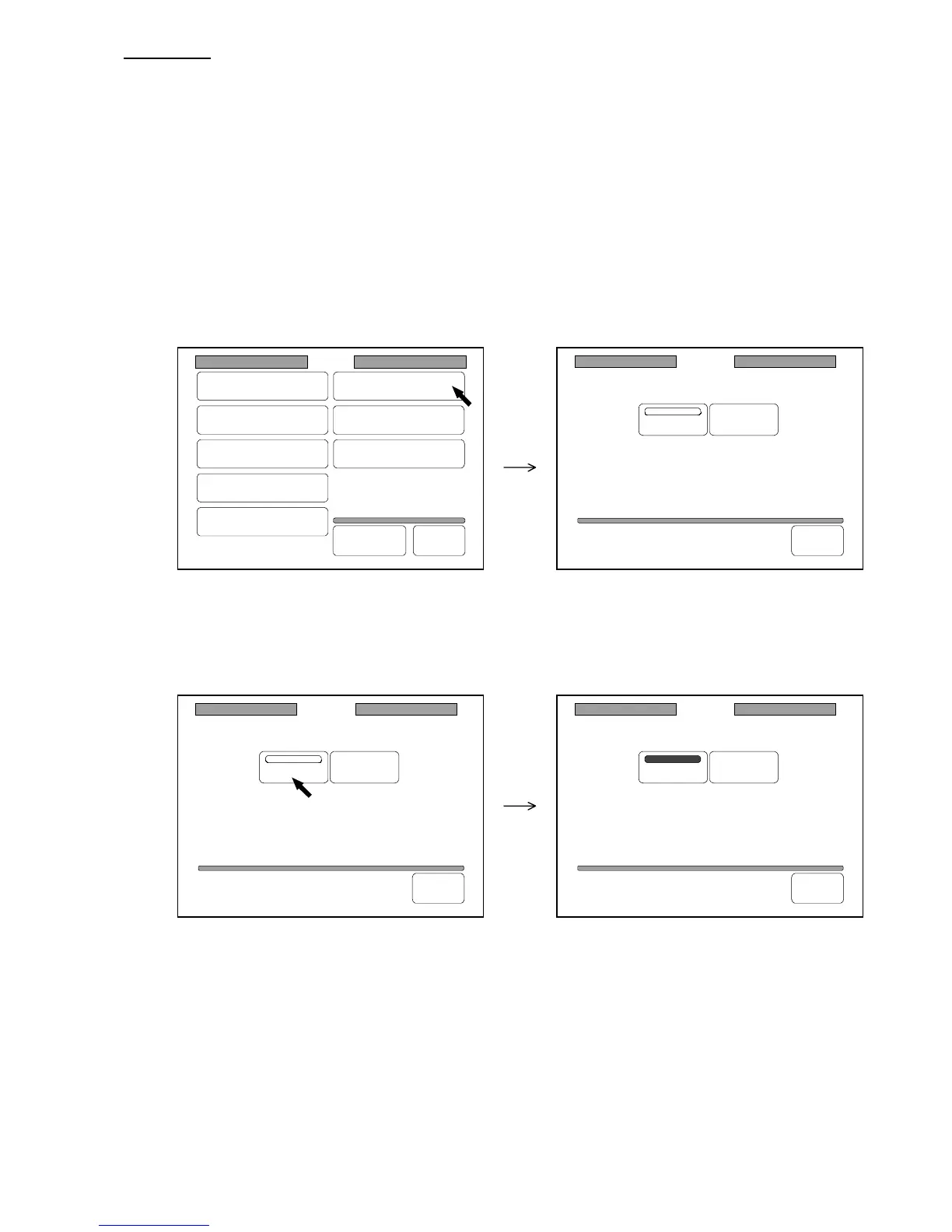
1) Press “Memory” in the Setting Screen to indicate the Memory Setting Screen on the LCD.
(Setting Screen) (Memory Setting Screen)
2) Press “Auto Clear” to validate the Auto Clear.
“Auto Clear” is colored when validated.
If you press “Auto Clear” again, you can cancel the Auto Clear.
3) If you wish to let the Auto Clear be valid later on even if you turn off the machine, register it
making reference to “How to register the setting” on the page 3-143.
Memory
Auto Clear
Clear
Back
Memory
Auto Clear
Clear
Back
Memory
Auto Clear
Clear
Back
Setting
Register
Zoom Ratio
Auto Start
Standard Mode
Mode Memory
Memory
Date/Time
SCSI
Set Back
Original
Format



 To Next Page