A75UM3EJ (Ver. E.2)
3-129
3.10.2 Edit Function
[Function]
In the Set Copy Mode, scanned image data of several originals are stored in the memory as the Set
Copy Job.
By the Edit Function, it is possible to do the following works for the stored Set Copy Job.
Re-edit It is possible to call back the Set Copy Job which has been printed out
already.
Delete Some original’s data can be deleted from the Set Copy Job.
Insert After making the Set Copy Job, it is possible to scan more original and to add
its image data to the stored Set Copy Job.
Replace If you do not satisfy the copying result of some original, it is possible to replace
that image with the re-scanned one.
All Cancel It is possible to delete the Set Copy Job and all its image data from the
memory.
Note : Please understand the Edit Function is not the function to edit the scanned image data itself
but to edit the Set Copy Job.
[How to indicate the Page Edit Screen]
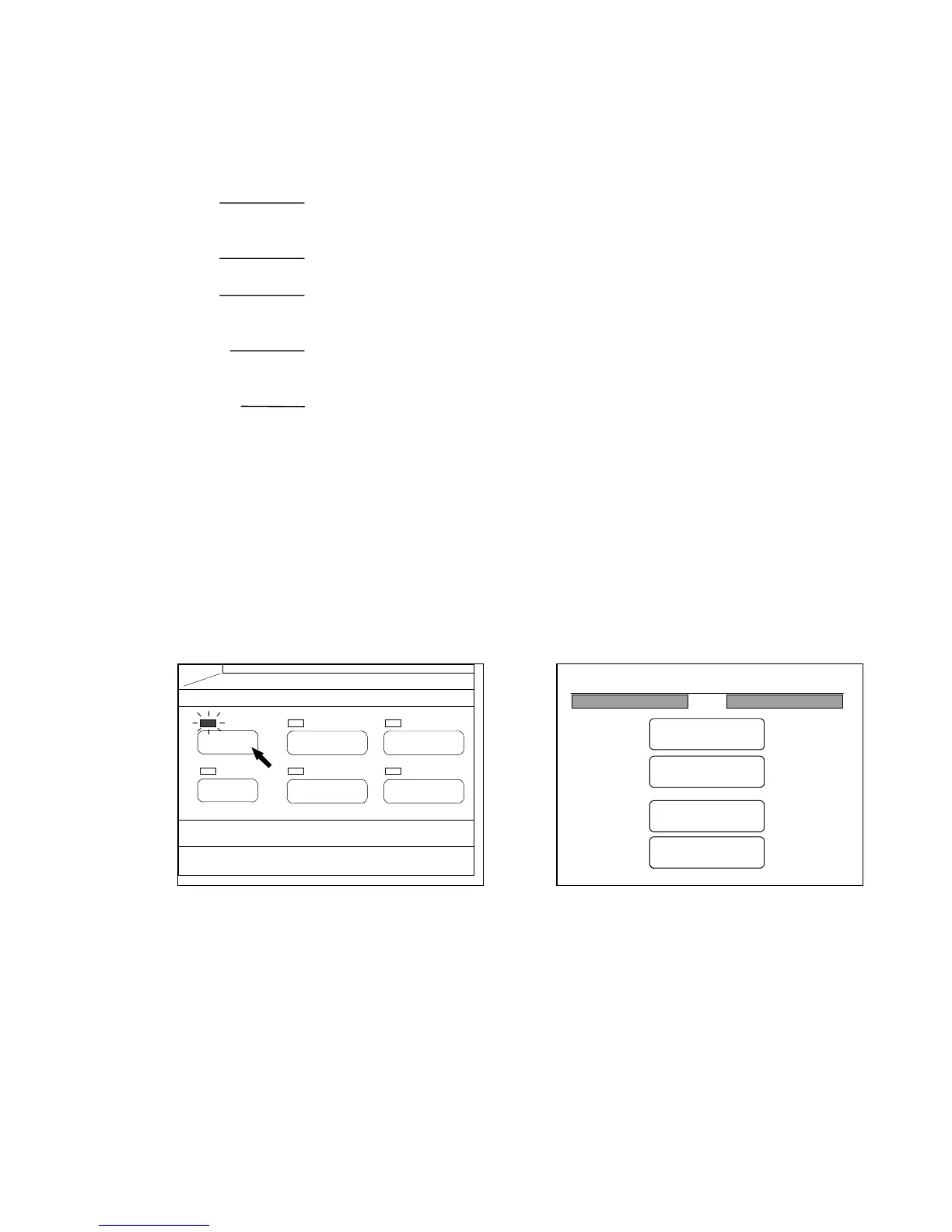
The operation of Edit Function is done in the Page Edit Screen.
1) Push the Menu Key to indicate the Menu Screen on the LCD.
(Menu Key) (Menu Screen)
PAPER
FUNCTION
BASIC SCREEN
MODE MEMORY
MENU
REFERENCE
23%
001
Menu
Original
Edit
Setting
Command



 To Next Page