A75UM3EO (Ver. E.2)
3-181
3.16 Reset
[Function]
It is possible to initialize all user settings according to the Standard Mode if you push the Reset Key.
(As for the Standard Mode, refer to “Standard Mode” on the page 3-151.)
In you have changed many settings and it is not necessary any longer after copying, the Reset Key is
convenient since you can recover the default condition of all settings by just one operation.
[How to reset user settings]
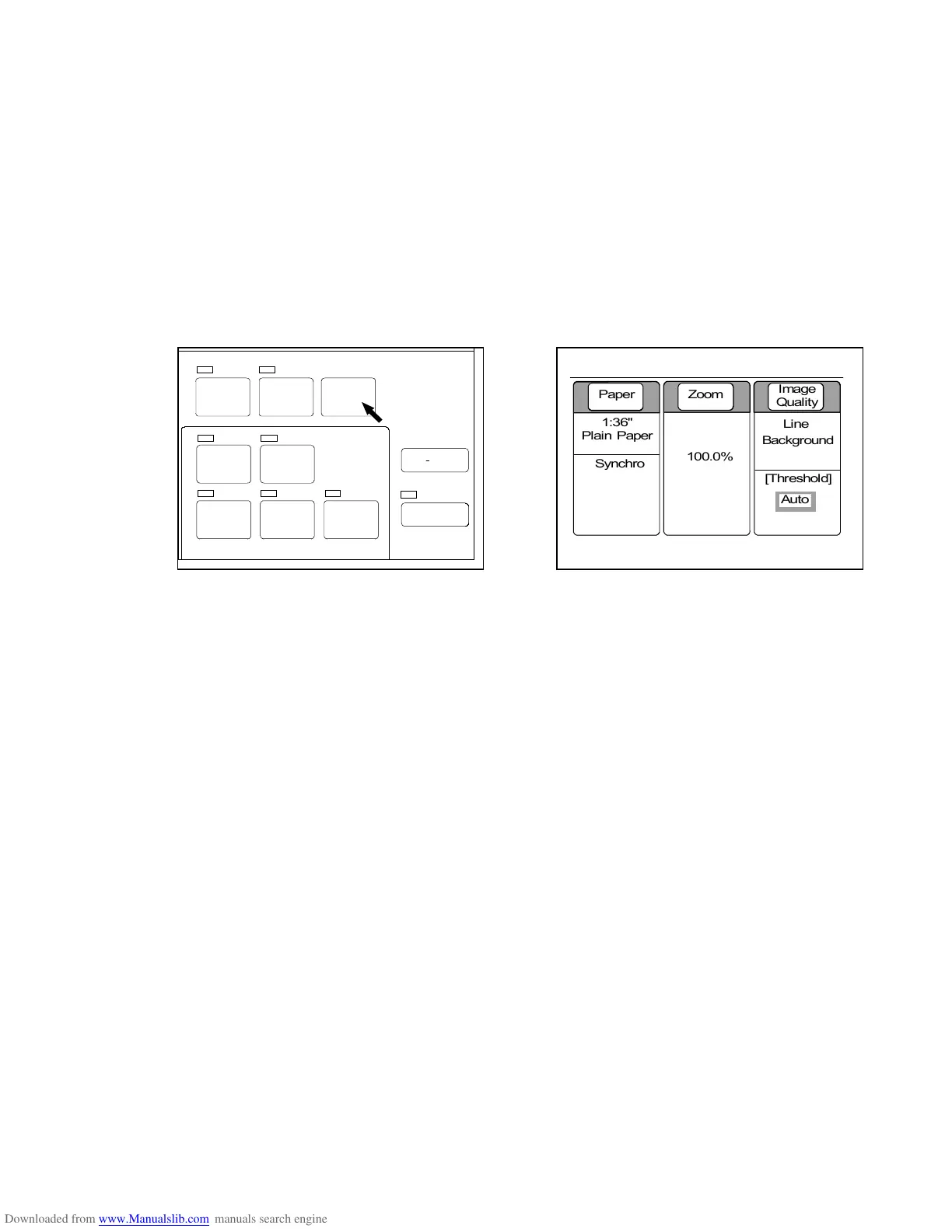
Push the Reset Key.
All settings are initialized according to the decided Standard Mode and the LCD indicates the Basic
Screen.
SET COPY
AUTO ZOOM AUTO PAPER
POWER
SAVE
INTERRUPT
RESET
RE COPY
ROTATE
SAMPLE
CONCURRENT
PRINT
0%
001



 To Next Page