A75UM3EO (Ver. E.2)
3-171
C. Information
[Function]
Information for Scan Count, Memory and PROM Version is indicated in the Information Screen.
1. Scan Count
The total length of originals that have been scanned up to the present is indicated.
It is also indicated how many originals have been scanned totally up to the present.
2. Memory
The capacity of memory is indicated.
3. Version
Version of PROM is indicated.
[Operation]
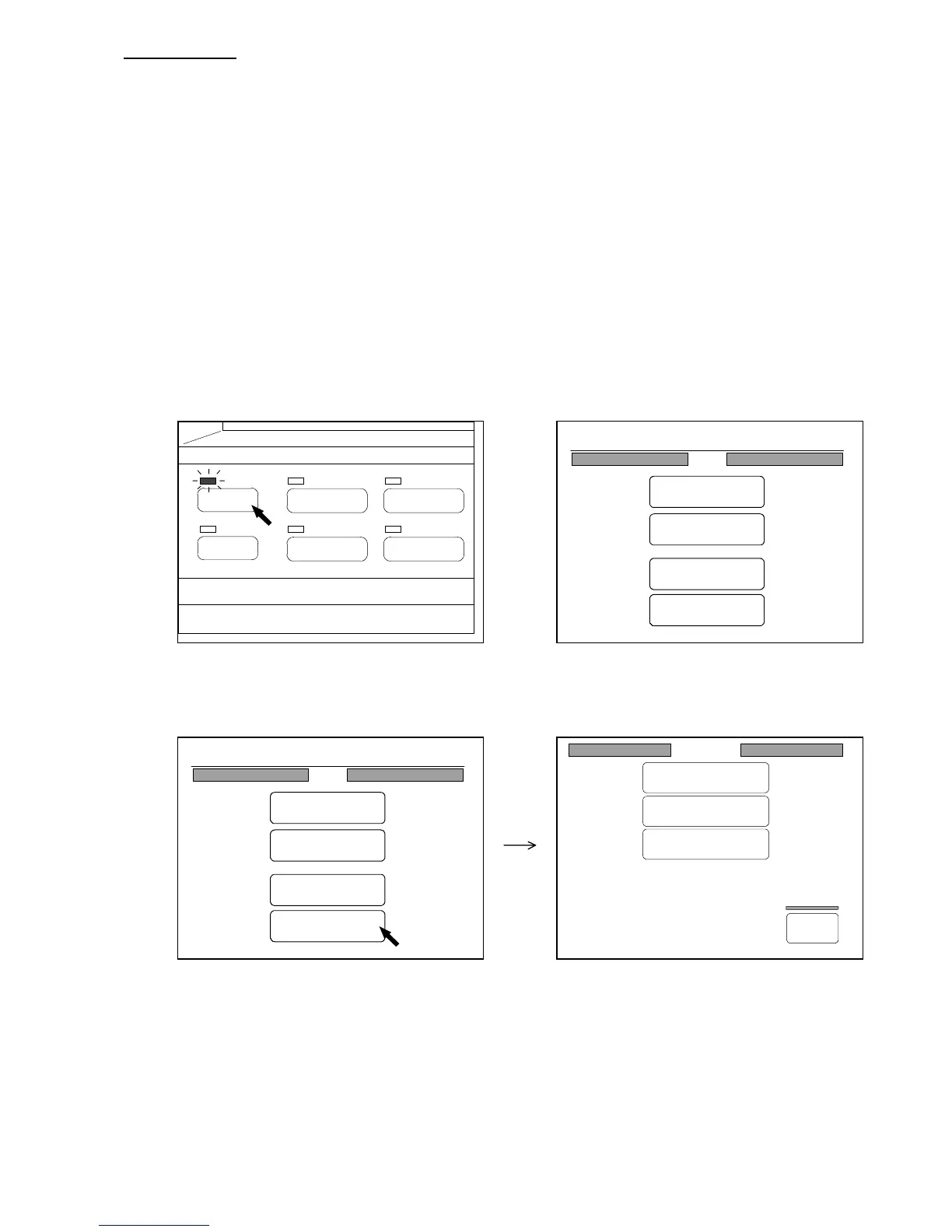
1) Push the Menu Key to indicate the Menu Screen on the LCD.
(Menu Key) (Menu Screen)
2) Press “Command” in the Menu Screen to indicate the Command Screen on the LCD.
(Command Screen)
Command
Initial Cut
Wire Cleaning
Information
Back
PAPER
FUNCTION
BASIC SCREEN
MODE MEMORY
MENU
REFERENCE
0%
001
Menu
Original
Edit
Setting
Command
0%
001
Menu
Original
Edit
Setting
Command



 To Next Page