A75UM3ED (Ver. E.2)
3-82
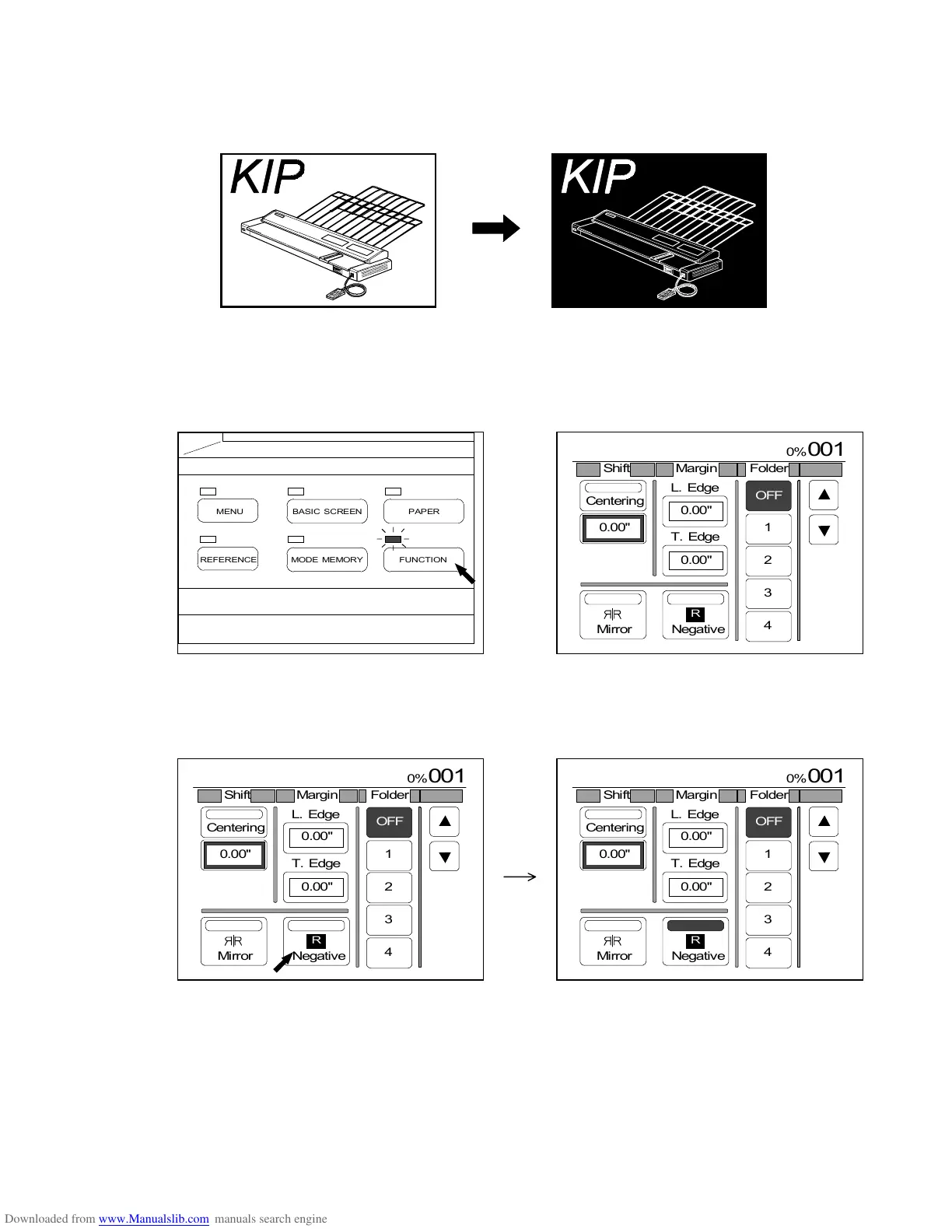
3.6.5 Negative Image Mode
[Function]
White and black of the copy image are converted with each other.
[How to select the Negative Image Mode]
1) Push the Function Key to indicate the Function Setting Screen on the LCD.
(Function Key) (Function Setting Screen)
2) Press “Negative” to select the Negative Image Mode.
“Negative” is colored.
Original Copy



 To Next Page