A75UM3EO (Ver. E.2)
3-184
3.18 Sample Copy
[Function]
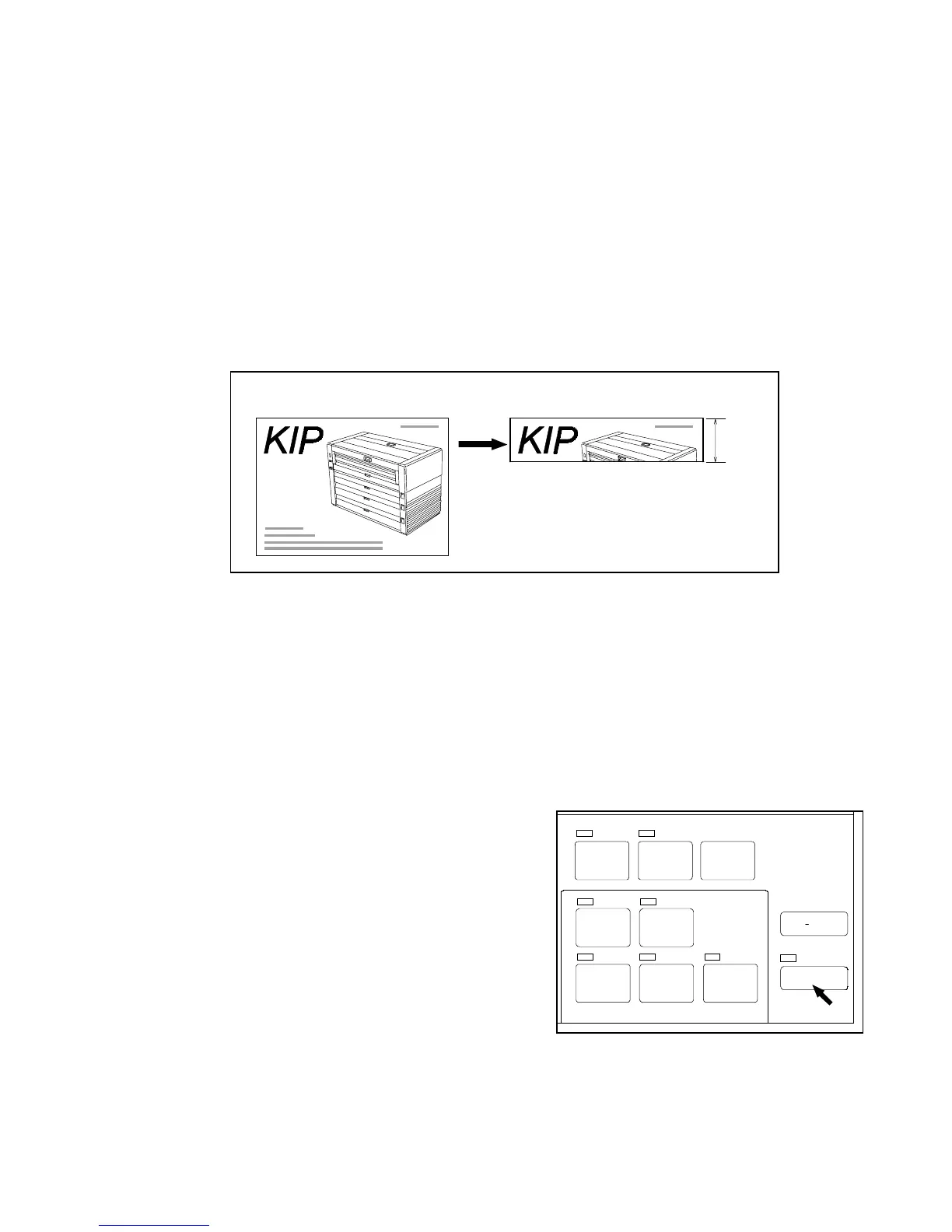
If you push the Sample Key, it is possible to copy only the leading 210mm long image of original.
It is recommended to do Sample Copy before you copy a long original since it is possible to know the
result of copy in advance without consuming so much toner or copying media.
It is also recommended to do Sample Copy when you change the following settings because these
settings have to be decided before scanning.
1. Zoom ratio 5. Threshold 9. Rotate Mode
2. Image type 6. Sharpness
3. Background 7. Divide
4. Despeckle 8. Layout Mode
You can do Sample Copy even in Set Copy Mode or Interrupt Mode.
(Reference)
It is possible to change the length of Sample Copy within the range from 210mm to 420mm although
it is settled 210mm at factory forwarding.
If you wish to change it, call your service engineer.
[Operation]
1) Set the original to the scanner.
2) Change several settings such as zoom ratio and Threshold Level if required.
3) Push the Sample Key to do Sample Copy.
The original is carried to the leading edge side to be
scanned, and then carried back and stayed at the
setting position again.
The LED lamp of the Sample Key lights up during the
scan of Sample Copy.
Note : Even if you decide a multiple Copy Count,
only 1 sheet of Sample Copy is printed out.
4) If you satisfy the result of Sample Copy, do normal copying pushing the Start Key.
If you do not satisfy it, change the setting and do Sample Copy again.
210mm
Original Sample copy
SET COPY
AUTO ZOOM AUTO PAPER
POWER
SAVE
INTERRUPT
RESET
RE COPY
ROTATE
SAMPLE
CONCURRENT
PRINT



 To Next Page