A75UM3EE (Ver. E.2)
3-96
3.7.6 Type of Date Stamp
[Function]
It is possible to change the type of Date.
(Examples)
Today is 1 January 2000 and the time is at 12:00 o’clock.
The order of date and time is “D/M/Y H:M”.
/ . -
It is possible to choose any of “slash”, “period” and “hyphen”.
01/01/2000 12:00
01.01.2000 12:00
01-01-2000 12:00
Year
It is possible to choose either “4 digits” or “2 digits”.
01/01/2000 12:00
01/01/00 12:00
Month
It is possible to choose either “numeral” or “alphabet”.
01/01/2000 12:00
01/Jan/2000 12:00
Format
When the item is shown by 2 numerals as January (01) and 2nd (02), it is possible to decide
how to show it.
(This is not applied to “hour” and “minute”.)
01/01/2000 12:00
1/ 1/2000 12:00
- 1/- 1/2000 12:00
1/1/2000 12:00
[How to change each item]
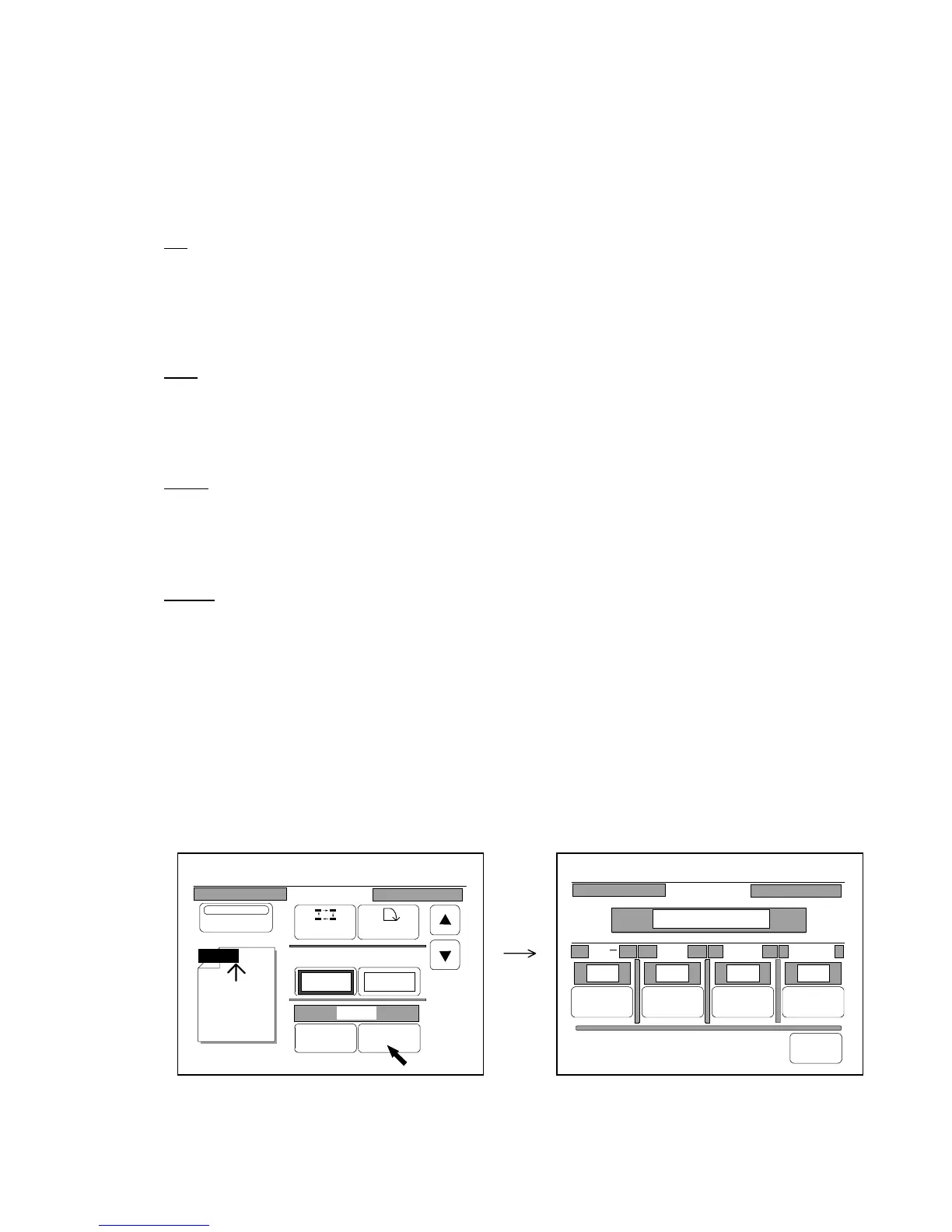
1) Press “Detail” to indicate the Format Setting Screen on the LCD.
(Format Setting Screen)
0%
001
Date Stamp
Print
Y/M/D
Position Rotate
X Shift Y Shift
0.00" 0.00"
Y/M/D
Change Detail
0%
001
Date Stamp
/ . Year Month Format
Change Change Change Change
Back
2000/01/21 12:00
/ 2000 04 /01/



 To Next Page