A75UM3E5 (Ver. E.2)
3-27
3.4 Zoom Settings
It is possible to change the zoom ratio within the range from 25.0% to 400.0%.
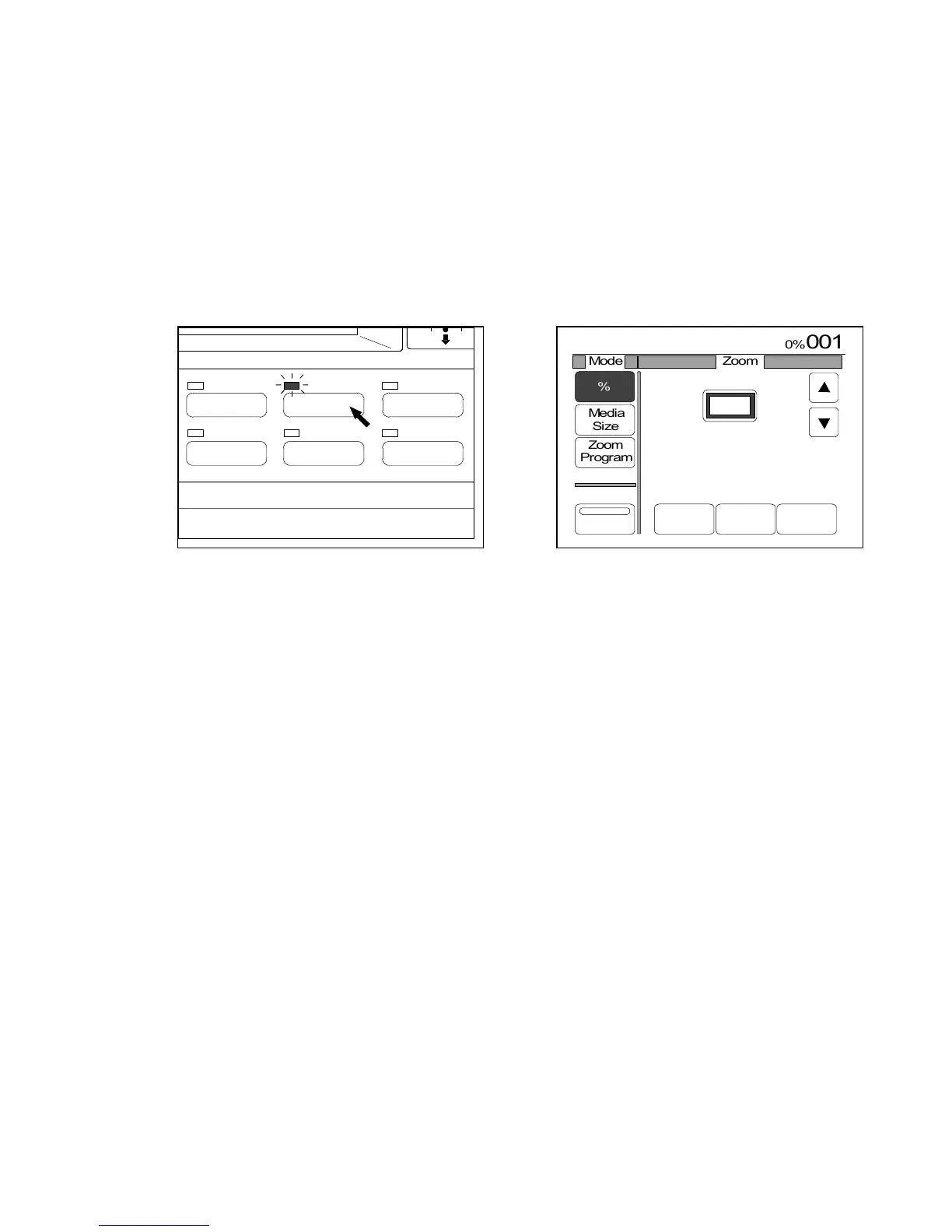
If you push the Zoom Key below the LCD, the Zoom Setting Screen is indicated on the LCD and it
becomes possible to change and decide the zoom ratio in any of the following modes.
The LED lamp of the Zoom Key lights up when the LCD is indicating the Zoom Setting Screen.
1. Auto Zoom Mode
2. Standard Zoom Ratio
3. % Mode (Direct selection of percentage)
4. Media Size Mode (Ratio between original size and media size)
5. Zoom Program Mode
6. XY Zoom Mode
(Zoom Key) (Zoom Setting Screen)
Note : The zoom setting works at the time of scanning in order to process the image data
according to the selected zoom ratio before it is sent and stored in the memory.
When you do re-copying, therefore, it is no use to change the zoom ratio because the
image data has already been stored in the memory and the change of zoom setting you
do is not applied to the re-copy image.
Make sure to finish to change the zoom ratio before scanning.
IMAGE QUALITY
LAYOUT/SORT
ZOOM
DATE STAMPFUNCTION
PAPER



 To Next Page