A75UM3EO (Ver. E.2)
3-182
3.17 Re-copy
[Function]
If you push the Re-copy Key, the image data stored in the memory is printed out again.
In case of the normal copy, the image data (Copy Job) scanned at the latest opportunity is printed
out.
In case of the Set Copy, the Set Copy Job registered at the latest opportunity is printed out.
It is impossible to change the following settings and apply them to the re-copy image since
these settings affect when the original is scanned.
1. Zoom ratio 5. Threshold 9. Rotate Mode
2. Image type 6. Sharpness
3. Background 7. Divide
4. Despeckle 8. Layout Mode
As for the other settings, it is possible to change and apply to the re-copy image.
(Notes)
1. If you do “Auto Clear”, “Clear” and “All Cancel” or if you turn off the machine, it becomes
impossible to do re-copy since the stored image data is lost from the memory.
2. If you push the Re-copy Key after doing the interrupting copy some times in the Interrupt Mode,
only the image data of the latest interrupting copy is re-copied.
As for interrupted copy and former interrupting copies, it is impossible to re-copy their image
data.
Note that it is no use to change user settings for the re-copy of interrupting copy since they are
not applied.
And it is impossible to decide the Copy Count for the re-copy of interrupting copy but it is always
“1 sheet”.
[How to do re-copy]
1) Change several settings except for the above items if required, which you wish to apply to the
re-copy image.
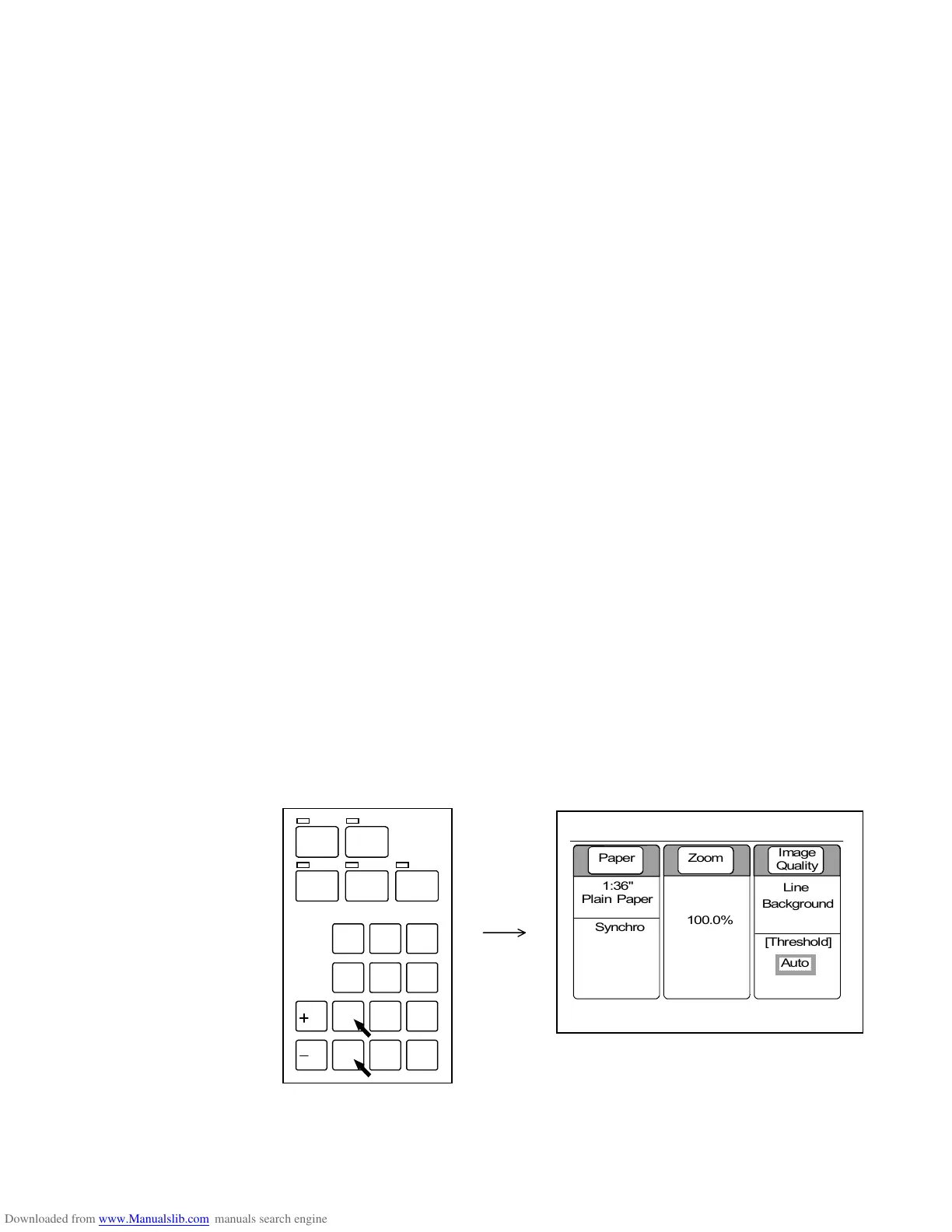
2) Indicate the Basic Screen on the LCD pushing the Basic Screen Key.
Pushing Ten Keys as you decide the Copy Count, decide how many sheets of re-copy should be
printed.
/
L
/
R
SET COPY
ROTATE
AUTO ZOOM AUTO PAPER
CON CURRENT
PRINT
0
1
4
7
.
2
5
8
C
3
6
9
5%
010



 To Next Page