A75UM3EE (Ver. E.2)
3-95
3.7.5 Order of date and time
[Function]
It is possible to select your preferable order of date and time.
Choose any of the following order.
(Example : Today is 15 December 1999 and the time is at 12:00 o’clock.)
Y/M/D 1999/12/15
M/D/Y 12/15/1999
D/M/Y 15/12/1999
Y/M/D H:M 1999/12/15 12:00
M/D/Y H:M 12/15/1999 12:00
D/M/Y H:M 15/12/1999 12:00
[Operation]
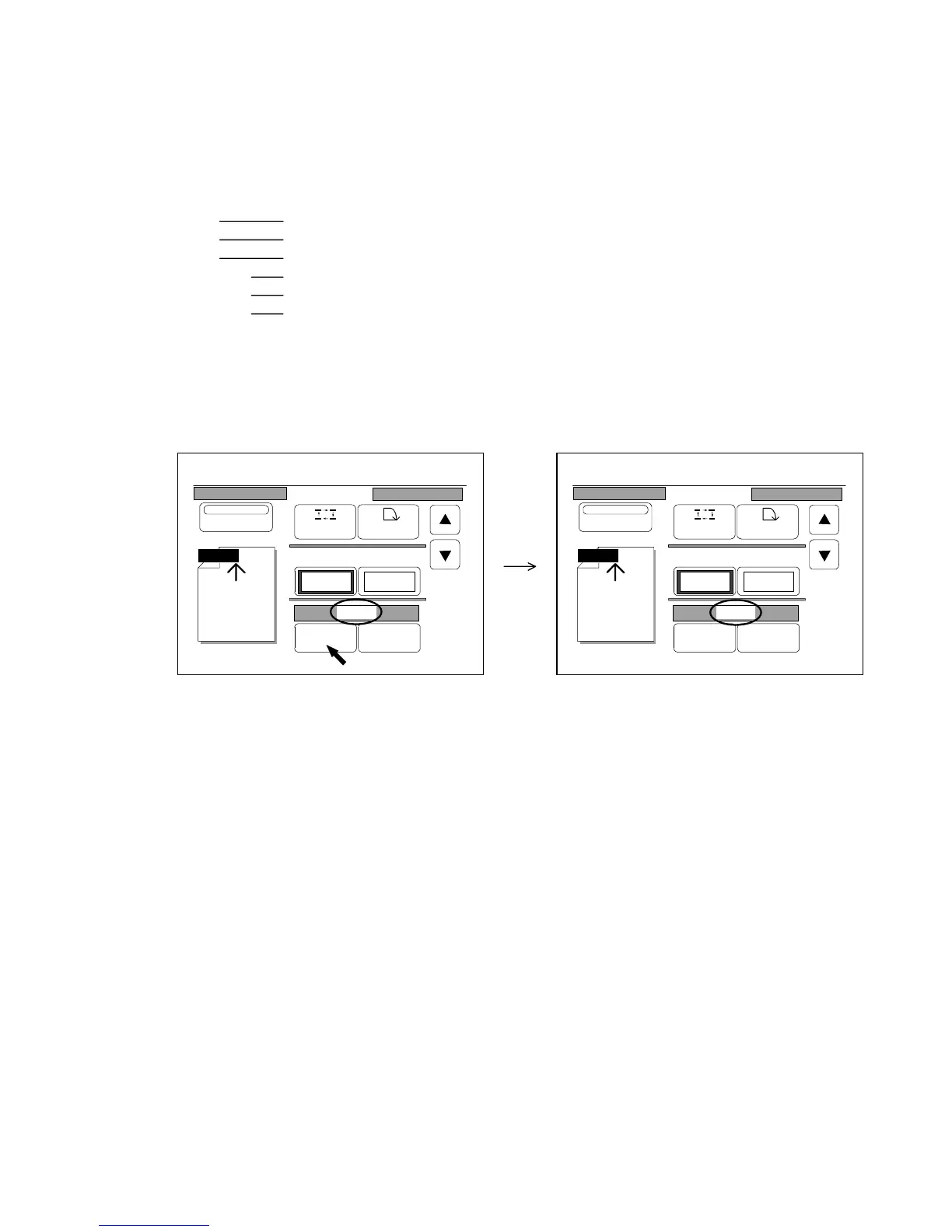
Press “Change” to change the indicated order of date and time.
Whenever you press “Change”, the above orders of date and time are indicated orderly.
0%
001
Date Stamp
Print
Y/M/D
Position Rotate
X Shift Y Shift
0.00" 0.00"
Y/M/D
Change Detail
0%
001
Date Stamp
Print
M/D/Y
Position Rotate
X Shift Y Shift
0.00" 0.00"
M/D/Y
Change Detail



 To Next Page