A75UM3EE (Ver. E.2)
3-84
3.7 Date Stamp Settings
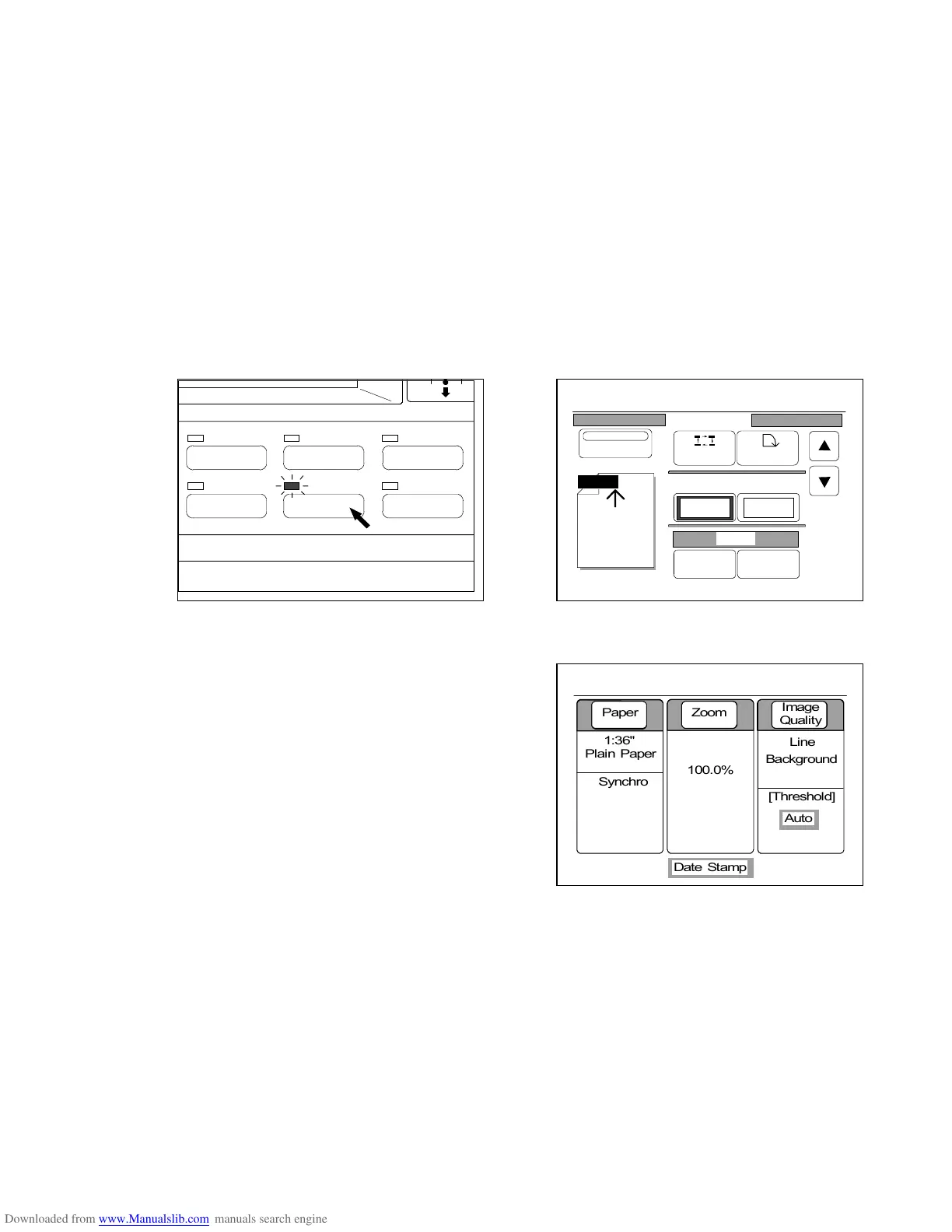
It is possible to print the Date Stamp (present date and time) on the copy if you validate the Date Stamp
Mode.
If you push the Data Stamp Key below the LCD, the Date Stamp Setting Screen is indicated on the
LCD and it becomes possible to change and decide the following settings.
The LED lamp of the Date Stamp Key lights up when the LCD is indicating the Date Stamp Setting
Screen.
1. Validating or invalidating the Date Stamp Mode
2. Main position of Date Stamp
3. Rotation of Date Stamp
4. Horizontal shift and vertical shift of Date Stamp
5. Order of date and time
6. Type of Date Stamp
(Date Stamp Key) (Date Stamp Setting Screen)
If the Date Stamp Mode is valid, the Basic Screen
indicates “Date Stamp” showing that the Date Stamp will
be printed if you do copying.
IMAGE QUALITY
LAYOUT/SORT
ZOOM
DATE STAMPFUNCTION
PAPER
0%
001
Date Stamp
Print
Y/M/D
Position Rotate
X Shift Y Shift
0.00" 0.00"
Y/M/D
Change Detail
0%
001



 To Next Page