A75UM3EM (Ver. E.2)
3-158
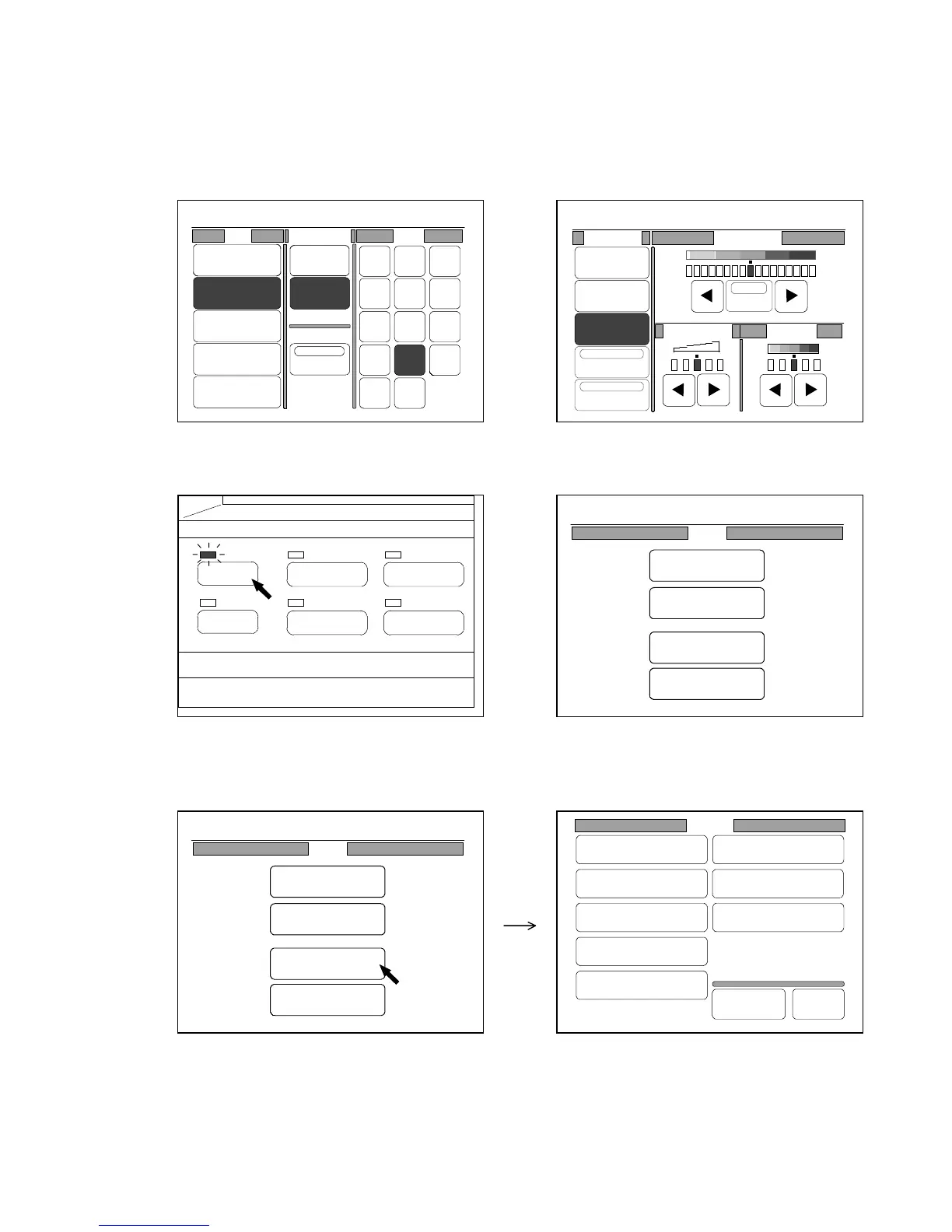
[How to create the Mode Memory]
1) Firstly change each setting to the condition that you wish to register to the newly created Mode
Memory.
Change as many settings as you need in the usual way.
Example : You will register “Roll 2”, “18inches Standard Cut” and “Photo Mode” to the created
Mode Memory.
2) Push the Menu Key to indicate the Menu Screen on the LCD.
(Menu Key) (Menu Screen)
3) Press “Setting” in the Menu Screen to indicate the Setting Screen on the LCD.
(Menu Screen) (Setting Screen)
PAPER
FUNCTION
BASIC SCREEN
MODE MEMORY
MENU
REFERENCE
Setting
Register
Zoom Ratio
Auto Start
Standard Mode
Mode Memory
Memory
Date/Time
SCSI
Set Back
Original
Format
0%
001
Roll Cut Mode Size
2:30"
Vellum
1:36"
Plain Paper
3:24"
Film
4:18"
Plain Paper
Bypass
Synchro
Standard
Divide
48"
44"
42"
36"
34"
30"
24"
22"
18"
17"
12"
11"
9"
8.5"
0%
001
Original Threshold
Line
Line/Photo
Photo
Background
Despeckle
Sharpness Density
Auto
0%
001
Menu
Original
Edit
Setting
Command
0%
001
Menu
Original
Edit
Setting
Command



 To Next Page