A75UM3EE (Ver. E.2)
3-97
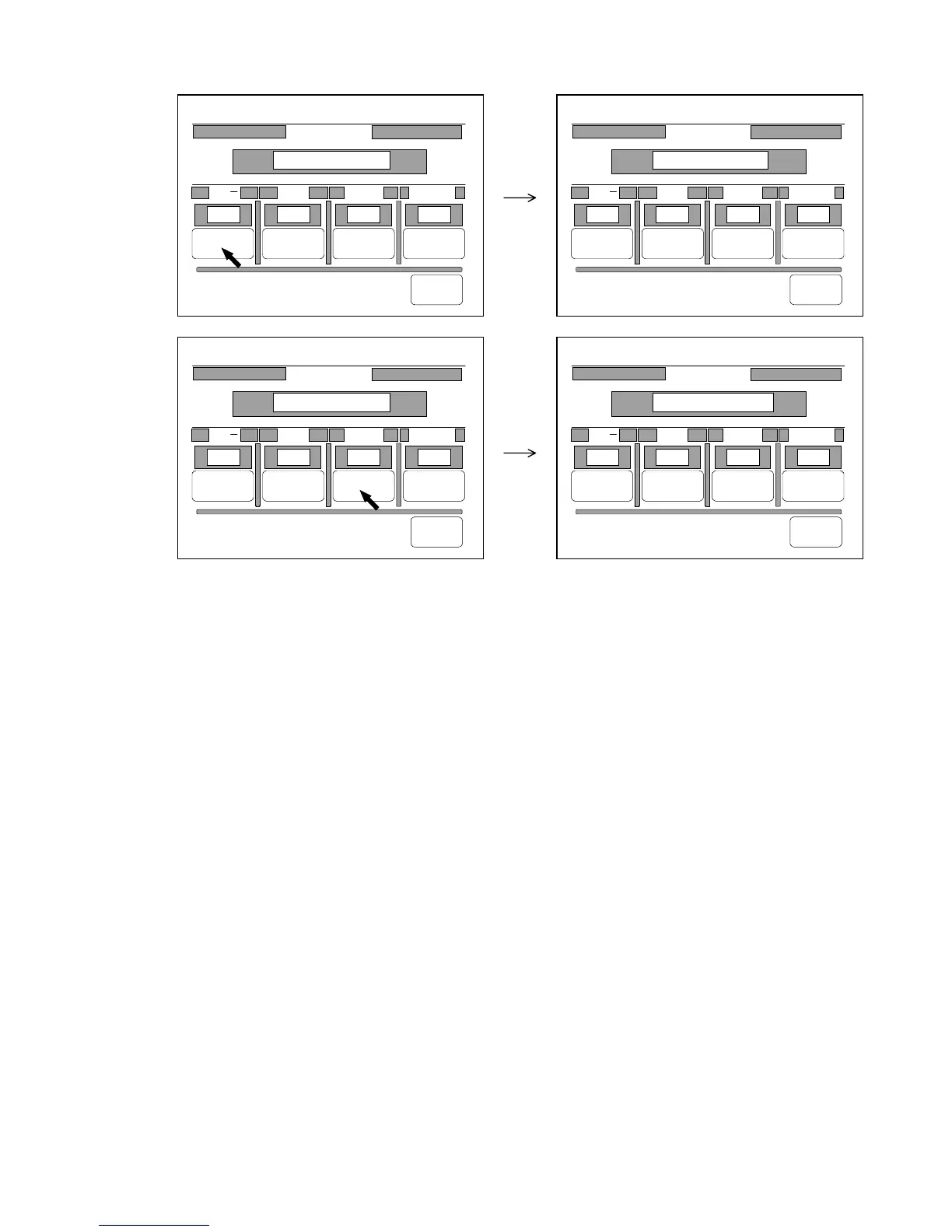
2) Press “Change” under each item to change the setting of that item.
It is possible to go back to the Date Stamp Setting Screen pressing “Back”.
0%
001
Date Stamp
/ . Year Month Format
Change Change Change Change
Back
2000/01/21 12:00
/ 2000 04 /01/
0%
001
Date Stamp
/ . Year Month Format
Change Change Change Change
Back
2000.01.21 12:00
. 2000 04 /01/
0%
001
Date Stamp
/ . Year Month Format
Change Change Change Change
Back
2000/01/21 12:00
/ 2000 04 /01/
0%
001
Date Stamp
/ . Year Month Format
Change Change Change Change
Back
2000/Jan/21 12:00
/ 2000 Apr /01/



 To Next Page