A75UM3EJ (Ver. E.2)
3-137
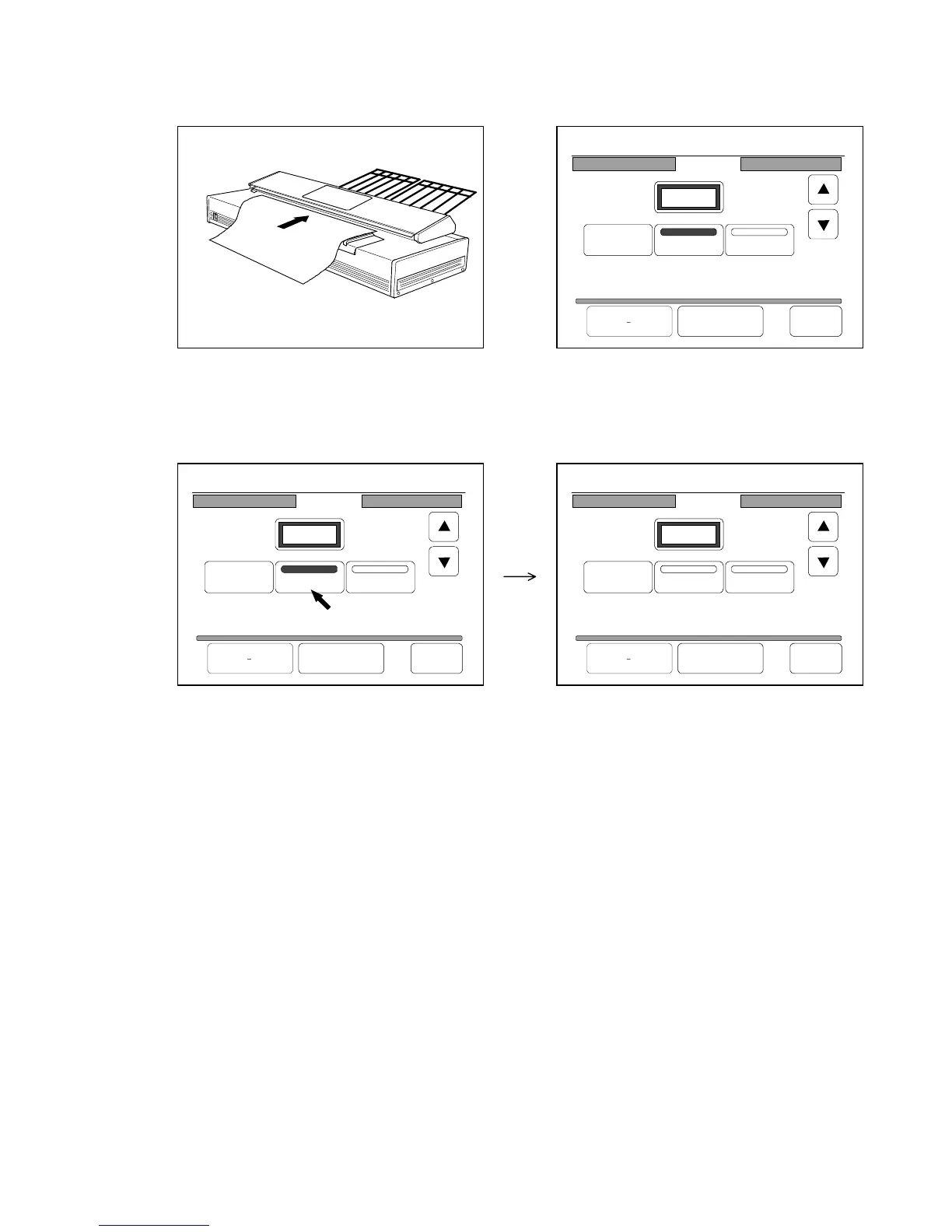
3) Scan the original to add its image to the Set Copy Job.
It is provided to the Set Copy Job as 5th image.
Since the Set Copy Job has 11 images totally after the insertion, the Page Edit Screen indicates
“P.5/11”.
4) If you wish to insert more images to the Set Copy Job, do it in the same way.
5) When you have finished to insert, press “Insert” to cancel the Insert Function.
6) If you would like to print out the edited Set Copy Job, push the Start Key.
25%
001
Page Edit
P.5/11
Delete
Insert Replace
Re Edit All Cancel Back
25%
001
Page Edit
P.5/11
Delete
Insert Replace
Re Edit All Cancel Back
25%
001
Page Edit
P.5/11
Delete
Insert Replace
Re Edit All Cancel Back



 To Next Page