A75UM3EK (Ver. E.2)
3-144
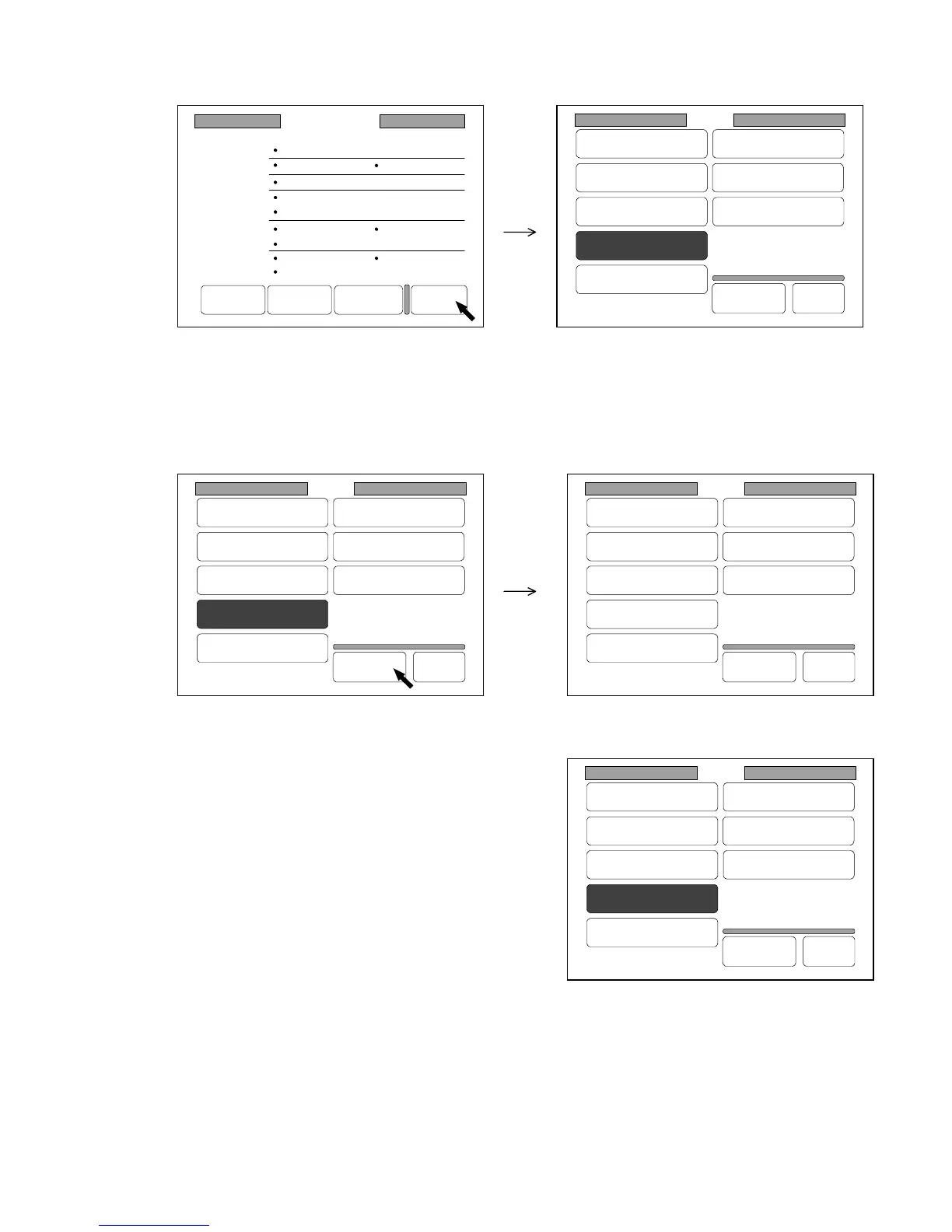
5) When you have finished to change the setting, press “Back” in each screen to go back to the
Setting Screen.
The item of which setting you have changed is colored at this time.
6) Decide whether or not you register the setting you have changed.
If you would like to register the setting, press “Set” in the Setting Screen.
The item on the LCD is not colored any longer after the registration.
The registered setting will be valid later on even if you turn off the machine
(Before registering the setting) (After registering the setting)
If you would not like to register the setting, do nothing
more in the Setting Screen but indicate another screen
such as the Basic Screen.
The item is left colored and the setting is valid until you
turn off the machine.
Setting
Register
Zoom Ratio
Auto Start
Standard Mode
Mode Memory
Memory
Date/Time
SCSI
Set Back
Original
Format
Setting
Register
Zoom Ratio
Auto Start
Standard Mode
Mode Memory
Memory
Date/Time
SCSI
Set Back
Original
Format
Setting
Register
Zoom Ratio
Auto Start
Standard Mode
Mode Memory
Memory
Date/Time
SCSI
Set Back
Original
Format
Setting
Register
Zoom Ratio
Auto Start
Standard Mode
Mode Memory
Memory
Date/Time
SCSI
Set Back
Original
Format
Standard Mode
Count :1
Roll 1
100.0%
Line
Background
Threshold :Auto
Density :3
Mirror :OFF
Folder :OFF
Synchro
Sharpness :3
Negative :OFF
Set Reset Next Page Back



 To Next Page