A75UM3EN (Ver. E.2)
3-166
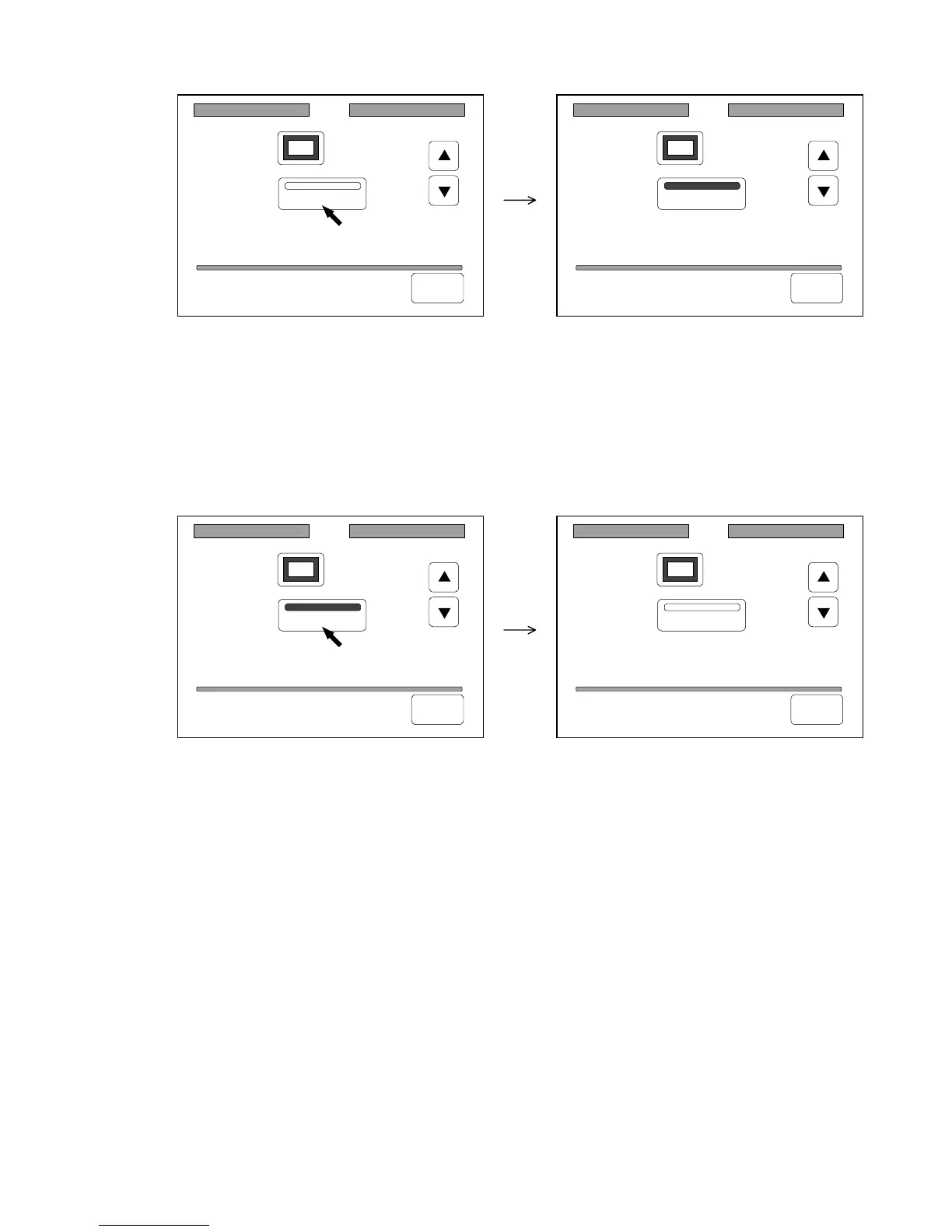
3) If this scanner is the terminal one of SCSI devices, settle the Terminator pressing “Terminator”.
“Terminator” is colored.
4) If you wish to let the SCSI setting be valid later on even if you turn off the machine, register it
making reference to “How to register the setting” on the page 3-143.
[How to cancel the Terminator]
Cancel the Terminator pressing “Terminator” when it is colored.
SCSI
ID: 5
Terminator
Back
SCSI
ID: 5
Terminator
Back
SCSI
ID: 5
Terminator
Back
SCSI
ID: 5
Terminator
Back



 To Next Page