A75UM3EO (Ver. E.2)
3-168
A. Initial Cut
[Function]
The leading part of selected roll media is cut off in 210mm long in order to straighten the leading
edge.
Do Initial Cut before you use a new roll media.
(Note)
It is impossible to do Initial Cut when the printer is not ready.
Wait until it gets ready.
(Reference)
It is possible to change the cutting length for the Initial Cut.
Call your service engineer when you wish to change it.
[How to do Initial Cut]
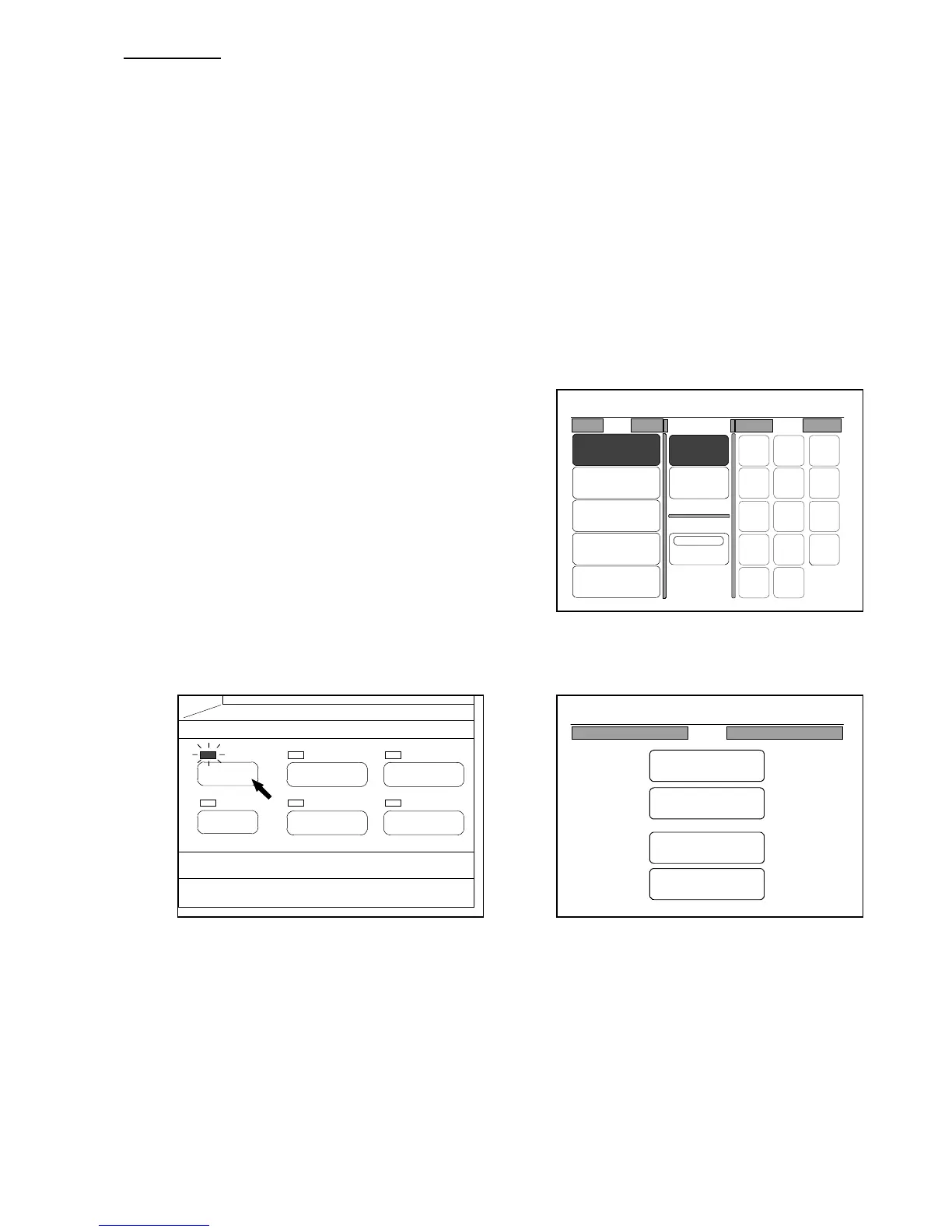
1) In the Paper Setting Screen, choose the roll media
for which you will do Initial Cut.
(Paper Setting Screen)
2) Push the Menu Key to indicate the Menu Screen on the LCD.
(Menu Key) (Menu Screen)
PAPER
FUNCTION
BASIC SCREEN
MODE MEMORY
MENU
REFERENCE
0%
01
Roll Cut Mode Size
2:30"
Vellum
1:36"
Plain Paper
3:24"
Film
4:18"
Plain Paper
Bypass
Synchro
Standard
Divide
48"
44"
42"
36"
34"
30"
24"
22"
18"
17"
12"
11"
9"
8.5"
0%
001
Menu
Original
Edit
Setting
Command



 To Next Page